

Remove image backgrounds instantly, save time with advanced AI, and create stunning images effortlessly.
54M visits/mo-8.6%#2 Image & Design
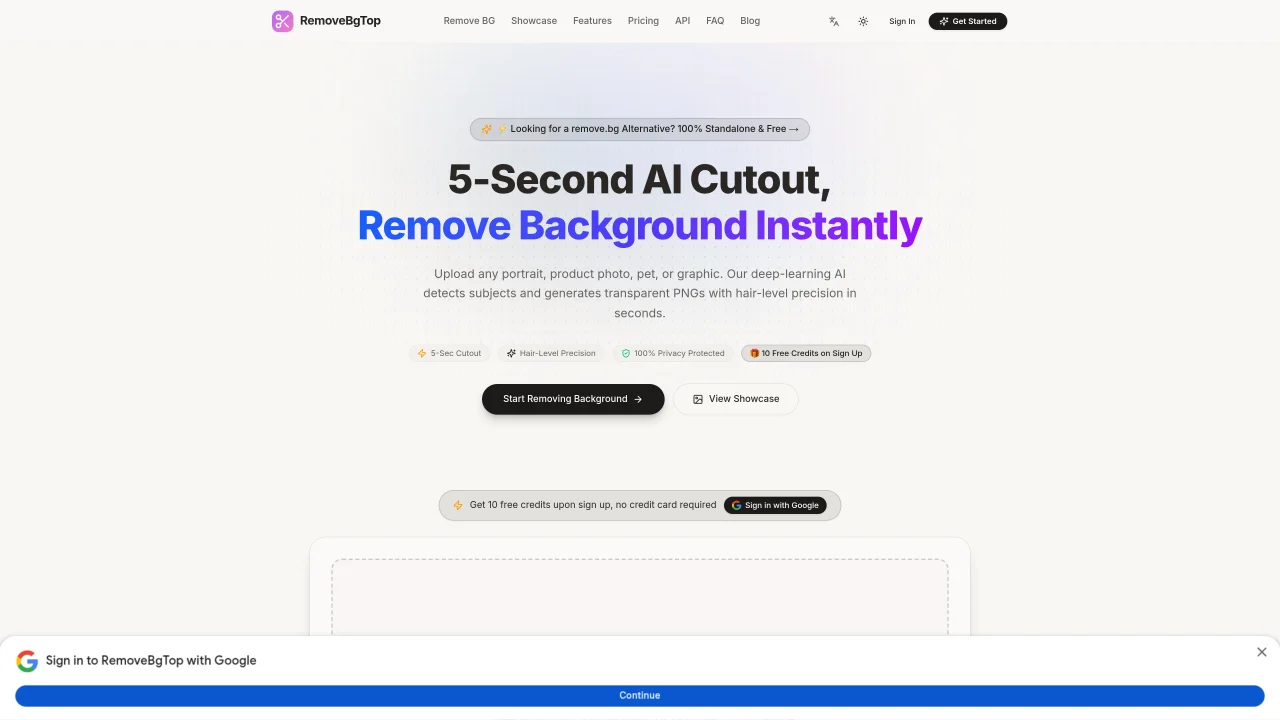
RemoveBgTop is an online service that uses artificial intelligence to automatically remove backgrounds from images and produce transparent PNG files. It supports various image types including portraits, products, pets, cars, and graphics. Users can upload files up to 10MB in JPG, PNG, WebP, BMP, or GIF formats through a drag-and-drop interface. The AI performs background removal in 3-5 seconds with hair-level precision, handling complex edges like fur, hair strands, and reflective surfaces. Processed images are immediately available for download with lossless alpha channels. The service emphasizes privacy by processing images in-memory and deleting them after download without training on user data. It offers different pricing tiers including a free tier with 10 credits for new users, monthly subscriptions for individuals and businesses, and pay-as-you-go options. The platform is designed for e-commerce creators, designers, and teams needing bulk processing with features like commercial licensing and priority queues.
RemoveBgTop uses advanced deep-learning AI models to detect subjects in images and generate transparent PNGs with hair-level precision. The process involves uploading an image, which the AI analyzes to isolate the foreground from the background before delivering a clean cutout.
The tool handles portraits, product photos, pets, cars, and graphics with complex edges like fur, hair strands, and reflective surfaces. High-contrast subjects and well-lit images typically yield the best results.
Yes, commercial use is permitted. Paid plans include commercial licensing, and even free-tier users can use processed images for commercial purposes, though specific terms may vary by plan.
No, images are processed in-memory and deleted immediately after download. RemoveBgTop does not store or train on user data, ensuring full privacy and security.
The tool supports JPG, PNG, WebP, BMP, and GIF files up to 10MB each. Users can upload files via drag-and-drop or browse from their device for instant processing.
Credits are used per image processed, with different plans offering varying credit allocations. Each credit corresponds to one background removal task, and higher-tier plans include additional features like commercial licensing and priority queues.
We use essential cookies to run aitoolnavio™, and optional cookies to analyze traffic and measure our marketing. You choose what we use — optional cookies stay off unless you turn them on. See our Privacy Policy.
One short email a week: fresh tools worth trying, honest takes and the updates that actually matter. No spam, unsubscribe any time.
Remove image backgrounds instantly, save time with advanced AI, and create stunning images effortlessly.
AI platform for upscaling images, enhancing photos, and generating high-quality creative assets with contextual detail.
Remove backgrounds, adjust colors, add text, filters, and shapes with ease.
Unleash creativity: edit photos, videos, and designs with AI-enhanced tools.
Transform photos effortlessly with AI: edit, enhance, and remove backgrounds.
Web and mobile AI platform for generating, editing, and training custom visuals from prompts with community models and face-swap tools.
Convert raster images into scalable vector graphics within seconds.
Create stunning designs, edit photos, remove objects, make collages, and transform images with powerful AI tools and effects.
Create stunning visuals, access image recognition and processing, and express creatively with natural language processing.
Cloudinary provides APIs and tools to integrate, manage, and optimize images and videos for AI-driven visual experiences.
All-in-one AI suite for creators to automate workflows, edit media, and generate content across video, design, and productivity tools.
Identify stolen identities, uncover copyright infringements, and find unauthorized use of images with precision.
Matched on what this tool does — grouped by the job you would be replacing.
matches AI-powered background removal · Hair-level precision edge detection · Supports JPG, PNG, WebP, BMP, GIF formats
Instantly remove people, text, watermarks, and backgrounds from photos with an AI-powered web editor—no signup required.
Online AI-powered background remover for JPG, PNG and WebP images
Create professional visuals, remove distracting backgrounds, smoothen edges, and detect objects in seconds.