AI chatbot for conversation, work, research, coding, and content creation.
5.9B visits/mo+5%#1 Chatbots & Assistants
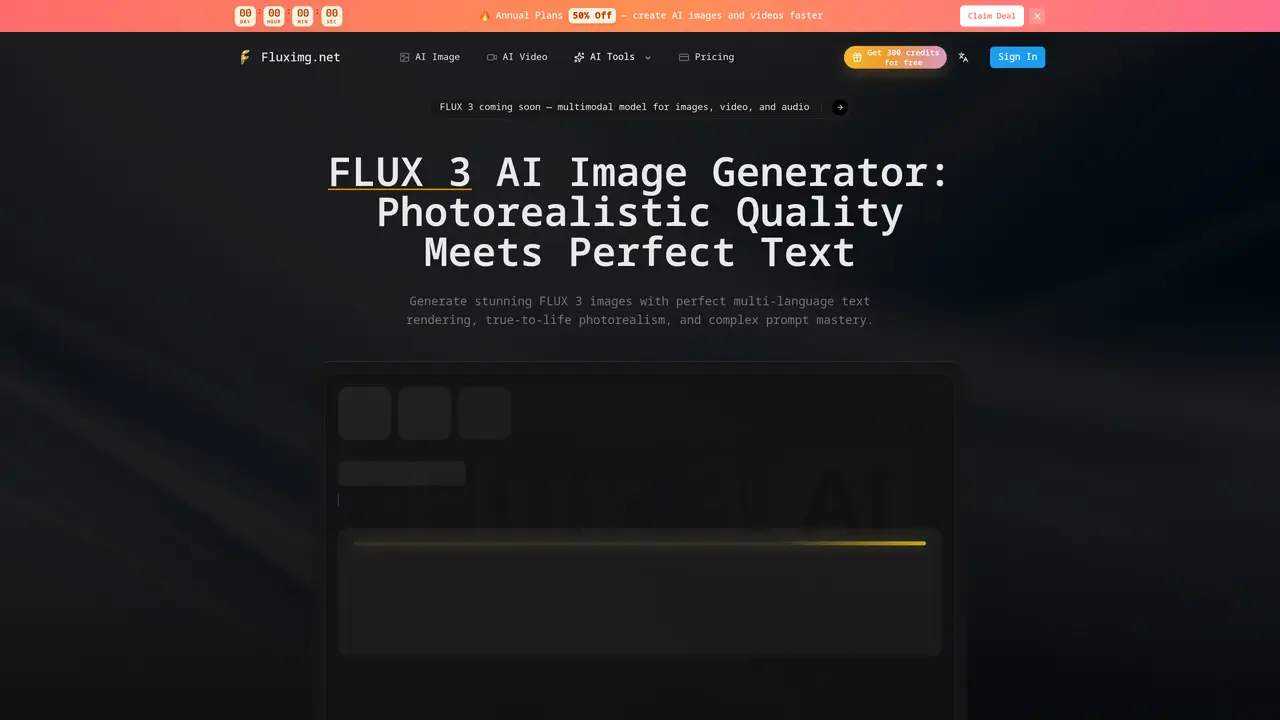
FLUX 3 is a multimodal AI model developed by Black Forest Labs for generating and editing images. It supports photorealistic quality, complex multi-part prompts, and accurate text rendering in over ten languages including Chinese, Japanese, Korean, Arabic, and Latin scripts. The model was trained jointly on images, video, and audio, enabling better understanding of physical-world elements such as anatomy, lighting, and material textures. Users can generate images by describing scenes in plain English, selecting aspect ratios, and refining outputs through natural language prompts. The tool requires no installation, design skills, or specialized hardware, producing results in seconds. Outputs can be downloaded in PNG, JPEG, or WebP formats and include a commercial license for immediate use in marketing, product photography, or other professional contexts.
FLUX 3 is a third-generation multimodal AI model developed by Black Forest Labs for generating and editing images with photorealistic quality. It supports complex prompts, accurate text rendering in over ten languages, and understands physical-world elements like anatomy and lighting.
FLUX 3 suits creators, marketers, product photographers, UI designers, and developers who need high-quality, commercial-ready images with precise text rendering and physical-world accuracy.
FLUX 3 offers a free tier with a limited number of credits, allowing users to generate images without installation or specialized hardware. Additional usage may require a paid plan, with options for commercial licensing included.
FLUX 3 provides a developer-ready API for integrating image generation into products or workflows. It supports batch generation, transparent backgrounds, and custom quality settings for production use.
FLUX 3 may struggle with extremely abstract or highly stylized concepts that deviate significantly from photorealism. Its performance also depends on the clarity and specificity of the input prompt.
To get started, describe your vision in plain English, select FLUX 3 as your model, choose an aspect ratio, and generate the image. Refine the output using natural language prompts if needed, then download the result in PNG, JPEG, or WebP format.
fluximg.net · third-party estimates from Similarweb
Last 2 months · grows by one month every month
Share of visits by channel
Share of visits · estimated visits
Image & Design · Sep 2026
Traffic figures are third-party estimates, good for scale and trends; they can differ from a company's own numbers. Updated monthly.
We use essential cookies to run aitoolnavio™, and optional cookies to analyze traffic and measure our marketing. You choose what we use — optional cookies stay off unless you turn them on. See our Privacy Policy.
One short email a week: fresh tools worth trying, honest takes and the updates that actually matter. No spam, unsubscribe any time.
AI chatbot for conversation, work, research, coding, and content creation.
Generate captions, optimize content, and enhance with custom images for maximum engagement.
xAI builds Grok frontier AI models for reasoning, coding, voice, images, video, enterprise workflows, and developer APIs.
Explore and test Google’s experimental AI tools and prototypes before they become products.
Creates licensed videos, images, music.
Privacy-focused AI chatbot that generates uncensored text, code, images, and translations without storing conversations or requiring an account.
Web and mobile AI platform for generating, editing, and training custom visuals from prompts with community models and face-swap tools.
A drag-and-drop design platform for presentations and social graphics with AI photo tools and a large template library.
Generate unique artwork, customize with an intuitive interface, and push creative boundaries with AI-generated art.
Generate unique AI art, share your creations, and explore a vast selection of AI artwork.
Generate custom visuals for blogs, create unique social media images, and design eye-catching visuals for marketing campaigns.
Easily find and explore diverse AI art and prompts with a vast library of 10 million+ creations.
Matched on what this tool does — grouped by the job you would be replacing.
matches Photorealistic image generation · Multi-language text rendering · Complex multi-part prompt mastery
AI image generator that creates high-quality images from text prompts for artists, designers, and marketers.
Generate photorealistic images with perfect text rendering, smart editing, and 4K resolution — no watermark, commercial use included.
AI image and video generator supporting text-to-image, image-to-image, and video creation
Generate high-quality images from text prompts using the open-source Flux.1 model on an intuitive online platform.
matches Native scene cuts and multi-shot generation · Commercial license included
AI platform for upscaling images, enhancing photos, and generating high-quality creative assets with contextual detail.
Remove image backgrounds quickly with high precision.
Nana Banana Pro is an AI image editing platform that maintains perfect character consistency across unlimited creative possibilities.