AI-powered website builder that generates a professional site in under a minute and includes tools for content, SEO, and analytics.
52M visits/mo+0.7%#4 Coding & Development

Online tool to design and download professional logos with templates and customization
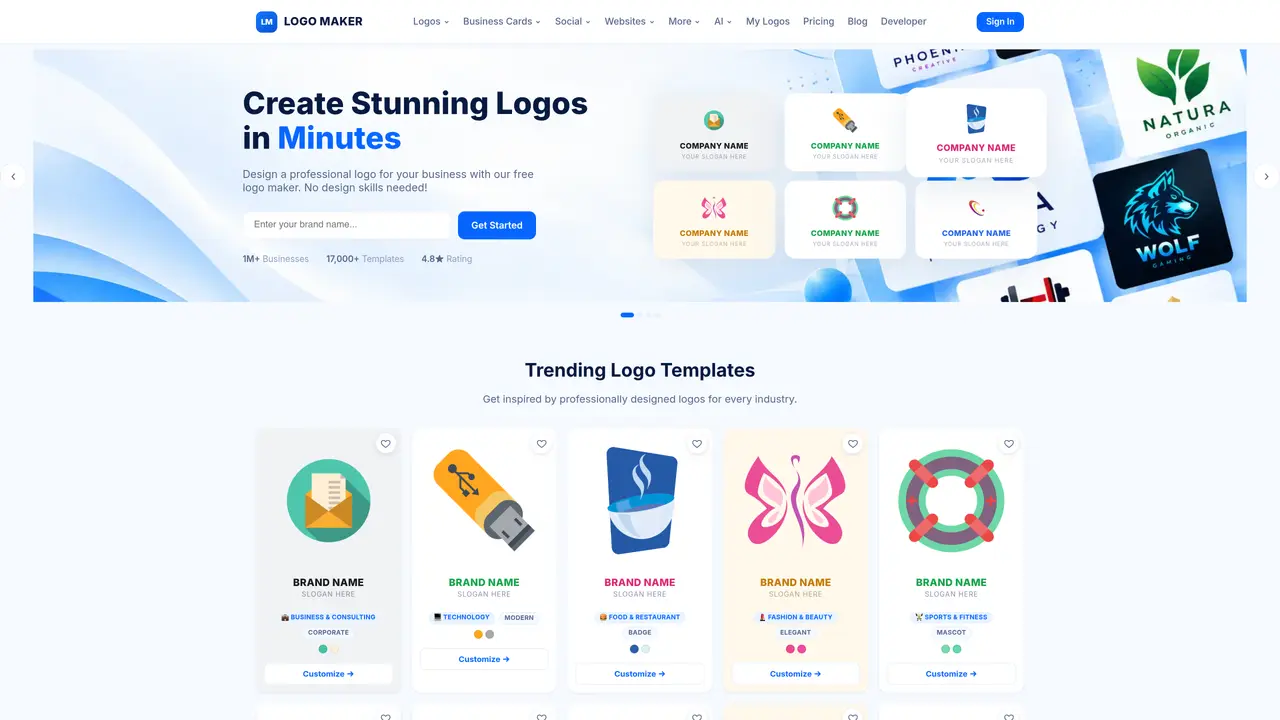
AI Logo Maker Pro provides a browser-based editor for creating logos without design experience. Users can browse over 17,000 professionally designed templates across 60 categories, including business, gaming, esports, and industry-specific designs. The editor allows customization of colors, fonts, icons, and text layout with a live preview. Finished logos can be downloaded in multiple formats including PNG, JPG, SVG, and PDF, with transparent backgrounds available. A brand kit feature saves color palettes and fonts for consistent future use. Logos are generated for commercial use without royalties or attribution requirements. The platform also supports additional branding materials such as business cards, social media covers, and website elements.
AI Logo Maker Pro is a browser-based logo design tool that allows users to create professional logos without prior design experience. It is designed for entrepreneurs, small businesses, content creators, gamers, and organizations needing quick, customizable branding solutions.
The process involves three steps: browsing over 17,000 professionally designed templates, customizing colors, fonts, icons, and text using a live editor, and downloading the final logo in formats like PNG, JPG, SVG, or PDF.
Yes, all logos created are provided for commercial use without royalties or attribution requirements, allowing unrestricted use on websites, merchandise, packaging, or signage.
Yes, beyond logos, the platform supports creating business cards, social media covers, website elements, email signatures, posters, flyers, and more as part of a cohesive brand identity.
The platform includes a brand kit feature that saves your chosen colors, fonts, icons, and logos for consistent future use across multiple designs.
Logos can be downloaded in high-resolution PNG, JPG, SVG, and PDF formats, with options for transparent backgrounds and scalable vector exports.
We use essential cookies to run aitoolnavio™, and optional cookies to analyze traffic and measure our marketing. You choose what we use — optional cookies stay off unless you turn them on. See our Privacy Policy.
One short email a week: fresh tools worth trying, honest takes and the updates that actually matter. No spam, unsubscribe any time.
AI-powered website builder that generates a professional site in under a minute and includes tools for content, SEO, and analytics.
Generate custom color palettes instantly with AI or from images for design projects.
Renderforest is an AI-driven platform for creating videos, logos, and branding assets quickly using templates and automation.
Convert low-res logos to clean vectors, enhance small-sized images, generate high-quality SVG vectors of noisy bitmaps.
Generate brandable business names, find unique and memorable names, and create aesthetically pleasing searchable domains.
Zawa is your dedicated Creative AI Agent for Branding, helping small businesses and creators build professional brand identities and generate high-conversion marketing materials.
Generate original logos with customizable styles, colors, fonts, and images effortlessly.
Create logos, customize visuals, and explore AI-driven image creation with a free platform.
Create logos instantly, streamline design process, and produce professional visuals with easy-to-use AI-powered technology.
AI-driven branding: logos, websites, and full identity kits.
Streamline business setup, branding, and management with AI-powered tools.
AI-powered logo maker and brand identity design tool with customization options and templates.
Matched on what this tool does — grouped by the job you would be replacing.
matches Template browsing and filtering · Color, font, and icon customization · Text arching and element repositioning
AI-powered logo maker and brand identity design tool with customization options and templates.
Generate logos quickly with a large icon set and simple AI-powered workflow.
Create custom logos with AI-driven design engine, generate options in minutes, and customize with image and text editing tools.
Create a custom logo in seconds using our ChatGPT-powered AI.