
Enhance learning with AI-driven flashcards, tests, and games.
72M visits/mo+70.8%#1 Lifestyle & Education

Transforms documents into interactive video lessons with automatically generated quizzes and gamification.
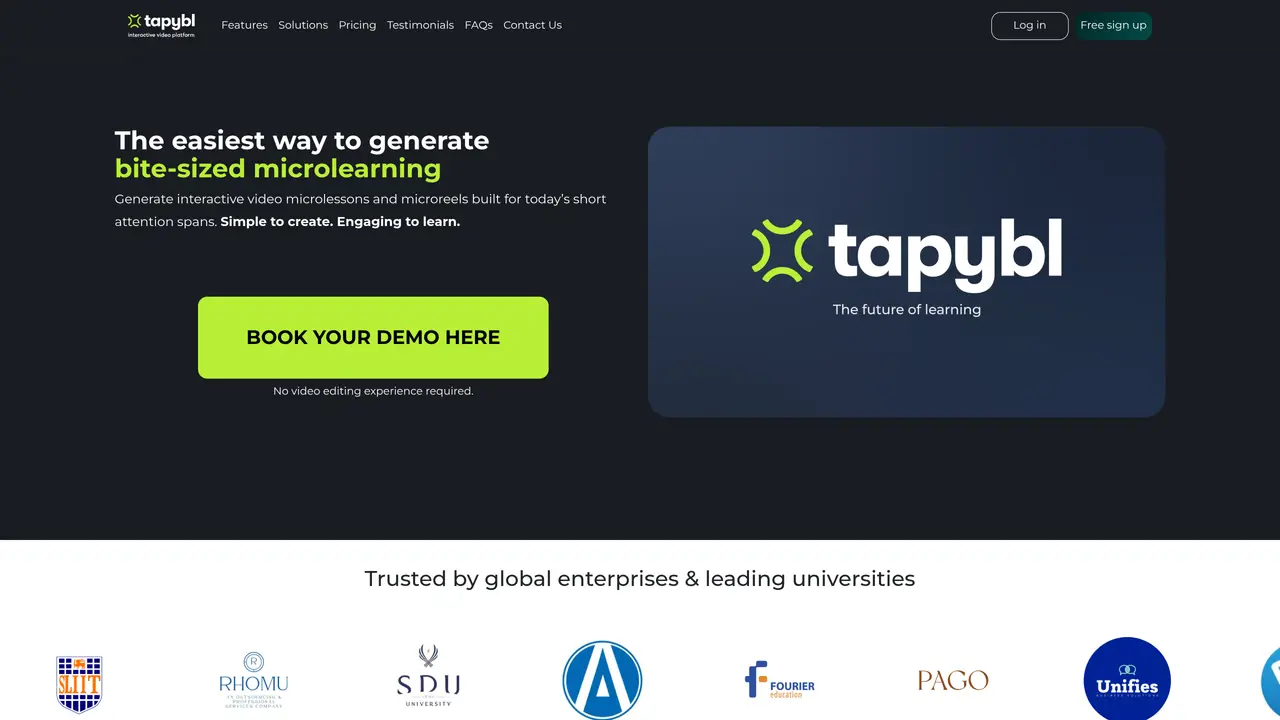
Tapybl is an AI-powered platform that converts static documents such as PowerPoints, PDFs, and Word files into interactive video lessons. The tool automates content creation, enabling users to produce professional training materials quickly without requiring video production expertise. It leverages artificial intelligence to generate quizzes, branching scenarios, and personalized learning paths, enhancing learner engagement and knowledge retention. Educators, L&D professionals, and business trainers use Tapybl to scale training efforts efficiently. The platform includes an intuitive drag-and-drop interface and AI-driven content adaptation based on learner responses. Organizations can track learner progress and comprehension through built-in analytics, making it easier to assess training effectiveness and adjust content as needed.
Tapybl supports conversion from PDFs, PowerPoints, Word documents, and SCORM files into interactive video microlessons.
No, Tapybl is designed to be used without any video editing experience, as it automates the creation process end-to-end.
Yes, Tapybl supports integration via SCORM, LTI, or its built-in LMS for seamless deployment and tracking.
Tapybl automatically generates comprehension checks, quizzes, and branching scenarios based on the input content and learner responses.
Yes, Tapybl includes language and region settings to localize content without additional manual effort.
Yes, Tapybl allows users to build AI assistants trained on their materials to provide additional learner support and guidance.
We use essential cookies to run aitoolnavio™, and optional cookies to analyze traffic and measure our marketing. You choose what we use — optional cookies stay off unless you turn them on. See our Privacy Policy.
One short email a week: fresh tools worth trying, honest takes and the updates that actually matter. No spam, unsubscribe any time.
Enhance learning with AI-driven flashcards, tests, and games.
Automatically check student papers for plagiarism, generate originality reports, and offer powerful grading tools.
Create interactive lessons, track student progress, deliver assessments for personalized learning.
Practice coding challenges, improve technical skills, get detailed explanations, compare performance with peers.
AI-powered homework help with step-by-step textbook solutions, expert Q&A, writing tools, and exam prep.
Easily create and track training courses, design learning environments, and access from any device with an intuitive interface.
AI-generated text detector with 99.98% verified accuracy, supporting 20+ languages and integrations with LMS platforms.
Solve math problems, learn topics from basic to advanced, and get hints and insights for difficult problems.
Revolutionize education with AI: lesson planning, IEPs, assessments, enhanced communication.
Online language-learning platform offering interactive courses, progress tracking, rewards, and personalized feedback for all skill levels.
IB and MYP exam prep platform with 35k+ practice questions, AI grading, flashcards, and study tools for students and schools.
AI-powered learning app that helps students and pupils organize study materials, stay motivated, and improve grades with smart tools and features.
Matched on what this tool does — grouped by the job you would be replacing.
matches Converts PowerPoints, PDFs, and Word files into video lessons · Transforms documents into interactive video lessons with automatically generated quizzes and gamification
AI platform to convert documents or prompts into structured, reviewable video drafts with interactive learning features.
Convert documents, presentations, and PDFs into professional narrated explainer videos instantly using AI.
Turns existing content like videos or documents into interactive courses with auto-generated lessons, quizzes, and flashcards.
matches Automatically generates interactive quizzes and assessments · AI-generated quizzes from PDFs, Word, PowerPoint, spreadsheets, links, or videos
matches Supports branching scenarios and personalized learning paths · Gamification elements to boost engagement · AI-driven content adaptation based on learner responses
Generate questions, create interactive learning materials, and measure effectiveness using Bloom's Taxonomy templates.
AI tool that converts study materials into organized guides, quizzes and flashcards
An AI study platform that converts PDFs, slides, web pages, audio, and YouTube videos into flashcards, worksheets, and auto-graded quizzes for students and teachers.
Turn documents, slides, or videos into auto-graded multilingual quizzes in seconds with AI.
Create tailored interactive courses, effortlessly make micro-courses, track progress, and analyze success.
AI-powered platform that automates the creation of online courses with personalized learning and collaborative features.
Turns existing learning materials into interactive, tutor-powered courses.
An AI tutor that turns PDFs, videos, and links into adaptive lessons with quizzes and progress tracking for self-learners.