Generate content, correct spelling, suggest synonyms to enhance writing.
173M visits/mo+0.1%#1 Productivity & Office

AI-powered mind mapping and brainstorming tool for visualizing ideas with collaboration, cloud sync, and multiple view modes.
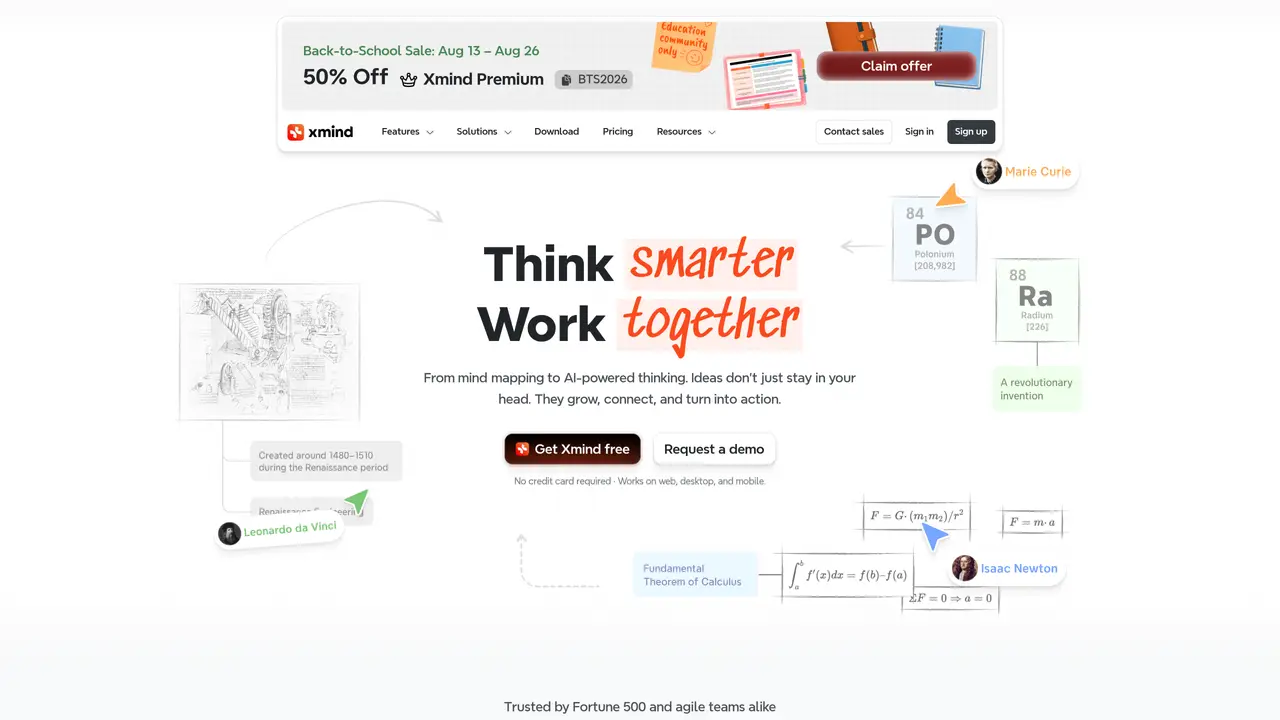
Xmind is an AI-powered mind mapping and brainstorming application designed for students, professionals, and teams who need to capture, organize, and present ideas visually. The tool supports multiple platforms, including web, desktop, and mobile, enabling users to create and edit mind maps across devices. Xmind offers AI-assisted brainstorming features that generate and refine ideas, along with smart editing tools to expand and structure maps efficiently. Real-time collaboration is supported through shared team spaces, allowing multiple users to work together seamlessly. Cloud storage and cross-device sync ensure mind maps are accessible and up-to-date, while local file storage options provide additional control over data. The application includes multiple presentation and view modes, such as Zen Mode for distraction-free focus, Pitch Mode for slideshows, and various visual structures like timelines, matrices, and tree tables. Xmind emphasizes privacy and security with ISO/IEC 27001 and SOC 2 Type II compliant infrastructure, and offers optional anonymous usage statistics for users concerned about data privacy. The tool is available as a freemium service, with free plans that may include watermarks on exports, and premium plans tailored for individuals and teams at different price points.
Xmind is a mind mapping and brainstorming application that helps users capture, organize, and present ideas visually. It supports AI-powered creation, flexible structures, and real-time collaboration across web, desktop, and mobile platforms.
Xmind is designed for students, professionals, and teams who need to visualize ideas, plan projects, or organize complex information. It is trusted by Fortune 500 companies and agile teams alike.
Yes, Xmind includes AI-powered tools for brainstorming, idea generation, and smart editing to help users expand and refine their mind maps efficiently.
Xmind is built on ISO/IEC 27001 and SOC 2 Type II compliant infrastructure, ensuring robust data security. It offers local file storage options and does not track users beyond optional anonymous usage statistics.
Yes, Xmind supports real-time collaboration through shared team spaces, allowing multiple users to work together seamlessly and stay synced across devices.
Xmind works on web, desktop, and mobile devices, enabling users to create and edit mind maps across different platforms with cloud storage and cross-device sync.
xmind.net · third-party estimates from Similarweb
Last 4 months · grows by one month every month
Share of visits · estimated visits
Other countries: 36.4%
Productivity & Office · Sep 2026
Traffic figures are third-party estimates, good for scale and trends; they can differ from a company's own numbers. Updated monthly.
We use essential cookies to run aitoolnavio™, and optional cookies to analyze traffic and measure our marketing. You choose what we use — optional cookies stay off unless you turn them on. See our Privacy Policy.
One short email a week: fresh tools worth trying, honest takes and the updates that actually matter. No spam, unsubscribe any time.
Generate content, correct spelling, suggest synonyms to enhance writing.
Markdown-based note-taking and personal knowledge management app that turns notes into a connected system of ideas.
Capture, organize, and share ideas, notes, and documents effortlessly.
Easily create and track training courses, design learning environments, and access from any device with an intuitive interface.
An AI-powered note-taking app for students and professionals to write, sketch, annotate PDFs, record audio, and generate summaries, quizzes, and flashcards.
Handwritten note-taking app with searchable ink, PDF annotation, synced audio, and AI-powered study tools.
AI-powered process documentation tool that captures workflows into visual step-by-step guides with screenshots, editing, and exports.
AI web app that transcribes audio, video, and YouTube links into text in 98 languages with summaries, mind maps, and export formats for students and teams.
A note-taking and spaced-repetition flashcard app for students and learners, with PDF annotation plus AI tools for generating cards, quizzes, and study summaries.
AI-powered research assistant for organizing, analyzing, and synthesizing information from notes and documents.
Capture thoughts, create documents, and access on any device for convenient organization and productivity.
AI-powered PDF editor with built-in agents for summarization, translation, and document analysis.
Matched on what this tool does — grouped by the job you would be replacing.
matches AI-assisted brainstorming and smart editing · Multiple view modes (Zen Mode, Pitch Mode, tree tables, timelines) · Support for multiple visual structures (matrices, Zones)
AI-powered collaborative workspace for teams to generate editable diagrams, cloud architecture, docs, and task boards with real-time collaboration and templates.
AI-powered mind mapping and productivity app for brainstorming, task management, and real-time collaboration.
Minimalist AI note-taking and writing app with outlining, mind mapping, and cross-device sync for writers, students, and professionals.
AI-powered tool that instantly converts any content (documents, videos, web pages) into interactive mind maps with chat functionality and custom AI instructions.
matches Real-time collaboration with shared team spaces · Cloud storage and cross-device sync
Centralize knowledge, collaborate in real time, and edit documents with AI-powered tools in one cloud workspace.
Privacy-focused open-source workspace combining docs, whiteboards, and databases with offline-first storage and optional AI features.
Visual note-taking and research tool for organizing ideas with linked docs, boards, and real-time collaboration.