AI assistant for safe, reliable productivity with code, collaboration, and integrations.

Sermon Drop
$1Starting price
0Popularity
About Sermon Drop
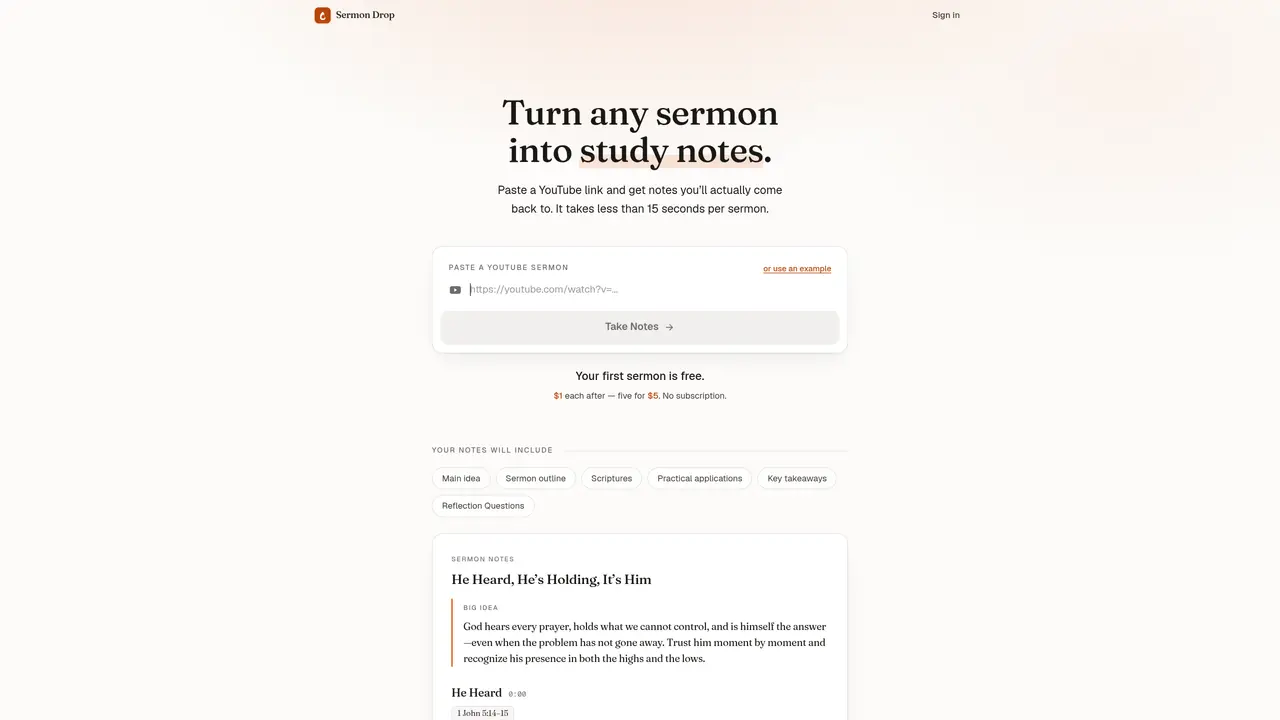
Sermon Drop processes sermons from YouTube videos into organized study notes. Users paste a YouTube link and receive notes including the main idea, sermon outline, referenced scriptures, practical applications, key takeaways, and reflection questions. The tool is designed for sermons, Bible studies, and Christian teaching videos typically lasting 30 minutes to an hour or more. Notes are generated in under 15 seconds per sermon. The service operates on a pay-per-use model with the first sermon free and subsequent sermons costing $1 each, with discounts for bulk purchases. There is no subscription required.
Key features
- YouTube link processing
- Main idea extraction
- Sermon outline generation
- Scripture reference identification
- Practical application notes
- Key takeaway summaries
- Reflection question creation
- Automatic note formatting
Use cases
- Creating study notes from online sermons
- Preparing discussion materials for Bible study groups
- Reviewing sermon content for personal spiritual growth
Pros
- Converts video sermons into structured notes automatically
- Generates multiple note components including outlines and reflection questions
- Works with YouTube links from common sermon lengths
- No subscription required, pay-per-use pricing
- First sermon free
Cons
- No free tier beyond the first sermon
- Limited to YouTube video sources
- No API or integration options mentioned
- Pricing increases for multiple sermons
Frequently asked questions about Sermon Drop
What does Sermon Drop do?
Sermon Drop converts sermons from YouTube videos into organized study notes. Users paste a YouTube link and receive structured notes including the main idea, sermon outline, referenced scriptures, practical applications, key takeaways, and reflection questions.
Who is Sermon Drop designed for?
The tool is designed for sermons, Bible studies, and Christian teaching videos, particularly those lasting 30 minutes to an hour or more. It helps users create reusable study materials from sermon content.
How does the pricing model work?
Sermon Drop operates on a pay-per-use model. The first sermon processed is free, and subsequent sermons cost $1 each, with discounts available for bulk purchases. There is no subscription required.
What integrations does Sermon Drop support?
Sermon Drop works directly with YouTube links, allowing users to paste a video URL to generate notes. It does not require additional integrations beyond YouTube.
How long does it take to generate notes?
Notes are generated in under 15 seconds per sermon after pasting a YouTube link. The process is automated and does not require manual input beyond providing the video URL.
How do I get started with Sermon Drop?
To get started, users can sign in to the platform and paste a YouTube link of a sermon or Christian teaching video. The tool will then process the video and return the organized study notes.