

Generate cinematic video clips from text or images and refine them with AI-powered editing tools for creators and visual professionals.
6.4M visits/mo+14.2%#8 Video & Animation
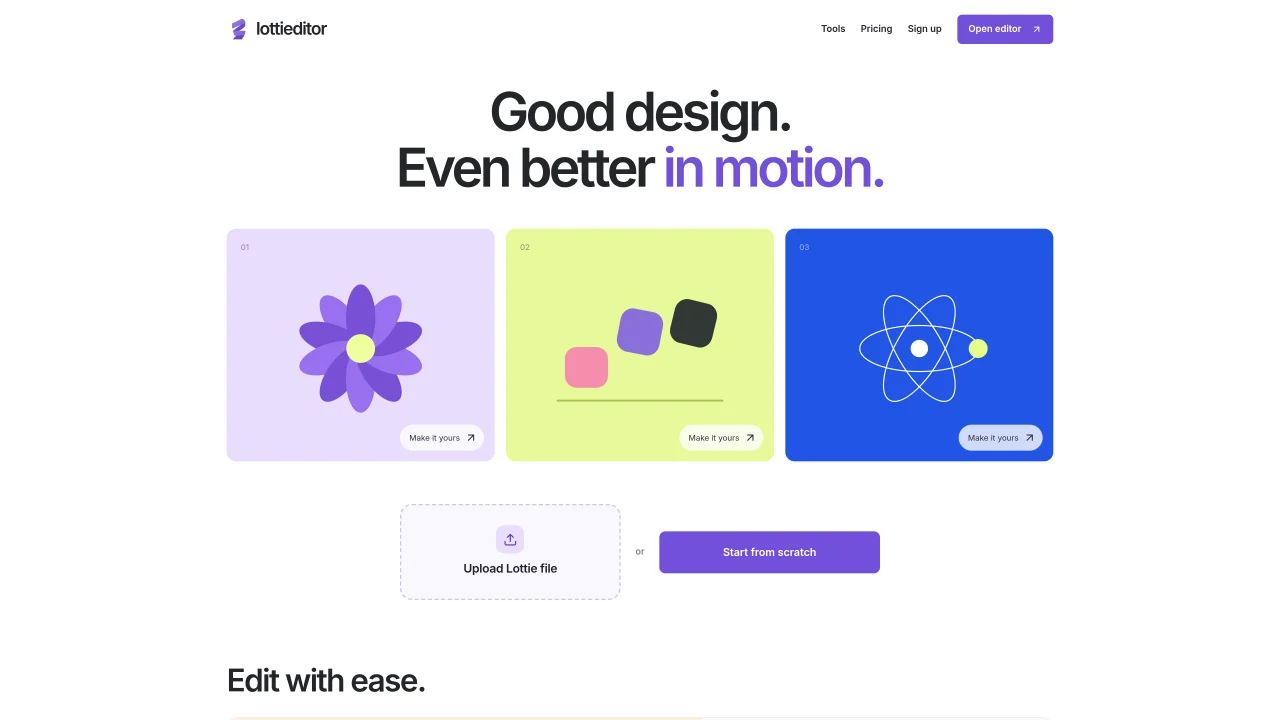
Lottieditor is an online platform for editing and animating Lottie files, which are lightweight JSON-based animations. The tool allows users to import designs from Figma, SVG, images, or existing Lottie files, or start animations from scratch using an integrated editor. Keyframe-based animation is supported with motion paths and custom easing options. Exports are available for iOS, Android, and the web in multiple formats including Lottie JSON, dotLottie, GIF, MP4, and WebM. A shared workspace feature enables team collaboration with role-based access for editors and viewers. The platform also includes additional Lottie utilities such as trimming, color changes, speed adjustments, and format conversions.
Lottieditor is an online platform for editing and animating Lottie files, which are lightweight JSON-based animations. It allows users to import designs from Figma, SVG, images, or existing Lottie files, or create animations from scratch using an integrated editor with keyframe-based animation support.
Lottieditor is designed for designers, developers, and teams who need to create, edit, or collaborate on lightweight animations for web, iOS, or Android applications. It suits users familiar with animation workflows or those looking to integrate Lottie animations into their projects.
Lottieditor supports exporting animations in multiple formats, including Lottie JSON, dotLottie, GIF, MP4, and WebM. These formats are compatible with iOS, Android, and web platforms.
Yes, Lottieditor includes a shared workspace feature that enables team collaboration. With a Pro plan, users can invite editors and viewers, assign roles, and manage projects in a centralized workspace.
Lottieditor offers a variety of Lottie utilities such as trimming animations, converting between formats (e.g., Lottie to PNG, GIF to Lottie), adjusting speed and colors, and optimizing files. It also provides templates for common animations like loading spinners and success checkmarks.
Users can start by visiting the Lottieditor website and either opening the editor directly or signing up for an account. The platform allows importing designs or starting animations from scratch, with tutorials and resources available to guide users through the process.
We use essential cookies to run aitoolnavio™, and optional cookies to analyze traffic and measure our marketing. You choose what we use — optional cookies stay off unless you turn them on. See our Privacy Policy.
One short email a week: fresh tools worth trying, honest takes and the updates that actually matter. No spam, unsubscribe any time.
Generate cinematic video clips from text or images and refine them with AI-powered editing tools for creators and visual professionals.
Create custom titles, 3D objects, adjust color and contrast, add special effects, transitions, and animations.
Animate images effortlessly with text prompts and motion control.
Professional visual AI engine for node-based image, video, 3D, audio and generative workflows with full control over models and outputs.
AI video generation tool that creates videos from text prompts, images, or reference clips with strong character consistency.
AI-powered tool for creating, customizing, and animating lightweight Lottie graphics for websites and apps from text prompts.
Generates high-quality videos and images from text or images with cinematic controls and native 4K output.
An all-in-one creative suite specializing in Image-to-Video animation.
A web-based motion design tool for creating collaborative animations with Figma import and exports like 4K video, GIF, and Lottie.
AI-powered platform to create professional animated videos and presentations with voice-overs, text animation, and asset libraries.
Create animated presentations, design videos with voiceovers and music, and access tutorials and resources for easy use.
Create immersive experiences, personalize customer interactions, and provide dynamic conversations and advice to multiple players.
Matched on what this tool does — grouped by the job you would be replacing.
matches Import from Figma, SVG, images, or Lottie files · Keyframe animation with motion paths · Custom easing controls
AI-powered tool for creating, customizing, and animating lightweight Lottie graphics for websites and apps from text prompts.
A web-based motion design tool for creating collaborative animations with Figma import and exports like 4K video, GIF, and Lottie.
AI-powered logo animation generator that turns static logos into motion
AI-generated image cleanup, animation and export tool