Generate cinematic video clips from text or images and refine them with AI-powered editing tools for creators and visual professionals.
6.4M visits/mo+14.2%#8 Video & Animation

Create realistic motions, set up scenes easily, and access a library of poses and motions.
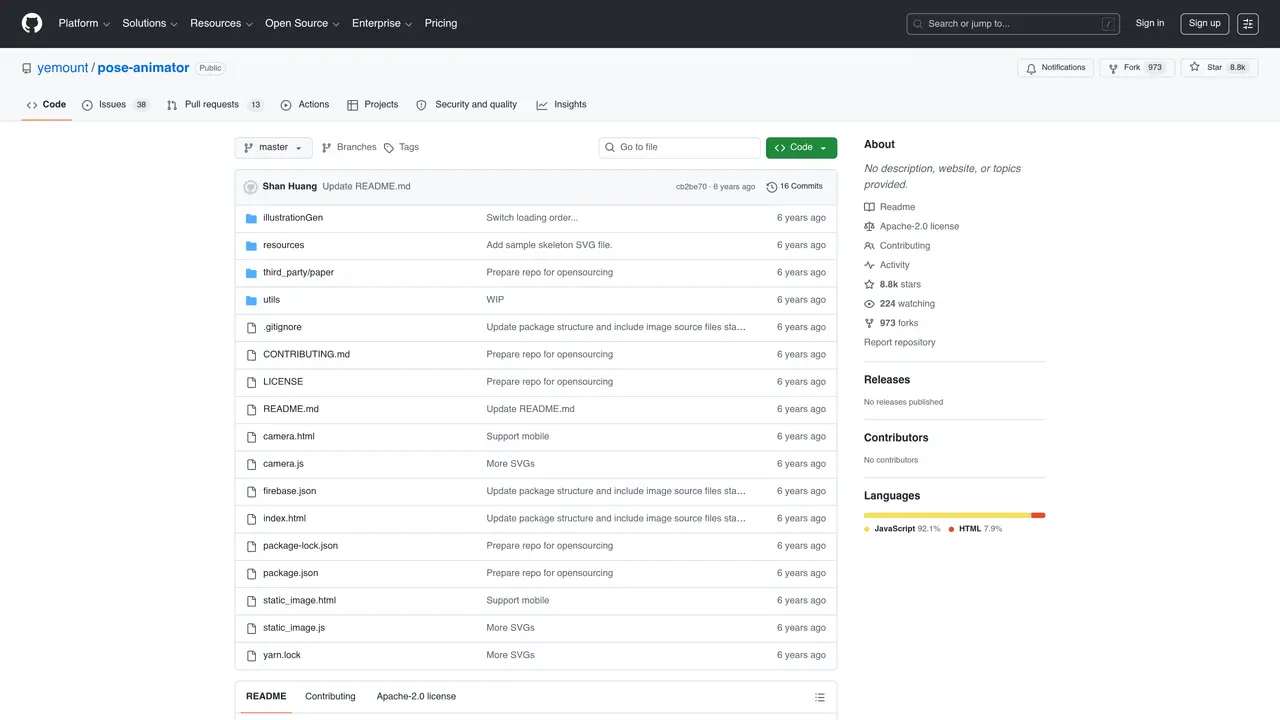
Pose Animator is an easy-to-use animation tool designed to bring your characters to life. With a simple workflow, powerful features, and helpful tutorials, Pose Animator makes it easy to create stunning animations in no time. Whether you’re a professional animator, a game developer, or a hobbyist, Pose Animator has everything you need to bring your characters to life.The key feature of Pose Animator is its intuitive user interface. With just a few clicks, you can set up a scene, choose your characters and poses, and start animating. Pose Animator also includes powerful tools for creating realistic, detailed motions and expressions. You can even use the built-in library of poses and motions to create the perfect scene. And when you’re done, you can share your work with the world with ease.Pose Animator is the perfect solution for anyone looking to create beautiful, professional-quality animations.
GitHub, Inc.
San Francisco, California, US · Founded 2008
Pose Animator is a tool that animates 2D vector illustrations in real-time by mapping the input SVG to a skeleton structure derived from PoseNet and FaceMesh keypoints. It uses machine learning models to track poses and facial expressions, then applies these movements to the character's predefined bone hierarchy.
Pose Animator is designed for animators, game developers, designers, and hobbyists who want to bring static vector characters to life without requiring advanced rigging or animation skills. It is particularly useful for those familiar with vector graphics editors like Adobe Illustrator.
To get started, download the sample skeleton SVG, embed it into your vector illustration by positioning the joints, and export the file as an SVG. Then, open the Pose Animator camera or static image demo in a supported browser and drag your SVG file into the browser window to see it animate.
Pose Animator primarily works with SVG files containing a predefined skeleton group and an illustration group with path elements. Composite paths are not supported at this time.
Yes, Pose Animator offers two demos: one that animates a 2D avatar in real-time from a webcam video stream, and another that positions the avatar based on a single static image.
The demos are officially supported on Desktop Chrome and iOS Safari. It may also run on Chrome for Android and other Android mobile browsers, though this has not been fully tested.
We use essential cookies to run aitoolnavio™, and optional cookies to analyze traffic and measure our marketing. You choose what we use — optional cookies stay off unless you turn them on. See our Privacy Policy.
One short email a week: fresh tools worth trying, honest takes and the updates that actually matter. No spam, unsubscribe any time.
Generate cinematic video clips from text or images and refine them with AI-powered editing tools for creators and visual professionals.
Create custom titles, 3D objects, adjust color and contrast, add special effects, transitions, and animations.
Animate images effortlessly with text prompts and motion control.
Professional visual AI engine for node-based image, video, 3D, audio and generative workflows with full control over models and outputs.
AI video generation tool that creates videos from text prompts, images, or reference clips with strong character consistency.
AI-powered tool for creating, customizing, and animating lightweight Lottie graphics for websites and apps from text prompts.
Generates high-quality videos and images from text or images with cinematic controls and native 4K output.
An all-in-one creative suite specializing in Image-to-Video animation.
A web-based motion design tool for creating collaborative animations with Figma import and exports like 4K video, GIF, and Lottie.
AI-powered platform to create professional animated videos and presentations with voice-overs, text animation, and asset libraries.
Create animated presentations, design videos with voiceovers and music, and access tutorials and resources for easy use.
Create immersive experiences, personalize customer interactions, and provide dynamic conversations and advice to multiple players.
Matched on what this tool does — grouped by the job you would be replacing.
matches Create realistic motions · Quickly set up scenes · Access library of poses and motions
Uthana is an AI platform for generating realistic human motion on any character from prompt to production for games, film, robotics, and simulation.
Create realistic avatars with customizable features, facial expressions, and poses for any purpose, quickly and easily.
Quickly create animations, collaborate with professionals, share files, and export FBX files for universal compatibility.
Create realistic 3D characters, animate complex scenes, and render high-resolution graphics with intuitive UI.
matches Create realistic motions · Access library of poses and motions
Animate images effortlessly with text prompts and motion control.
Turn still photos into lifelike animated videos with AI for personalized video communication.
Transform static images into stunning animations and easily animate objects in photos with powerful AI engine.
Turn still images into animated live photos, wallpapers, and GIFs on iOS with motion effects.