Creates licensed videos, images, music.
11M visits/mo+8.9%#2 Video & Animation

Generates AI videos from text prompts, images, or motion inputs
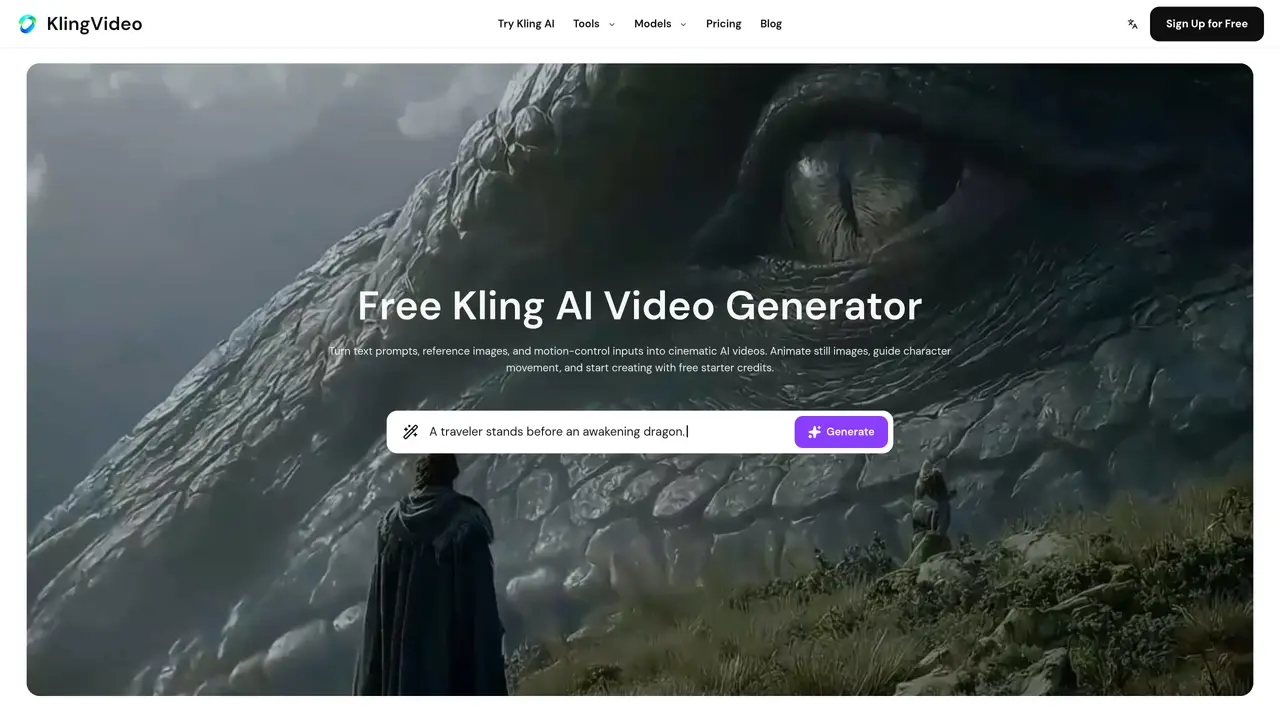
Kling AI Video Generator transforms text prompts, reference images, and motion-control inputs into high-quality AI-generated videos using advanced models such as Kling 3.0 and others. The platform supports multiple workflows, including text-to-video, image-to-video, and motion-control, allowing users to animate still images, direct character movements, and orchestrate multi-shot scenes with precision. It prioritizes prompt fidelity, smoother motion, and visual consistency to produce cinematic results that align closely with user intent. Designed for creators, filmmakers, and businesses, Kling AI Video Generator caters to a range of applications from concept visualization to short-form content creation. Users can begin with free starter credits and select from a variety of video models, including Kling 3.0, Seedance, Veo, Wan, and Hailuo, depending on their project needs. The platform offers flexible pricing options, such as one-time credit packs and subscription plans, which provide benefits like faster generation speeds and commercial use rights. Whether for prototyping, storytelling, or commercial production, the tool streamlines the video creation process while maintaining creative control.
A Kling AI video generator converts text prompts, reference images, and motion-control inputs into AI videos using models like Kling 3.0. It supports text-to-video, image-to-video, and motion-control workflows for creating cinematic content.
Yes. New users can start with free starter credits. Paid plans provide additional capacity, lower token costs, and premium features such as faster generation speeds and commercial use rights.
Create an account, enter a prompt or upload a reference image, select a Kling model, adjust settings, and click Generate. The Kling 3.0 guide offers examples for text-to-video, image-to-video, and Motion Control workflows.
The platform supports Kling 3.0 text-to-video, Kling 3.0 image-to-video, Kling 3.0 motion control, and Kling O3 configurations for different video creation needs.
Exports are delivered without watermarks on supported plans and features. Any applicable watermark will be clearly labeled before export.
Use text-to-video when starting from an idea. Use image-to-video when animating a specific frame or maintaining a consistent visual style.
klingvideo.app · third-party estimates from Similarweb
Last 2 months · grows by one month every month
Share of visits · estimated visits
Video & Animation · Sep 2026
Traffic figures are third-party estimates, good for scale and trends; they can differ from a company's own numbers. Updated monthly.
We use essential cookies to run aitoolnavio™, and optional cookies to analyze traffic and measure our marketing. You choose what we use — optional cookies stay off unless you turn them on. See our Privacy Policy.
One short email a week: fresh tools worth trying, honest takes and the updates that actually matter. No spam, unsubscribe any time.
Creates licensed videos, images, music.
AI video generation platform that turns text prompts or images into short, high-quality 8-second videos with consistent characters.
AI-powered text-to-video generator that creates videos from text prompts.
AI-powered video generator that converts text, images, or video prompts into high-quality videos without technical skills.
Generates AI videos, images and audio from text prompts, photos or audio
Transform text and images into stunning videos.
Create stunning videos and images using artificial intelligence.
Generates high-quality videos and images from text or images with cinematic controls and native 4K output.
Create lifelike videos from text and images.
An all-in-one creative suite specializing in Image-to-Video animation.
Free online AI video editor for beginners to create videos with text, music, animations, and effects.
AI platform that converts text, images, or videos into dynamic video content with minimal technical skill required.
Matched on what this tool does — grouped by the job you would be replacing.
matches Text-to-video generation
AI video generator that combines images, video, audio and text to create cinematic videos with precise
Generates cinematic videos up to 30 seconds from text, images, documents or URLs
Generates 2K video clips from text, images, video or audio with natural-language revisions
Create cinematic AI videos with Seedance 2.0 from text, images, and multi-reference inputs — with free credits and API access.
matches Image-to-video generation
matches Multi-shot scene planning · Character and product consistency tools
matches Reference movement transfer · Motion-control input support
Transform text and images into stunning videos.
A web-based AI image and video generator for creators and marketers, offering text-to-video, image-to-video, style transfer, and multi-model editing.
Browser-based AI video generator creating cinematic shots from text, images or frames
Wan 2.6 – Unified AI Video Generator with Native Audio
AI video generation platform that turns text or images into professional videos using multiple models with flexible policies and commercial use.
Designs and blocks AI video shots using virtual film set tools
AI-powered studio for generating and editing videos and images from text prompts
AI-powered vertical video generator for short-form content from scripts or images