

Cloud-based unified communications platform for secure call, video, messaging, file sharing, and automated call routing.
12M visits/mo+2.9%#14 Productivity & Office
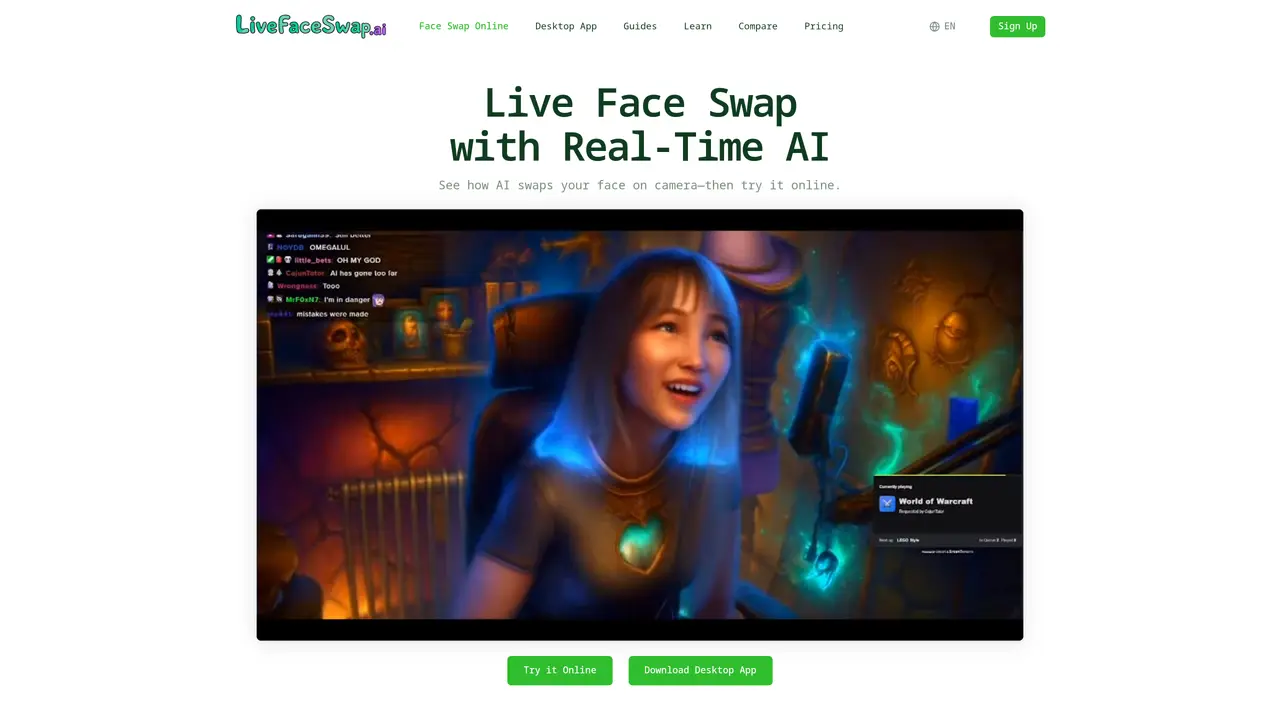
Live Face Swap is a cloud-based tool that replaces a user’s face on a live camera feed with an AI-generated version in real time. The service works in a browser or via a desktop application, requiring only a camera, internet connection, and compatible software. Users upload a reference portrait to define the target face, then enable their camera to see the swap take effect immediately. The system supports multiple AI models for face swap, restyle, and try-on effects, adjusting dynamically to movement, lighting, and framing. Output can be routed to streaming software like OBS or used as a virtual camera in video-call applications. The tool is marketed toward streamers, content creators, and AI enthusiasts who need live transformations without local GPU requirements. Processing occurs in the cloud, so no heavy software installation or high-end hardware is necessary.
Live Face Swap replaces a user’s face on a live camera feed with an AI-generated version in real time using a reference portrait. The effect can be viewed directly in a browser or routed to streaming and video-call software via a virtual camera.
The tool is aimed at streamers, content creators, video-call participants, and AI enthusiasts who want real-time face transformations without needing high-end local hardware or software installation.
No. All AI processing runs in the cloud, so only a camera, internet connection, and a supported browser or desktop app are required. No local GPU or model downloads are necessary.
Start with the online preview by uploading a reference portrait, enabling your camera, and selecting an AI model. For use in OBS or video-call apps, download the desktop app to access virtual camera output.
Use a clear, front-facing portrait with visible eyes, mouth, and facial outline. Avoid group photos, heavy blur, strong shadows, or faces covered by objects. Only use images you have permission to use.
Yes. During an active session, the camera stream connects directly to the AI model provider over an encrypted connection and does not pass through third-party services.
livefaceswap.ai · third-party estimates from Similarweb
Share of visits by channel
Share of visits · estimated visits
How people reach this site from other AI tools
Video & Animation · Sep 2026
Traffic figures are third-party estimates, good for scale and trends; they can differ from a company's own numbers. Updated monthly.
We use essential cookies to run aitoolnavio™, and optional cookies to analyze traffic and measure our marketing. You choose what we use — optional cookies stay off unless you turn them on. See our Privacy Policy.
One short email a week: fresh tools worth trying, honest takes and the updates that actually matter. No spam, unsubscribe any time.
Cloud-based unified communications platform for secure call, video, messaging, file sharing, and automated call routing.
Create engaging videos with voiceovers, music, and customizations using a library of royalty-free assets.
Create, edit, subtitle, and translate pro-grade videos instantly.
Create realistic talking avatar videos from a photo with AI-powered lip sync and text-to-speech in multiple languages.
Ultra-fast video generation with pre-designed templates and a user-friendly interface design.
Topview AI is an AI-powered video creation platform that turns your product into engaging, attention-grabbing and viral-worthy video; no editing skills or cameras needed.
Generate engaging video content with AI-powered system, professional presenters, ease, scalability, and budget-friendly.
Generate videos featuring expressive AI characters from a single photo and text prompts with creative control.
Create lifelike videos from text and images.
VTuber software suite to create and animate custom VTuber avatars with VTuber Maker.
Transform images into engaging, AI-generated videos.
AI video generator that turns scripts or stories into long-form videos up to 50 minutes with consistent characters and 1080p export.
Matched on what this tool does — grouped by the job you would be replacing.
matches Real-time AI face swapping · Virtual camera output for OBS and meetings · Adjustable reference image and lighting
VidMage AI is the best face swap tool for photos and videos, offering advanced AI-driven features with realistic results and simple workflows.
Offline desktop app for real-time face swaps from webcam or video files with OBS integration and GPU acceleration.
LiveSwap is a real-time AI face swap tool that lets you instantly replace your face during live video calls
A desktop AI face-swap app for creating video face swaps locally with unlimited runs, privacy controls, and no subscriptions or credits.
matches Character and visual style restyling · Face swap and identity replacement
matches Live try-on for clothing and styles · Character and visual style restyling
Web and mobile AI platform for generating, editing, and training custom visuals from prompts with community models and face-swap tools.
All-in-one AI platform for face swapping, image generation, upscaling, and art creation with free access and batch processing.
Web-based AI image generation, editing and enhancement tools
Transform your video calls, Twitch streams, and YouTube videos with custom avatars for a unique and personalized experience.
Turns live webcam feeds into animated avatars for streaming, video calls, and content creation in real time.
Transform and animate faces with ease, making photos and videos captivating and engaging.