Cloud-based unified communications platform for secure call, video, messaging, file sharing, and automated call routing.
12M visits/mo+2.9%#14 Productivity & Office

Offline desktop app for real-time face swaps from webcam or video files with OBS integration and GPU acceleration.
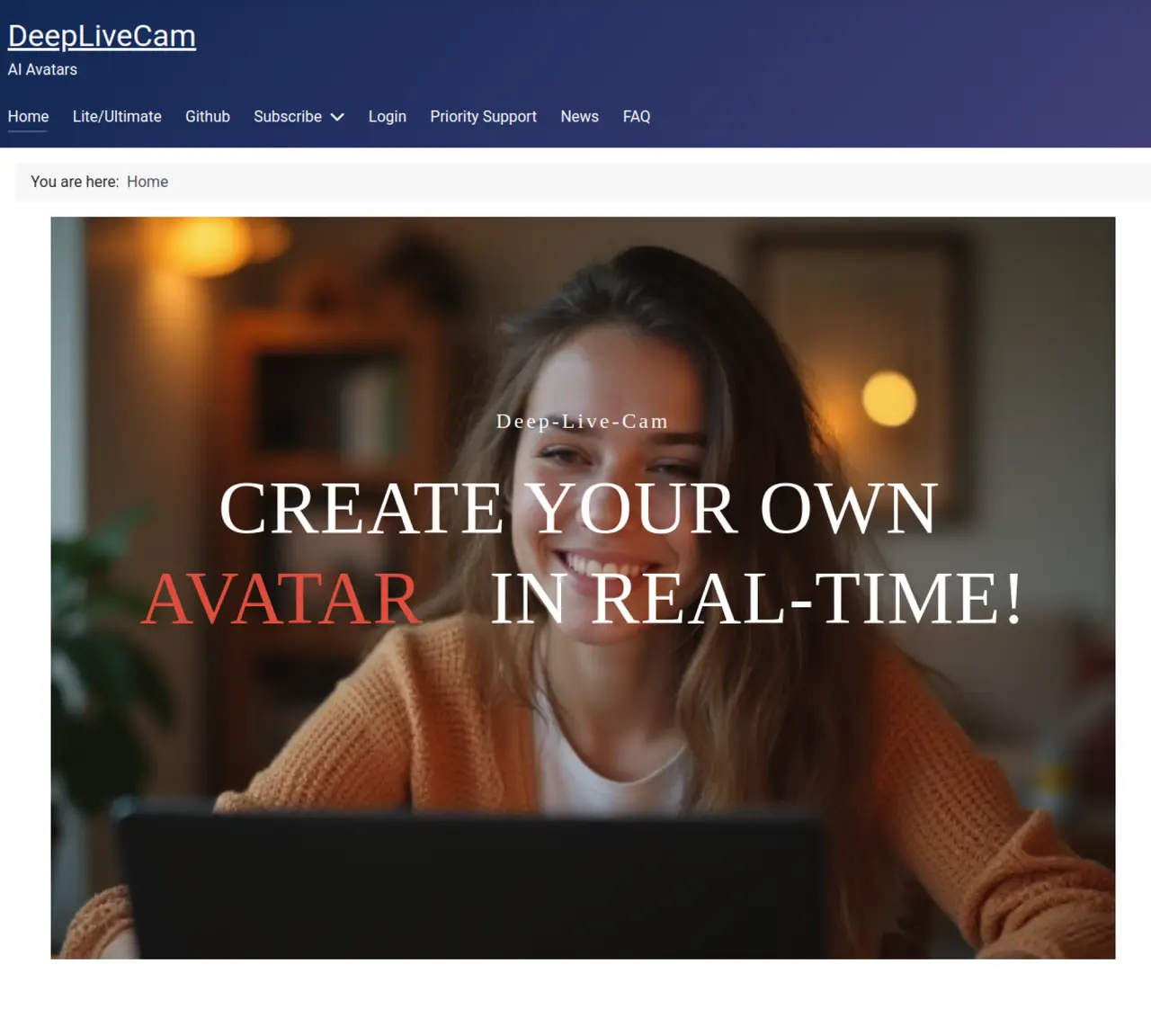
DeepLiveCam is an offline desktop application that enables real-time face swapping and avatar-style character transformations for streamers, VTubers, filmmakers, and content creators. The tool processes webcam feeds or local video files to apply deepfake-style effects during recording or playback without requiring an internet connection, ensuring privacy and data control. It integrates directly with OBS Studio to stream transformed output to platforms like Twitch or YouTube, making it suitable for live broadcasting and content production workflows. The application supports GPU acceleration for NVIDIA and AMD hardware, optimizing performance for smooth real-time processing. Features include a one-click Quickstart installer for ease of setup and a face randomizer for varied character appearances. DeepLiveCam is available as both a paid subscription and an open-source version on GitHub, catering to users who prioritize local control and offline operation. The tool is designed for creative professionals seeking to enhance their visual content with dynamic face-swapping capabilities while maintaining data privacy and workflow flexibility.
DeepLiveCam is an offline desktop application that enables real-time face swapping and avatar-style character transformations for webcam feeds or local video files. It allows users to apply deepfake-style effects during recording or playback without requiring an internet connection.
The tool is designed for streamers, VTubers, filmmakers, and content creators who need real-time face swapping and avatar transformations. It caters to both professional users and those seeking straightforward face-swapping solutions.
No, DeepLiveCam operates entirely offline, ensuring fast processing and secure usage without cloud-based dependencies. This also means no uploads of video data are required.
DeepLiveCam supports GPU acceleration for NVIDIA and AMD hardware, optimizing performance for real-time face swapping. It also offers a Lite version that does not require specialized hardware.
DeepLiveCam integrates directly with OBS, allowing users to stream transformed output to platforms like Twitch or YouTube. The application processes the webcam feed or video files before sending the output to OBS.
Yes, DeepLiveCam is available as an open-source version on GitHub, in addition to a paid subscription model. The Lite version is also free and designed for users who want straightforward face swapping without specialized hardware.
deeplivecam.net · third-party estimates from Similarweb
Last 4 months · grows by one month every month
Share of visits · estimated visits
Other countries: 53.2%
Video & Animation · Sep 2026
Traffic figures are third-party estimates, good for scale and trends; they can differ from a company's own numbers. Updated monthly.
We use essential cookies to run aitoolnavio™, and optional cookies to analyze traffic and measure our marketing. You choose what we use — optional cookies stay off unless you turn them on. See our Privacy Policy.
One short email a week: fresh tools worth trying, honest takes and the updates that actually matter. No spam, unsubscribe any time.
Cloud-based unified communications platform for secure call, video, messaging, file sharing, and automated call routing.
Create engaging videos with voiceovers, music, and customizations using a library of royalty-free assets.
Create, edit, subtitle, and translate pro-grade videos instantly.
Create realistic talking avatar videos from a photo with AI-powered lip sync and text-to-speech in multiple languages.
Ultra-fast video generation with pre-designed templates and a user-friendly interface design.
Topview AI is an AI-powered video creation platform that turns your product into engaging, attention-grabbing and viral-worthy video; no editing skills or cameras needed.
Generate engaging video content with AI-powered system, professional presenters, ease, scalability, and budget-friendly.
Generate videos featuring expressive AI characters from a single photo and text prompts with creative control.
Create lifelike videos from text and images.
VTuber software suite to create and animate custom VTuber avatars with VTuber Maker.
Transform images into engaging, AI-generated videos.
AI video generator that turns scripts or stories into long-form videos up to 50 minutes with consistent characters and 1080p export.
Matched on what this tool does — grouped by the job you would be replacing.
matches Real-time face swapping from webcam or video files · OBS integration for live streaming · GPU acceleration for NVIDIA and AMD
VideoSwapFace delivers state-of-the-art facial replacement technology for your video content with seamless motion tracking.
Transform into celebrities, switch faces with friends, and add fun effects to live streams or video calls.
LiveSwap is a real-time AI face swap tool that lets you instantly replace your face during live video calls
Real-time AI face-swapping for live camera feeds and video calls
matches Avatar-style character transformations
matches Offline processing (no internet required) · Local control over video data
Transform your video calls, Twitch streams, and YouTube videos with custom avatars for a unique and personalized experience.
Create and customize talking avatars with free options for content creators and social media users.
Turns live webcam feeds into animated avatars for streaming, video calls, and content creation in real time.
Face AI is an all-in-one online face swap toolkit that lets you swap faces in photos, videos, and GIFs with fast, realistic AI results.
VidMage AI is the best face swap tool for photos and videos, offering advanced AI-driven features with realistic results and simple workflows.
AI tool that swaps faces in videos, images, and GIFs to create realistic deepfake content.
Online AI tool that swaps faces in images or videos with a few clicks, ideal for creative projects and quick edits.