AI-powered video messaging tool that records, shares, and manages video messages with AI-generated titles, summaries, and tasks.
16M visits/mo-3.4%#5 Chatbots & Assistants

Natural-language video editor that executes edits from plain-English prompts
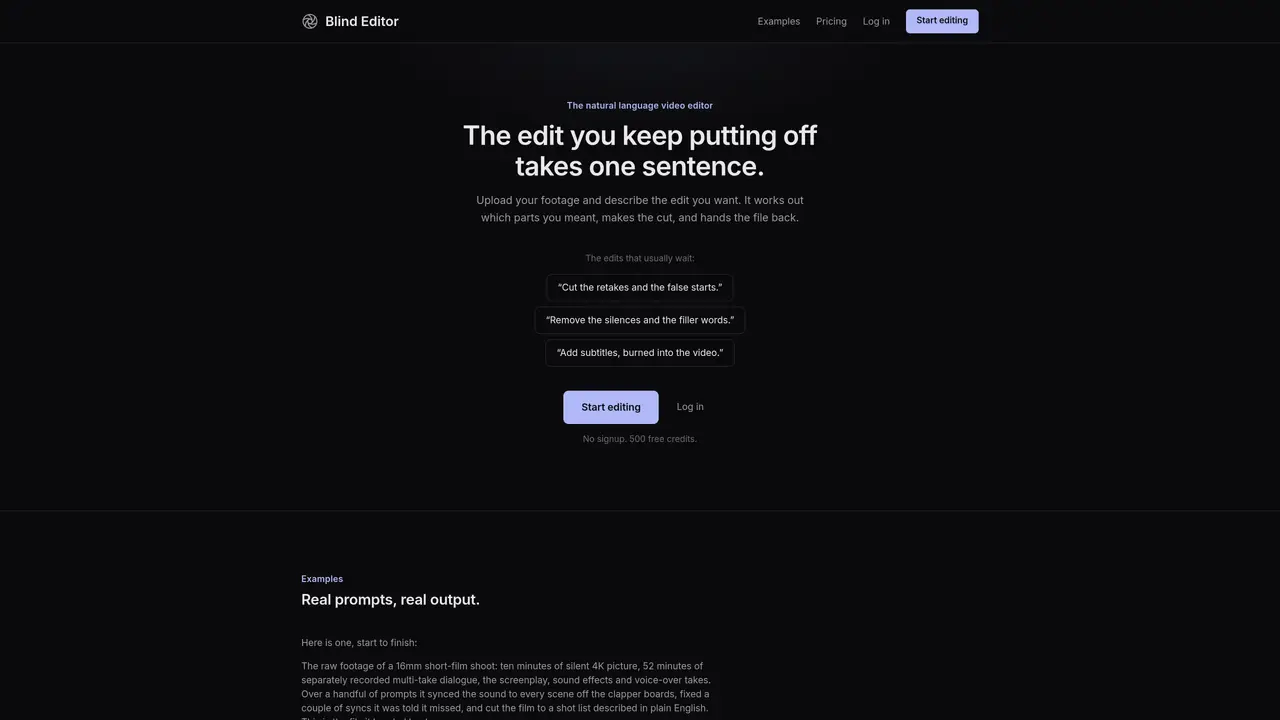
Blind Editor accepts video, audio, images, PDFs or text and processes edits described in natural language. It generates a transcript of spoken content and samples frames rather than analyzing full video, which informs the cuts and outputs a revised file. Typical tasks include removing silences and filler words, cutting retakes, syncing audio to picture, or adding burned-in subtitles. Projects are capped to prevent runaway credit usage and returned once complete. The service operates on a prepaid credit system with no subscription and no expiration of unused credits. It functions best with spoken-word footage and may take longer for lengthy recordings.
Blind Editor is a natural language video editor that processes edits described in plain English. It generates a transcript of spoken content and samples frames to determine cuts, then outputs a revised file without analyzing the full video.
Blind Editor is designed for creators, editors, and professionals working with spoken-word footage such as interviews, lectures, or short films who want to automate repetitive editing tasks like removing silences or adding subtitles.
Blind Editor operates on a prepaid credit system with no subscription or expiration for unused credits. Users receive 500 free credits upon starting, and additional credits can be purchased in packs starting at $5.
Blind Editor accepts video, audio, images, PDFs, and text files. It processes these inputs based on the edits described in natural language and returns the revised file in a compatible format.
Blind Editor functions best with spoken-word footage and may take longer for lengthy recordings. It uses a spending cap to prevent runaway credit usage, ensuring projects are completed within predefined limits.
Users can start editing immediately with 500 free credits by clicking 'Start editing' or 'Log in' on the website. No signup or payment method is required to begin using the service.
We use essential cookies to run aitoolnavio™, and optional cookies to analyze traffic and measure our marketing. You choose what we use — optional cookies stay off unless you turn them on. See our Privacy Policy.
One short email a week: fresh tools worth trying, honest takes and the updates that actually matter. No spam, unsubscribe any time.
AI-powered video messaging tool that records, shares, and manages video messages with AI-generated titles, summaries, and tasks.
Unleash creativity: edit photos, videos, and designs with AI-enhanced tools.
Record lectures, create tutorials, and securely share videos with teams.
Create stunning videos in a few clicks, customize with powerful tools, and automate editing without experience.
Create, convert, and enhance videos effortlessly with professional effects and royalty-free music.
Create marketing videos quickly, customize with templates, music, and photos, optimize for different platforms with AI.
Automate video editing, add text-to-speech voice-overs, and optimize videos for impactful results.
Freemium, uncensored AI video and image creation for individual creators with text-to-video, image effects, and gem-based upgrades for HD and no watermarks.
Create, edit, subtitle, and translate pro-grade videos instantly.
Cloudinary provides APIs and tools to integrate, manage, and optimize images and videos for AI-driven visual experiences.
All-in-one AI suite for creators to automate workflows, edit media, and generate content across video, design, and productivity tools.
Generate cinematic video clips from text or images and refine them with AI-powered editing tools for creators and visual professionals.
Matched on what this tool does — grouped by the job you would be replacing.
matches Natural language video editing from plain-English prompts · Transcript-based processing of spoken content · Frame sampling instead of full video analysis
Web-based AI editor that upscales videos to 4K, removes backgrounds and watermarks, generates subtitles, makes clips, and translates videos.
Downloads social videos and converts them into detailed AI video prompts
AI-powered video translation, subtitling and dubbing platform
Turns a single product photo into ready-to-post video ads automatically