AI-powered video messaging tool that records, shares, and manages video messages with AI-generated titles, summaries, and tasks.
16M visits/mo-3.4%#5 Chatbots & Assistants

AI video editor that transcribes, highlights key moments, and extracts clips for repurposing.
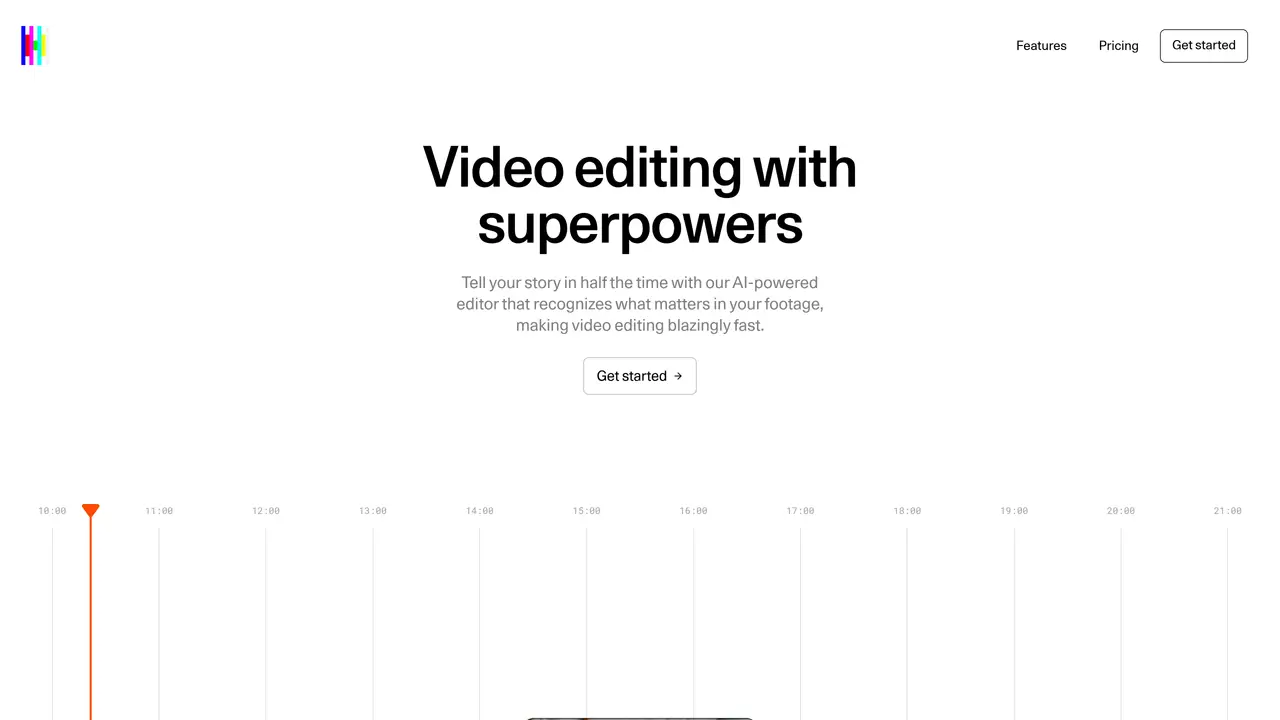
Crossfade is an AI-powered video editor designed to streamline the editing process by automatically identifying and extracting the most important moments from footage. It provides one-click transcription with support for multiple languages, speaker identification, and precise synchronization between text and video for easy navigation. The tool’s instant highlights feature allows users to jump directly to key sections without watching entire videos, saving time and effort. Crossfade also enables quick extraction of clips, making it simple to repurpose content across different platforms while maintaining context. By combining transcription, intelligent highlights, and clip creation, the platform transforms long recordings into searchable, reusable assets. This reduces manual editing work and makes video editing more efficient for creators, researchers, and teams handling large volumes of video content.
Crossfade is an AI-powered video editor that automatically identifies and extracts key moments from footage, provides one-click transcription with speaker identification, and enables quick clip creation for repurposing content across platforms.
The tool is designed for creators, researchers, and teams who handle large volumes of video content and need to streamline editing, repurpose material, or quickly navigate through long recordings.
Yes, Crossfade offers one-click transcription that captures speech in multiple languages while maintaining synchronization with the video.
Crossfade supports videos up to 30 minutes in length, making it suitable for long-form content like tutorials and product demos.
Users can begin by uploading a video to the platform, where they can then use AI-powered features like transcription, highlighting, and clip extraction to edit and repurpose content.
Yes, Crossfade allows users to adjust caption styles, including colors, fonts, and spacing, and save custom styles for consistent branding across videos.
usecrossfade.com · third-party estimates from Similarweb
Last 4 months · grows by one month every month
Share of visits by channel
Share of visits · estimated visits
Video & Animation · Sep 2026
Traffic figures are third-party estimates, good for scale and trends; they can differ from a company's own numbers. Updated monthly.
We use essential cookies to run aitoolnavio™, and optional cookies to analyze traffic and measure our marketing. You choose what we use — optional cookies stay off unless you turn them on. See our Privacy Policy.
One short email a week: fresh tools worth trying, honest takes and the updates that actually matter. No spam, unsubscribe any time.
AI-powered video messaging tool that records, shares, and manages video messages with AI-generated titles, summaries, and tasks.
Unleash creativity: edit photos, videos, and designs with AI-enhanced tools.
Record lectures, create tutorials, and securely share videos with teams.
Create stunning videos in a few clicks, customize with powerful tools, and automate editing without experience.
Create, convert, and enhance videos effortlessly with professional effects and royalty-free music.
Create marketing videos quickly, customize with templates, music, and photos, optimize for different platforms with AI.
Automate video editing, add text-to-speech voice-overs, and optimize videos for impactful results.
Freemium, uncensored AI video and image creation for individual creators with text-to-video, image effects, and gem-based upgrades for HD and no watermarks.
Create, edit, subtitle, and translate pro-grade videos instantly.
Cloudinary provides APIs and tools to integrate, manage, and optimize images and videos for AI-driven visual experiences.
All-in-one AI suite for creators to automate workflows, edit media, and generate content across video, design, and productivity tools.
Generate cinematic video clips from text or images and refine them with AI-powered editing tools for creators and visual professionals.
Matched on what this tool does — grouped by the job you would be replacing.
matches One-click transcription with multilingual support · Speaker identification for clear attribution · Perfect syncing between text and video
Turns long videos into ready-to-post short clips for TikTok, Reels, and YouTube Shorts in minutes.
AI-powered video repurposing tool that turns long-form footage into optimized social clips for LinkedIn, YouTube Shorts, and TikTok in minutes.
AI-powered video highlights generator that turns long-form videos into TikTok, Reels, and Shorts-ready clips with subtitles and one-click sharing.
Turns long event videos into shareable clips, highlights, and recap pages automatically.
matches One-click transcription with multilingual support · Perfect syncing between text and video · Searchable and reusable video assets
matches Clip extraction for repurposing content · Reduces manual editing effort
Convert audio and video files into editable, searchable text with support for over 40 languages using AI-powered transcription.
Quickly generate content, transcribe audio/videos in multiple languages, and perfect transcripts with GPT-assisted editor.
Convert videos into text transcripts and repurposed written content with AI-powered transcription and content generation.
Summarize videos effortlessly, customize length and starting point, and seamlessly integrate with popular video hosting platforms.
Turn long videos or text into viral short-form clips with AI avatars, captions, and auto-scheduling for TikTok, Reels, and YouTube Shorts.
Create shareable short clips from longer videos with HiClip's AI-powered tool.
Create promotional videos, engaging event highlights, and shareable content from long-form videos.
Turn podcast episodes into short-form videos optimized for TikTok, YouTube Shorts, and Reels to grow your audience.