Record lectures, create tutorials, and securely share videos with teams.
16M visits/mo-3.4%#8 Productivity & Office

AI-powered talking-head video editor that automates cuts, captions and zooms for product launches
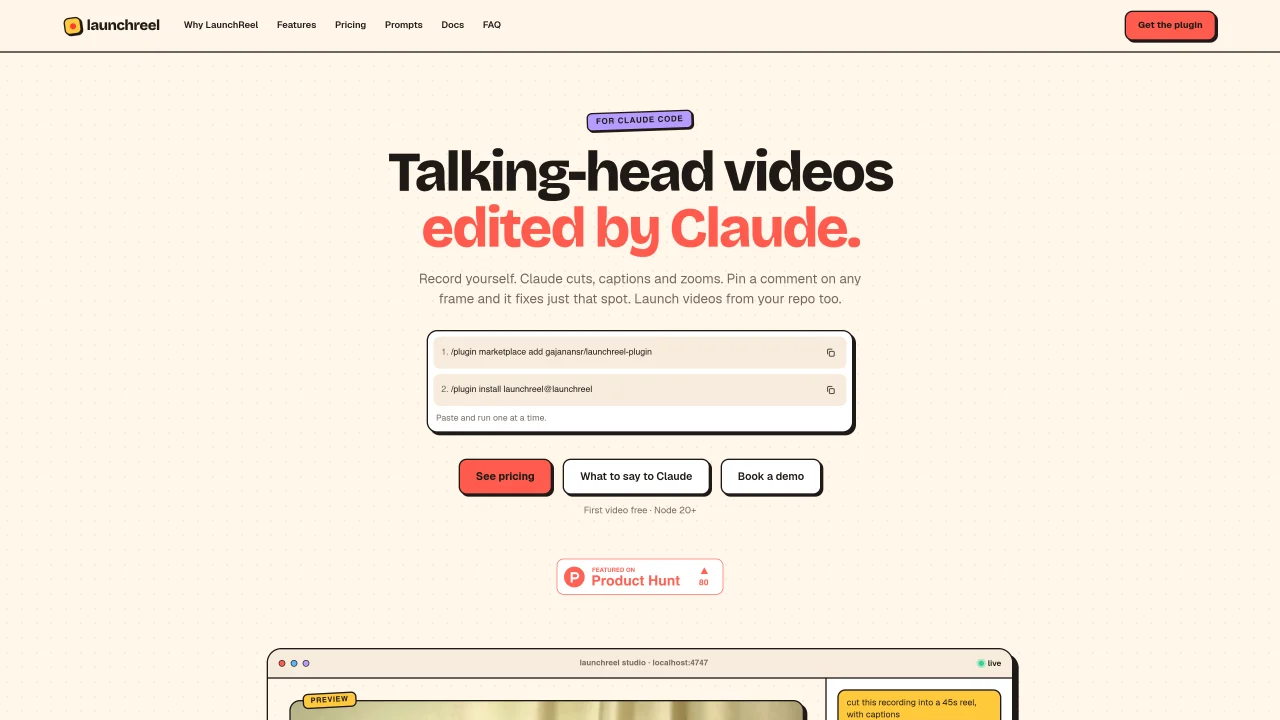
LaunchReel is a plugin for Claude Code that turns talking-head recordings into polished launch videos. Users record themselves and issue a single prompt such as “Cut this recording into a reel.” Claude Code performs the initial edit, removing fillers, pauses and retakes, then adds captions and zooms. While the AI works, the Studio interface opens in a local browser where users can pin comments on specific frames or click text to make small edits without additional prompts. The tool supports both 16:9 and 9:16 aspect ratios, exports up to 4K resolution, and includes original music and voiceover. Projects can be launched directly from a code repository, and the Studio allows iterative refinements until the video is ready for export. LaunchReel is designed for product teams and solo creators who need to produce launch videos quickly without manual editing software.
LaunchReel is a plugin for Claude Code that automates the creation of polished launch videos from talking-head recordings. Users record themselves and issue a prompt like 'Cut this recording into a reel,' after which Claude Code performs the initial edit, removing fillers, pauses, and retakes, then adds captions and zooms. The Studio interface opens in a local browser for further refinements.
LaunchReel is designed for product teams and solo creators who need to produce launch videos quickly without relying on manual editing software. It supports both individual creators and teams working on product launches.
LaunchReel offers monthly subscription plans that renew automatically, with the option to cancel anytime. Plans include Creator, Creator Pro, and Pro Team tiers, each with varying video limits, export resolutions, and features. A founding discount is available for early users.
LaunchReel integrates directly with Claude Code and requires Node 20+. It also supports launching videos directly from a code repository. Users can generate videos from templates or use the plugin for automated editing.
LaunchReel counts each project as one video, even if it is fixed or re-rendered multiple times within the same month. The free trial includes a watermark and an end screen, and higher-resolution exports require a paid plan. Disk space usage depends on the length and resolution of the recordings.
To get started, install the LaunchReel plugin in Claude Code using the command '/plugin install launchreel@launchreel.' After installation, users can record themselves and issue a prompt to begin editing. A demo is also available for guidance.
We use essential cookies to run Aitoolnavio, and optional cookies to analyze traffic and measure our marketing. You choose what we use — optional cookies stay off unless you turn them on. See our Privacy Policy.
One short email a week: fresh tools worth trying, honest takes and the updates that actually matter. No spam, unsubscribe any time.
Record lectures, create tutorials, and securely share videos with teams.
Unleash creativity: edit photos, videos, and designs with AI-enhanced tools.
Create, edit, subtitle, and translate pro-grade videos instantly.
Cloudinary provides APIs and tools to integrate, manage, and optimize images and videos for AI-driven visual experiences.
All-in-one AI suite for creators to automate workflows, edit media, and generate content across video, design, and productivity tools.
Generate cinematic video clips from text or images and refine them with AI-powered editing tools for creators and visual professionals.
Automate video editing, add text-to-speech voice-overs, and optimize videos for impactful results.
Freemium, uncensored AI video and image creation for individual creators with text-to-video, image effects, and gem-based upgrades for HD and no watermarks.
Create, convert, and enhance videos effortlessly with professional effects and royalty-free music.
Create, edit, and enhance high-quality audio/video content.
AI video clipping and editing tool that turns long videos into short clips with captions, reframing, and one-click social publishing.
End-to-end encrypted file sharing with built-in AI editing for photos, videos, and documents.
Matched on what this tool does — grouped by the job you would be replacing.
matches Single-prompt video editing · Automatic filler removal and pacing adjustment · Frame-specific comment pinning for edits
Auto-builds talking-head rough cuts in Premiere.
AI-powered video editor and screen recorder for Mac
Auto-clips raw talking-head footage by removing mistakes, pauses, and bad takes to save hours of editing time.
AI video editor that edits videos by text transcript
matches Script-to-video conversion · AI voiceover generation · Multi-format output (Shorts, 16:9, 4K)
matches Converts product photos into cinematic videos · UGC talking-head video creation with lip-synced voiceovers · Generates image & video ads from a clear creative brief
AI-powered tool that generates and edits product launch videos from text prompts
AI tool that generates faceless video series with a recurring character from a single sentence
Turns scripts into editable short videos with AI visuals, voiceover and captions
AI video generator that turns text prompts or recordings into polished reels
AI platform that turns product photos into studio-quality images, lifestyle scenes, and video ads in seconds.
Converts screen recordings into polished product demos with AI editing
Teno turns a conversation into launch-ready ads, generating image and video ads from a clear creative brief.
Turns product photos or text into realistic video ads with natural motion