AI-powered video messaging tool that records, shares, and manages video messages with AI-generated titles, summaries, and tasks.
16M visits/mo-3.4%#5 Chatbots & Assistants

Converts videos into structured text describing camera work, pacing, sound and emotion for LLMs
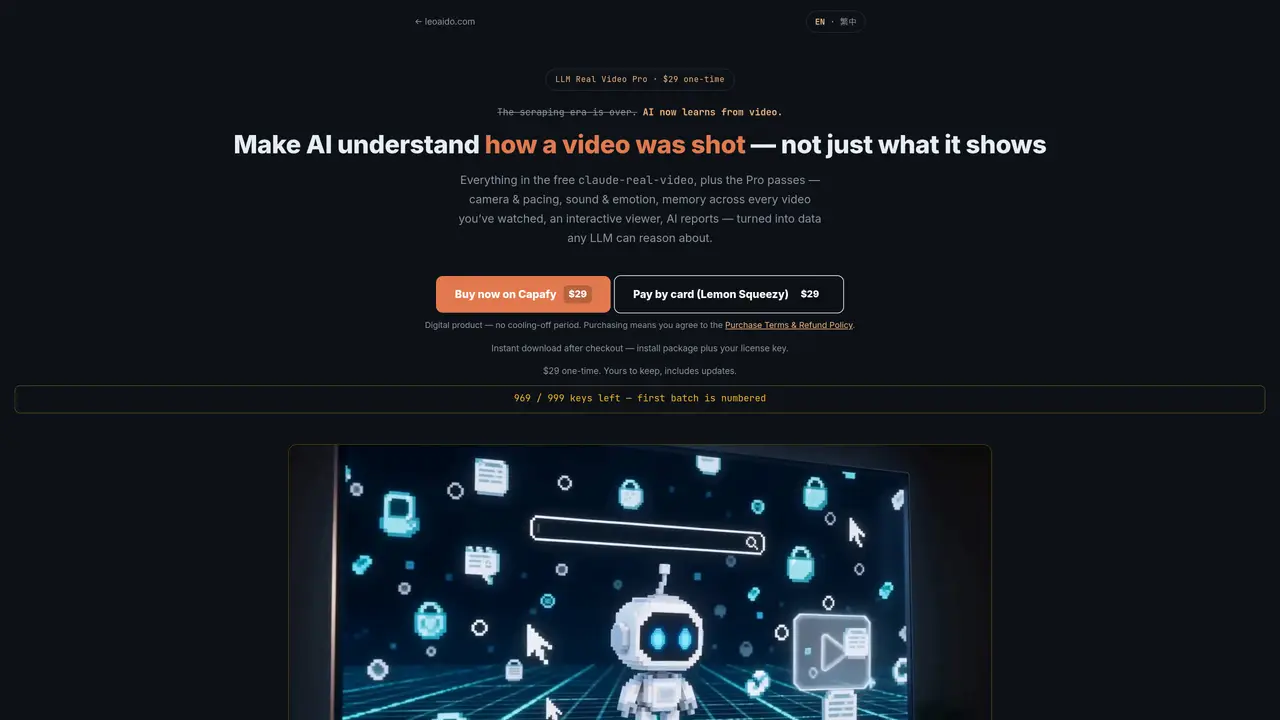
LLM Real Video Pro is a desktop application that performs local, privacy-preserving analysis of video files to generate detailed, timestamped reports. It examines visual content alongside technical aspects such as camera motion, shot pacing, lighting, and editing choices, while also detecting audio events and emotional tone. The tool operates entirely on the user’s machine, ensuring no video data is uploaded to external servers, which makes it suitable for sensitive or proprietary content. An integrated viewer displays the video alongside a dynamic event timeline and transcript, allowing users to navigate and inspect findings interactively. It supports multiple languages for both analysis and output, and includes optical character recognition to extract and index on-screen text. Additional features like speed forensics help identify potential timeline alterations, while a searchable memory index enables cross-referencing insights across previously analyzed videos. The resulting plain-text reports are structured to be compatible with any large language model, reducing token overhead and facilitating deeper contextual analysis of video material. This makes the tool valuable for professionals in media production, research, legal review, or content moderation who require granular, reproducible insights without compromising data privacy.
LLM Real Video Pro analyzes video files locally to generate detailed, timestamped reports on how a video was shot, edited, and perceived. It covers camera motion, shot pacing, audio events, emotional tone, and on-screen text, all computed on the user’s machine without uploading the video.
The tool suits creators studying viral video techniques, editors deconstructing reference cuts, and anyone feeding video to AI models like Claude or ChatGPT who need deeper insights into pacing and camera work.
No. All processing, including video, frames, transcript, and analysis, runs entirely on the user’s local machine. Nothing is sent to external servers.
The heavy video processing occurs locally, so tokens are only spent when the AI reads the small result file. A one-minute video typically reduces to a few images and a text file, costing a fraction of a typical AI call.
Yes, it includes speed forensics to detect timeline tampering, such as padded slow-motion or post speed-ups, by analyzing frame-padding fingerprints, motion-trajectory continuity, and a person-anchored speed clock.
Yes, the interactive viewer and reports support English, Traditional Chinese, and Simplified Chinese. Optical character recognition is particularly strong for Chinese, Japanese, and Korean text in videos.
We use essential cookies to run aitoolnavio™, and optional cookies to analyze traffic and measure our marketing. You choose what we use — optional cookies stay off unless you turn them on. See our Privacy Policy.
One short email a week: fresh tools worth trying, honest takes and the updates that actually matter. No spam, unsubscribe any time.
AI-powered video messaging tool that records, shares, and manages video messages with AI-generated titles, summaries, and tasks.
Unleash creativity: edit photos, videos, and designs with AI-enhanced tools.
Record lectures, create tutorials, and securely share videos with teams.
Create stunning videos in a few clicks, customize with powerful tools, and automate editing without experience.
Create, convert, and enhance videos effortlessly with professional effects and royalty-free music.
Create marketing videos quickly, customize with templates, music, and photos, optimize for different platforms with AI.
Automate video editing, add text-to-speech voice-overs, and optimize videos for impactful results.
Freemium, uncensored AI video and image creation for individual creators with text-to-video, image effects, and gem-based upgrades for HD and no watermarks.
Create, edit, subtitle, and translate pro-grade videos instantly.
Cloudinary provides APIs and tools to integrate, manage, and optimize images and videos for AI-driven visual experiences.
All-in-one AI suite for creators to automate workflows, edit media, and generate content across video, design, and productivity tools.
Generate cinematic video clips from text or images and refine them with AI-powered editing tools for creators and visual professionals.
Matched on what this tool does — grouped by the job you would be replacing.
matches Camera motion detection (pan, tilt, zoom, handheld) · Shot pacing analysis with cuts per minute and duration · Audio event and emotion detection with vocal tone curves
API platform that converts video and audio into structured, LLM-ready data for developers building video-aware AI applications.
Downloads social videos and converts them into detailed AI video prompts