Unleash creativity: edit photos, videos, and designs with AI-enhanced tools.

S-Roll
FreeStarting price
0Popularity
About S-Roll
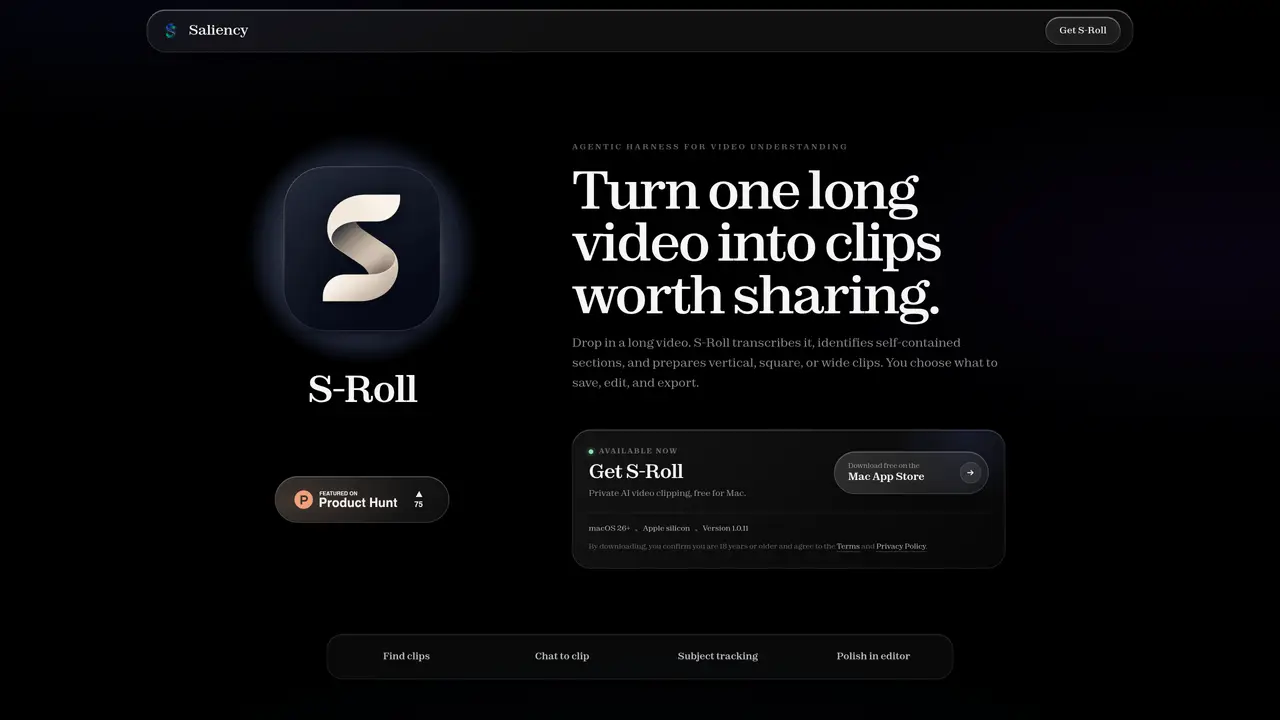
S-Roll is a desktop application for macOS that converts long videos into shorter, shareable clips using local AI processing. Users upload a video file and the tool automatically transcribes the content, identifies self-contained sections, and generates clips in vertical, square, or wide formats. The application scores clips and presents them with titles and summaries for review. Users can search clips using natural language queries, apply subject tracking to maintain focus on moving subjects, and edit clips in a built-in editor to trim, adjust framing, and style captions before exporting as MP4 files. All processing occurs locally on Apple silicon Macs running macOS 26 or later, with no internet required after initial setup. The tool emphasizes privacy by keeping videos, transcripts, and project data on the user’s device.
Key features
- AI-powered clip identification and scoring
- Vertical, square, and wide aspect ratio outputs
- Natural language search for specific moments
- Subject tracking with automatic reframing
- Built-in video editor with trimming and caption styling
- Local processing with no cloud dependency
- Brand preset saving for consistent styling
- No watermark on exported clips
Use cases
- Extracting highlight reels from long-form content
- Creating social media clips from recorded sessions
- Generating shareable moments from event footage
Pros
- Local processing with no internet required after initial setup
- Automatic transcription and scene detection
- Subject tracking to maintain focus on moving subjects
- Built-in editor for trimming and styling clips
- No watermarks on exported clips
Cons
- Requires Apple silicon Mac with macOS 26 or later
- Initial download of approximately 6 GB of machine-learning models
- No support for older Intel-based Macs
- No cloud sync or cross-device functionality
Frequently asked questions about S-Roll
What leaves my Mac when using S-Roll?
Only account details, update checks, and the initial machine-learning model download use the internet. Videos, transcripts, chats, project names, and exported clips remain on your device.
Which Macs can run S-Roll?
S-Roll requires an Apple silicon Mac running macOS 26 or later. The tool is designed specifically for this hardware and operating system combination.
What happens on the first launch of S-Roll?
After signing in, S-Roll downloads approximately 6 GB of machine-learning models and verifies them before local processing begins. Once installed, all video workflows operate offline.
Do generated clips have a watermark?
No, S-Roll does not add watermarks to exported clips. The tool is free to use, and generated clips are watermark-free.
Who owns the clips created with S-Roll?
You own the clips made from your footage. However, you remain responsible for ensuring you have the rights to the source material used to create the clips.
How do I get started with S-Roll?
Download S-Roll for free from the Mac App Store, confirm you are 18 or older, and agree to the Terms and Privacy Policy. After installation, sign in and download the required models to begin processing videos locally.