Generate lifelike human videos with AI, making professional video creation fast and accessible for any user.

KiroClip Lite
$10/moStarting price
0Popularity
About KiroClip Lite
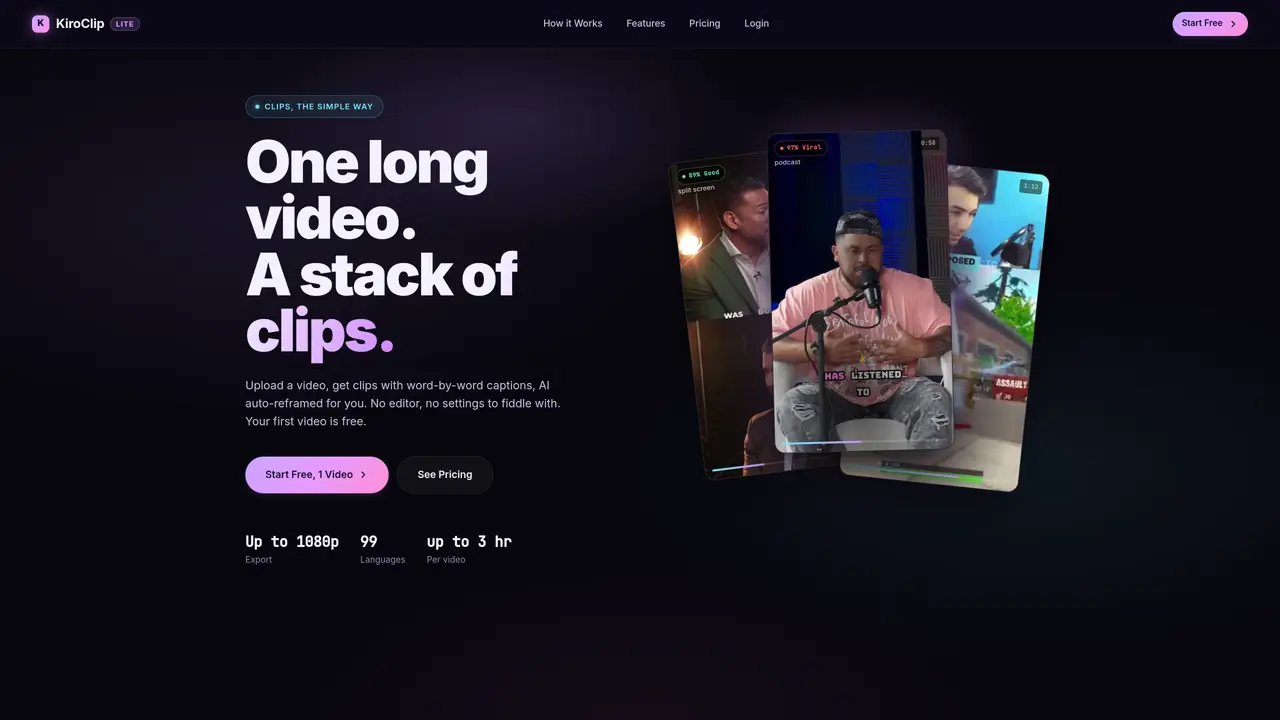
KiroClip Lite automates the creation of short, vertical video clips from longer source videos. Users upload a video file or link and the service processes it in three steps: upload, AI processing, and download. The AI identifies the strongest moments, applies auto-reframing to track speakers, and burns in word-by-word captions. Outputs are delivered as 1080p vertical clips ready for social platforms like TikTok, Instagram Reels, and YouTube Shorts. The tool supports videos up to three hours in length and offers transcription in 99 languages. No manual editing is required, and the output is designed to be post-ready without additional styling or adjustments. Plans are structured around credits, with each credit covering a block of source hours and including a set number of clips. The free tier allows one video up to 30 minutes with a watermark, while paid plans remove watermarks and increase processing limits.
Key features
- AI auto-reframing and speaker tracking
- Word-by-word caption burning
- 99-language transcription
- 1080p vertical clip output
- Credit-based processing model
- Priority processing for paid plans
- Variety of subtitle styles
- Brand kit customization
Use cases
- Converting podcasts into Shorts
- Repurposing webinars into clips
- Turning Zoom recordings into TikTok content
Pros
- Automated clip creation with AI reframing and captioning
- Supports 99 languages for transcription
- Outputs delivered in 1080p vertical format
- No manual editing required
- Free tier available for testing
Cons
- Free tier includes watermark
- Paid plans required for higher resolution and longer videos
- Limited to 1080p output
- No desktop application mentioned
Frequently asked questions about KiroClip Lite
What does KiroClip Lite do?
KiroClip Lite automates the creation of short, vertical video clips from longer source videos. It uploads videos, processes them using AI to identify the strongest moments, auto-reframes to track speakers, and burns in word-by-word captions, delivering post-ready 1080p vertical clips.
Who is KiroClip Lite for?
The tool is designed for creators, podcasters, marketers, and organizations looking to repurpose long videos into engaging short-form content for platforms like TikTok, Instagram Reels, and YouTube Shorts without manual editing.
How does the pricing model work?
KiroClip Lite uses a credit-based system where each credit covers a block of source hours and includes a set number of clips. Plans vary by credits per month, with higher tiers offering more credits, clips, and advanced features like saved styles and brand kits.
What integrations or file formats does KiroClip Lite support?
Users can upload videos in MP4, MOV, or WEBM formats or paste a video link. The tool supports videos up to three hours in length and offers transcription in 99 languages.
Are there any limitations to using KiroClip Lite?
The free tier allows one video up to 30 minutes with a watermark, while paid plans remove watermarks and increase processing limits. Outputs are designed to be post-ready but may require minor adjustments depending on the user's specific needs.
How do I get started with KiroClip Lite?
Users can start for free by uploading a video or link, and the AI processes it in three steps: upload, AI processing, and download. No credit card is required for the free trial, and outputs are delivered as 1080p vertical clips ready for posting.