
AI-powered video messaging tool that records, shares, and manages video messages with AI-generated titles, summaries, and tasks.
16M visits/mo-3.4%#5 Chatbots & Assistants

Create custom clips in seconds, add music, text, and effects effortlessly, saving up to 90% of time and effort.
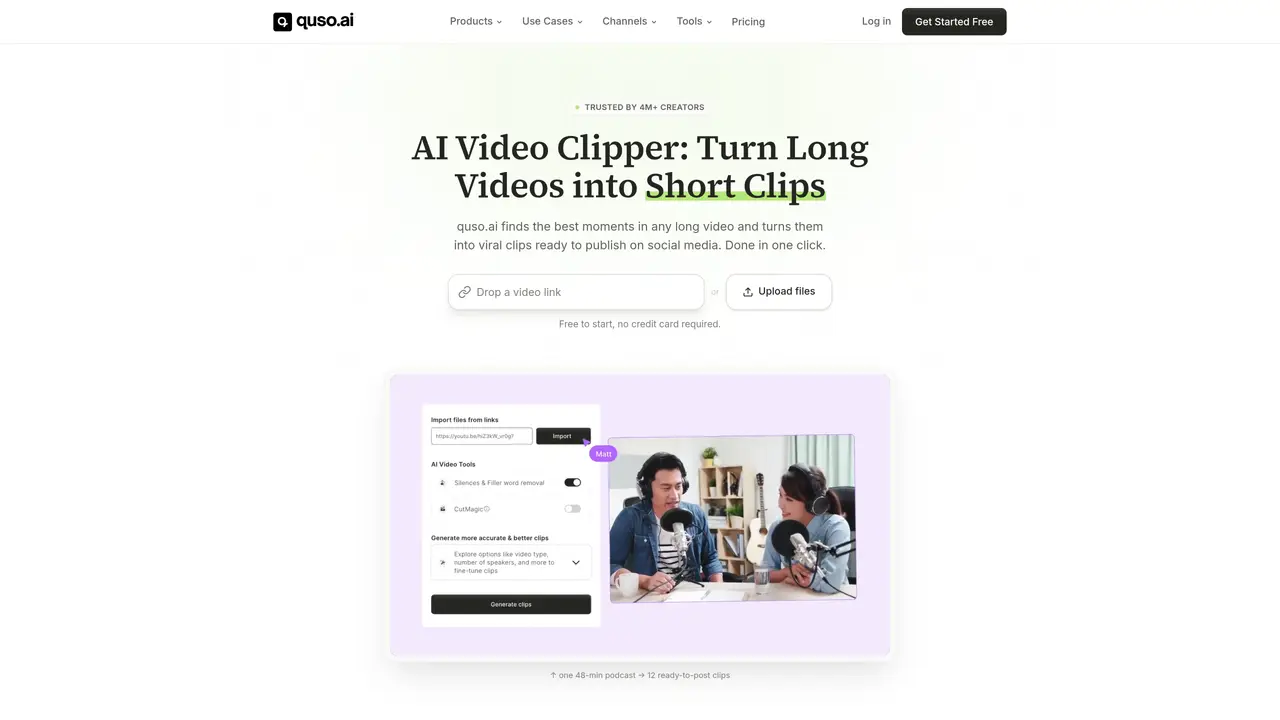
Vidyo is a personalized video service that helps you create short videos from long ones in an instant. Utilizing advanced artificial intelligence technology, Vidyo makes the process of creating clips from existing videos incredibly easy and efficient. With Vidyo, you can save up to 90% of the time and effort it would normally take to manually create short videos. You can use Vidyo to quickly create custom clips from your existing videos with just a few clicks. Vidyo also provides you with a range of editing options, such as adding music, text, and effects, so you can customize your clips to your exact specifications. Best of all, you can create your clips in a matter of seconds, meaning you can make the most of your valuable time. Vidyo is perfect for anyone looking to quickly and easily create short videos from long ones.
Vidyo is an AI-powered tool that automatically converts long videos into short, shareable clips optimized for social media platforms.
Vidyo is designed for video creators, content creators, marketers, podcasters, freelancers, small businesses, and social media managers looking to repurpose video content efficiently.
Vidyo analyzes long videos using AI to identify the most engaging moments and generates multiple short clips in one click, which can then be edited and customized.
Yes, Vidyo supports importing videos from platforms like YouTube, Vimeo, X (Twitter), Facebook, Twitch, and cloud storage services such as Google Drive and Dropbox.
Vidyo offers editing features such as adding music, text, effects, and removing filler words, allowing users to customize clips to their preferences.
Users can start by uploading a video file or importing from supported platforms, then Vidyo automatically generates clips that can be reviewed, edited, and exported.
vidyo.ai · third-party estimates from Similarweb
Last 4 months · grows by one month every month
Share of visits by channel
No measurable traffic from Social, Paid Referrals or Search.
Share of visits · estimated visits
Video & Animation · Sep 2026
Traffic figures are third-party estimates, good for scale and trends; they can differ from a company's own numbers. Updated monthly.
We use essential cookies to run aitoolnavio™, and optional cookies to analyze traffic and measure our marketing. You choose what we use — optional cookies stay off unless you turn them on. See our Privacy Policy.
One short email a week: fresh tools worth trying, honest takes and the updates that actually matter. No spam, unsubscribe any time.
AI-powered video messaging tool that records, shares, and manages video messages with AI-generated titles, summaries, and tasks.
Unleash creativity: edit photos, videos, and designs with AI-enhanced tools.
Record lectures, create tutorials, and securely share videos with teams.
Create stunning videos in a few clicks, customize with powerful tools, and automate editing without experience.
Create, convert, and enhance videos effortlessly with professional effects and royalty-free music.
Create marketing videos quickly, customize with templates, music, and photos, optimize for different platforms with AI.
Automate video editing, add text-to-speech voice-overs, and optimize videos for impactful results.
Freemium, uncensored AI video and image creation for individual creators with text-to-video, image effects, and gem-based upgrades for HD and no watermarks.
Create, edit, subtitle, and translate pro-grade videos instantly.
Cloudinary provides APIs and tools to integrate, manage, and optimize images and videos for AI-driven visual experiences.
All-in-one AI suite for creators to automate workflows, edit media, and generate content across video, design, and productivity tools.
Generate cinematic video clips from text or images and refine them with AI-powered editing tools for creators and visual professionals.
Matched on what this tool does — grouped by the job you would be replacing.
matches Create custom clips in seconds · Easily add music, text, and effects · Save up to 90% of time and effort
Effortlessly create, manage, and analyze engaging social media content.
AI-powered tool that turns long videos into ready-to-post Shorts, TikToks, and Reels by detecting high-engagement moments and adding captions.
AI-powered video repurposing tool that turns long-form footage into optimized social clips for LinkedIn, YouTube Shorts, and TikTok in minutes.
AI editor that turns long videos into viral clips and shorts with captions and covers