AI-powered video messaging tool that records, shares, and manages video messages with AI-generated titles, summaries, and tasks.
16M visits/mo-3.4%#5 Chatbots & Assistants

An Automatic1111 extension that enhances Wav2Lip to generate high-quality lip-sync videos using Stable Diffusion post-processing.
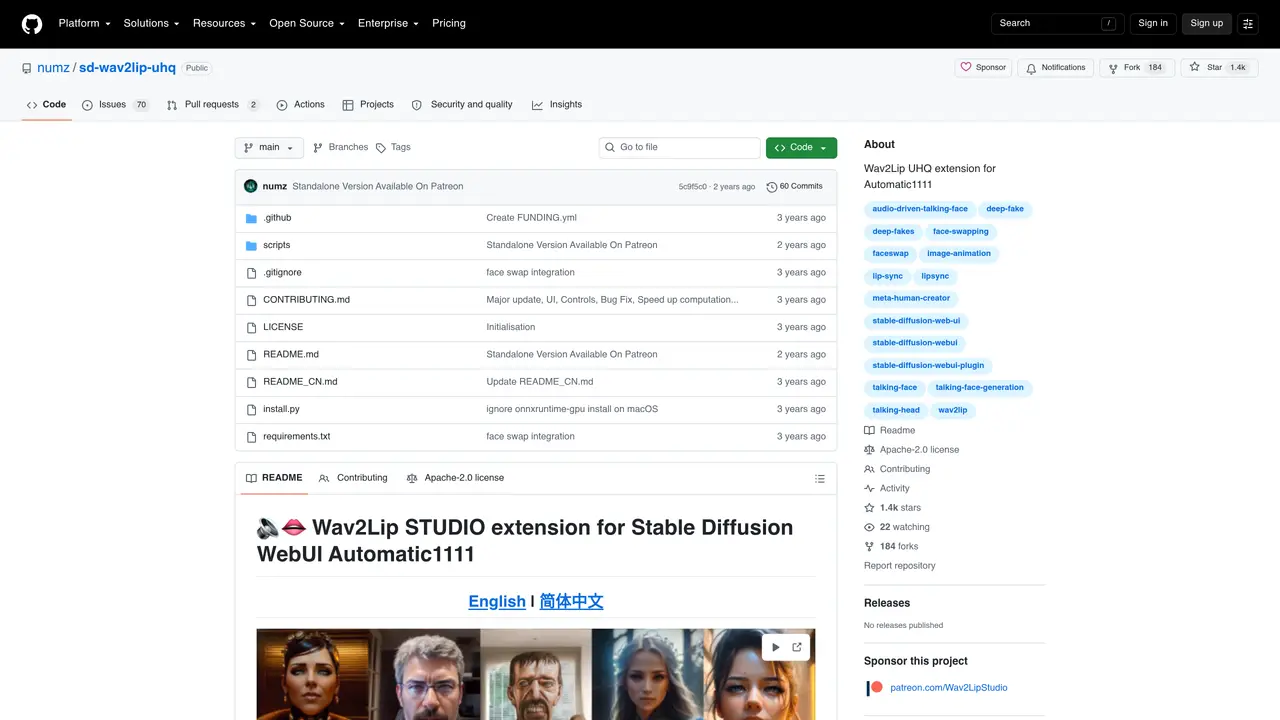
Wav2Lip for Automatic1111 is an extension designed to integrate with the Automatic1111 Stable Diffusion web UI, enabling users to generate lip-sync videos with improved quality. It builds upon the original Wav2Lip tool by applying post-processing techniques powered by Stable Diffusion, resulting in smoother and more accurate lip movements. The tool requires the latest version of Stable Diffusion web UI (Automatic1111) and FFmpeg to be installed, along with several model weights placed in specific directories. Once set up, users can upload a video and an audio file, and the extension will process them to produce a lip-sync video. This solution is particularly useful for creators looking to enhance the realism of dubbed videos or animations. The extension streamlines the workflow by automating the lip-syncing process while leveraging advanced AI techniques for better results.
GitHub, Inc.
San Francisco, California, US · Founded 2008
It is an extension for the Automatic1111 Stable Diffusion web UI that generates lip-sync videos by synchronizing an input audio file with a video, improving realism through Stable Diffusion-based post-processing.
Content creators, video editors, and developers looking to automate lip-syncing for dubbed videos, animations, or translations with enhanced quality.
It requires the latest version of Automatic1111 Stable Diffusion web UI, FFmpeg installed and accessible via command line, and specific model weights placed in designated directories.
Yes, it includes features for translating videos with voice cloning and supports multiple languages through integrated TTS options like coqui TTS.
Yes, it supports high-resolution inputs such as 1080p and may work with 4K, though processing time increases significantly for higher resolutions.
Install the extension in the Automatic1111 web UI, ensure FFmpeg is installed, download required model weights, and then upload a video and audio file to generate the lip-sync video.
We use essential cookies to run aitoolnavio™, and optional cookies to analyze traffic and measure our marketing. You choose what we use — optional cookies stay off unless you turn them on. See our Privacy Policy.
One short email a week: fresh tools worth trying, honest takes and the updates that actually matter. No spam, unsubscribe any time.
AI-powered video messaging tool that records, shares, and manages video messages with AI-generated titles, summaries, and tasks.
Unleash creativity: edit photos, videos, and designs with AI-enhanced tools.
Record lectures, create tutorials, and securely share videos with teams.
Create stunning videos in a few clicks, customize with powerful tools, and automate editing without experience.
Create, convert, and enhance videos effortlessly with professional effects and royalty-free music.
Create marketing videos quickly, customize with templates, music, and photos, optimize for different platforms with AI.
Automate video editing, add text-to-speech voice-overs, and optimize videos for impactful results.
Freemium, uncensored AI video and image creation for individual creators with text-to-video, image effects, and gem-based upgrades for HD and no watermarks.
Create, edit, subtitle, and translate pro-grade videos instantly.
Cloudinary provides APIs and tools to integrate, manage, and optimize images and videos for AI-driven visual experiences.
All-in-one AI suite for creators to automate workflows, edit media, and generate content across video, design, and productivity tools.
Generate cinematic video clips from text or images and refine them with AI-powered editing tools for creators and visual professionals.
Matched on what this tool does — grouped by the job you would be replacing.
matches Applies Stable Diffusion post-processing for higher-quality lip-sync · Automates lip-sync generation process · Improves accuracy and smoothness of lip movements
A free web-based AI lip sync tool that syncs audio to video or images, generating natural facial movements without sign-up.
AI video localization platform for creators and teams to generate subtitles, translate into 200+ languages, and produce AI dubbing with voice cloning and lip-sync.
Revolutionize multilingual video content with seamless AI-powered lipsync translations.
happy-horses.io is powered by HappyHorse 1.0, an advanced AI model that generates 1080p videos with synchronized audio in one pass.