AI-powered video messaging tool that records, shares, and manages video messages with AI-generated titles, summaries, and tasks.
16M visits/mo-3.4%#5 Chatbots & Assistants

Filmora simplifies video creation with AI tools for video generation, smart editing, AI voiceovers, and more.
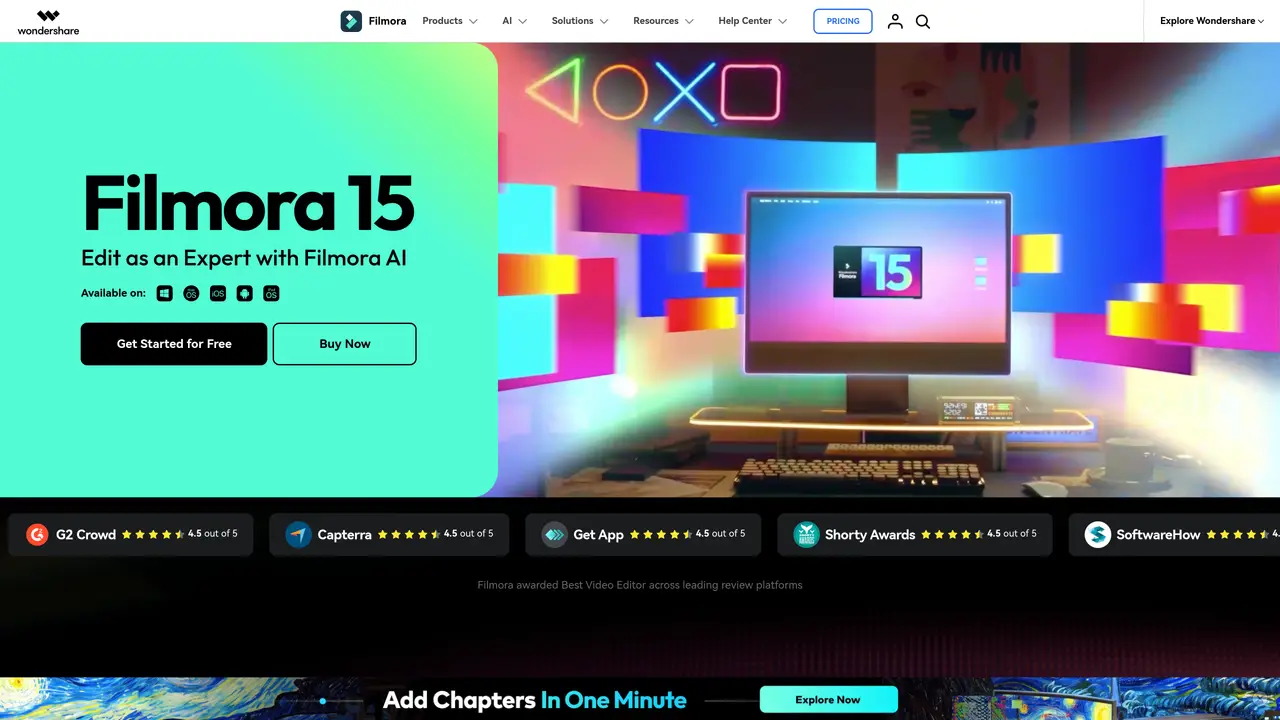
Wondershare Filmora is a video editing tool with a heavy dose of AI built in. It’s not trying to compete with Final Cut or DaVinci Resolve. Instead, it’s built for content creators, YouTubers, marketers, and solo editors who need to produce polished video content fast — without spending hours on edits or learning complex software. The AI features go way beyond filters and templates. You can write a script with ChatGPT, turn it into a video with Veo 3 (Filmora’s AI video generator), and layer on voiceovers, music, subtitles, and effects — all without touching a timeline. If you’ve got raw footage, Filmora can clean it up, color correct it, trim it down into short clips, and even generate dynamic captions automatically. It also handles image-to-video, audio-to-video, and idea-to-video workflows — ideal for social media, promo videos, and faceless content creation. This is a tool for people who want results fast, not fiddling around with keyframes.
Wondershare Filmora is a video editing software designed for content creators, YouTubers, marketers, and solo editors. It combines traditional editing tools with AI-powered features to simplify and accelerate video production.
Filmora is ideal for content creators, social media managers, marketers, and solo editors who need to produce polished videos quickly without extensive technical knowledge or complex workflows.
Yes, Filmora includes a range of AI tools such as AI text-to-video generation, AI image-to-video conversion, auto captions, AI audio enhancement, and AI object removal to streamline the editing process.
Filmora provides specialized tools and templates for creating social media content, including YouTube videos, TikTok clips, Instagram Reels, and Facebook posts.
Filmora is available on desktop (Mac and Windows), as well as mobile apps for iOS, Android, and iPad, allowing users to edit videos across multiple devices.
Users can download Filmora for free to start editing, with options to upgrade for additional features. The software offers tutorials and guides to help beginners get started quickly.
We use essential cookies to run aitoolnavio™, and optional cookies to analyze traffic and measure our marketing. You choose what we use — optional cookies stay off unless you turn them on. See our Privacy Policy.
One short email a week: fresh tools worth trying, honest takes and the updates that actually matter. No spam, unsubscribe any time.
AI-powered video messaging tool that records, shares, and manages video messages with AI-generated titles, summaries, and tasks.
Unleash creativity: edit photos, videos, and designs with AI-enhanced tools.
Record lectures, create tutorials, and securely share videos with teams.
Create stunning videos in a few clicks, customize with powerful tools, and automate editing without experience.
Create, convert, and enhance videos effortlessly with professional effects and royalty-free music.
Create marketing videos quickly, customize with templates, music, and photos, optimize for different platforms with AI.
Automate video editing, add text-to-speech voice-overs, and optimize videos for impactful results.
Freemium, uncensored AI video and image creation for individual creators with text-to-video, image effects, and gem-based upgrades for HD and no watermarks.
Create, edit, subtitle, and translate pro-grade videos instantly.
Cloudinary provides APIs and tools to integrate, manage, and optimize images and videos for AI-driven visual experiences.
All-in-one AI suite for creators to automate workflows, edit media, and generate content across video, design, and productivity tools.
Generate cinematic video clips from text or images and refine them with AI-powered editing tools for creators and visual professionals.
Matched on what this tool does — grouped by the job you would be replacing.
matches AI video generator: turn scripts into videos · Image-to-video, audio-to-video, and idea-to-video workflows
AI platform that converts text, images, or videos into dynamic video content with minimal technical skill required.
AIReel lets creators make AI-generated videos from text or image in minutes.
LitVideo is a multi-model AI video generator that enables users to create high-quality videos from text, images, or existing footage.
AI video creation platform that turns prompts, scripts, audio, images, and footage into polished videos with voice, music, and lip-sync.
matches AI Extend: extend clips with AI · Smart editing: clean up, color correct, and trim footage · Automatic dynamic captions: generate captions from audio
matches Pen Tool: draw paths and shapes with stroke effects · Animated Charts: generate visualized charts with one-click data import
AI video clipping and editing tool that turns long videos into short clips with captions, reframing, and one-click social publishing.
Elevate videos with AI, intuitive edits, seamless cuts, and dynamic effects.
AI-powered platform that turns raw video and audio into shareable clips with auto-editing, captions, and platform-ready exports.
AI-powered video editor that turns raw footage into viral reels with one click, adding auto captions, b-roll, and animated effects.
Generate content, correct spelling, suggest synonyms to enhance writing.
Mobile video editor that trims, merges, adds effects, transitions, and exports in 4K resolution.