Generate lifelike human videos with AI, making professional video creation fast and accessible for any user.
Framedeo
$29/moStarting price
0Popularity
About Framedeo
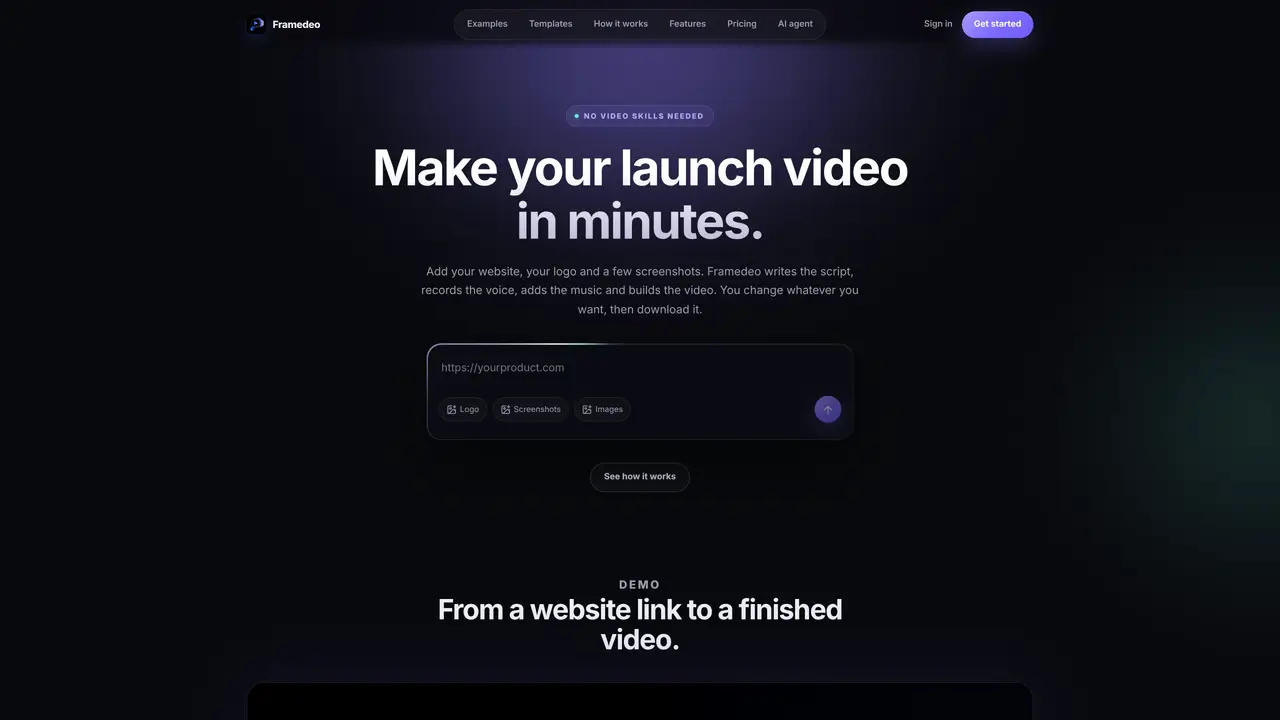
Framedeo automates the creation of product launch videos from a website link, logo, and screenshots. The platform uses AI to generate a script, record voiceover, add music, and assemble scenes into a finished video. Users can edit scenes, adjust timing, or rewrite text directly in the editor before exporting an MP4 file. The tool offers templates for different storytelling styles, including technical proofs, mobile-first reveals, and editorial spotlights. Voice selection and music tracks are customizable from built-in libraries or user uploads. Projects remain editable after generation, allowing iterative changes without starting from scratch. It is designed for product teams, marketers, and developers who need quick, professional videos without video-editing expertise.
Key features
- AI script generation
- Voiceover selection from library
- Music track integration
- Scene editing and timing adjustment
- Template-based video styles
- Project export as MP4
- MCP integration for AI agents
- Logo and screenshot upload
Use cases
- Creating product launch videos
- Generating promotional content from websites
- Automating video production for marketing teams
Pros
- AI-generated script and voiceover included
- Editable projects after generation
- Template library for different video styles
- No video-editing experience required
- Music and voiceover options included
Cons
- Subscription-based pricing model
- Requires website link and screenshots to start
- Limited to product launch videos
Frequently asked questions about Framedeo
What is Framedeo and what does it do?
Framedeo is an AI-powered platform that automates the creation of product launch videos. Users provide a website link, logo, and screenshots, and Framedeo generates a script, voiceover, music, and assembles scenes into a finished video.
Who is Framedeo designed for?
The tool is designed for product teams, marketers, developers, and anyone needing quick, professional product videos without requiring video-editing expertise or hiring designers.
Can I customize the generated video?
Yes, projects remain fully editable after generation. Users can adjust scenes, timing, text, swap screenshots, or rewrite scripts directly in the editor before exporting the final video.
Does Framedeo include voiceovers and music?
Voiceovers and music tracks are included in the platform's libraries, or users can upload their own. Both are integrated into the video to ensure clarity and professional quality.
Can Framedeo integrate with AI agents or coding tools?
Yes, Framedeo supports integration with AI agents like Claude, Gemini, OpenCode, or ZeroClaw. These agents can automate the entire video creation process from a single prompt.
How do I get started with Framedeo?
Users start by pasting their website link, uploading a logo and screenshots, and specifying the video's purpose. Framedeo then generates a script, which can be edited, followed by voice and music selection before exporting the final video.