Generate lifelike human videos with AI, making professional video creation fast and accessible for any user.
41M visits/mo+26.2%#1 Video & Animation

Google Flow is an AI filmmaking tool that generates and edits short videos from text prompts using Google's Veo model.
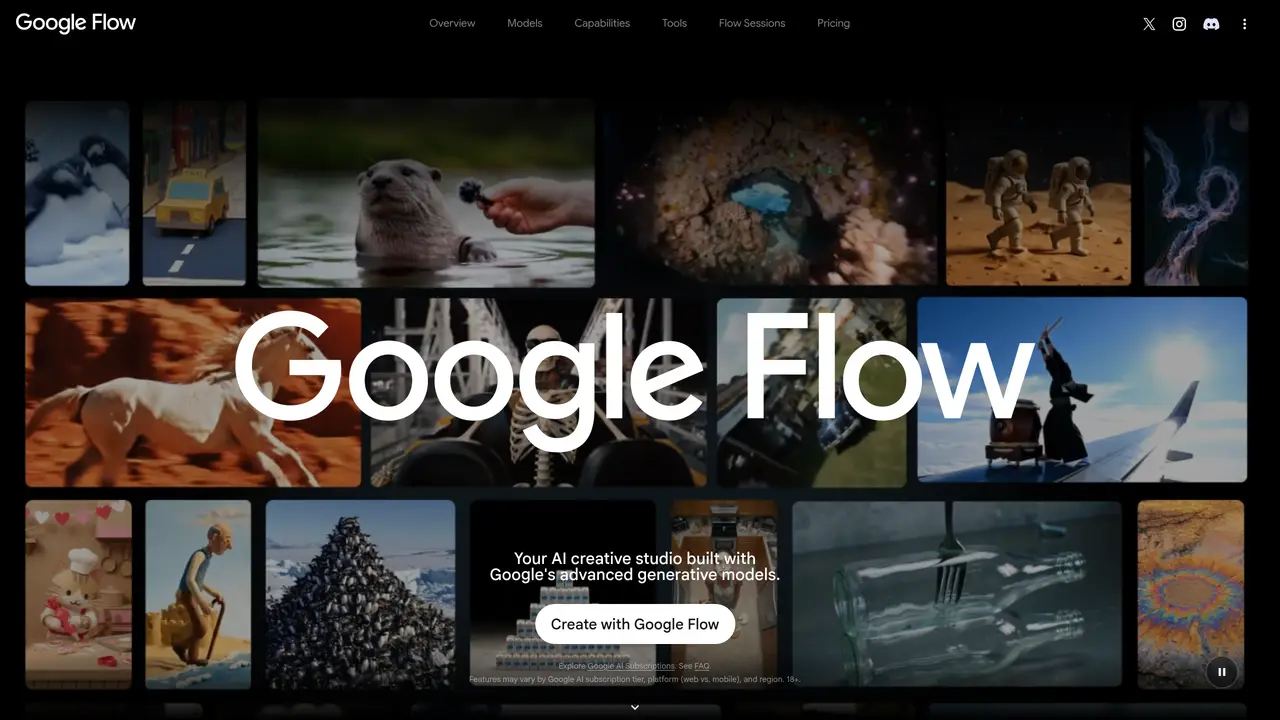
Google Flow is an AI-powered filmmaking tool designed to help users create and edit short videos from text prompts. It leverages Google’s Veo model to transform written descriptions into visual content, enabling rapid prototyping and creative exploration. The tool is aimed at filmmakers, content creators, and storytellers who want to visualize ideas quickly without extensive manual editing. Users can generate scenes, adjust elements, and refine outputs through intuitive controls. Flow supports iterative refinement, allowing creators to experiment with different styles and compositions. It integrates seamlessly with existing workflows, making it suitable for both professional and amateur use. The platform emphasizes accessibility, reducing the technical barriers to video production. By automating repetitive tasks, it frees users to focus on storytelling and creative direction.
Google Flow is an AI creative studio that helps users generate, edit, and refine videos and images using Google’s advanced generative models. It is designed for filmmakers, content creators, storytellers, and creatives seeking to streamline their workflows and explore ideas rapidly.
Google Flow supports creating and editing content from text, image, or video inputs using models like Gemini Omni and Veo 3.1. Users can blend these inputs to build and refine their projects with natural language commands.
The platform offers specialized tools such as Storyboard Studio for scripting, Shader Effects for visual filters, Mockup Comp for environmental compositing, and Type Overlays for animated text, among others.
Yes, Google Flow is suitable for both professional and amateur use, offering advanced controls and high-fidelity outputs. However, feature availability may depend on subscription tier and region.
Users can explore Google Flow by visiting the platform and trying out its models and tools directly. Some features may require a Google AI subscription, and availability can vary by platform and region.
Yes, Google Flow allows users to build, share, and remix custom tools directly within the platform, fostering collaboration and iterative improvement of creative workflows.
We use essential cookies to run aitoolnavio™, and optional cookies to analyze traffic and measure our marketing. You choose what we use — optional cookies stay off unless you turn them on. See our Privacy Policy.
One short email a week: fresh tools worth trying, honest takes and the updates that actually matter. No spam, unsubscribe any time.
Generate lifelike human videos with AI, making professional video creation fast and accessible for any user.
xAI builds Grok frontier AI models for reasoning, coding, voice, images, video, enterprise workflows, and developer APIs.
AI-powered video messaging tool that records, shares, and manages video messages with AI-generated titles, summaries, and tasks.
Explore and test Google’s experimental AI tools and prototypes before they become products.
Creates licensed videos, images, music.
Web and mobile AI platform for generating, editing, and training custom visuals from prompts with community models and face-swap tools.
Create stunning videos in a few clicks, customize with powerful tools, and automate editing without experience.
Create, convert, and enhance videos effortlessly with professional effects and royalty-free music.
Create engaging videos with voiceovers, music, and customizations using a library of royalty-free assets.
Create auto-resized campaign images and videos with DaVinci AI's generative media suite.
Freemium, uncensored AI video and image creation for individual creators with text-to-video, image effects, and gem-based upgrades for HD and no watermarks.
Generate cinematic video clips from text or images and refine them with AI-powered editing tools for creators and visual professionals.
Matched on what this tool does — grouped by the job you would be replacing.
matches Text-to-video generation from prompts · Iterative prototyping for creative exploration · AI-powered visual effects and transitions
AI-powered video generator that converts text, images, or video prompts into high-quality videos without technical skills.
AI platform that converts text, images, or videos into dynamic video content with minimal technical skill required.
Generate engaging videos in batches within a few minutes
Google’s multimodal AI video model that lets users create, remix, and edit videos using natural language.