Generate lifelike human videos with AI, making professional video creation fast and accessible for any user.
41M visits/mo+26.2%#1 Video & Animation

Create cinematic and animated videos instantly from simple text prompts with AI.
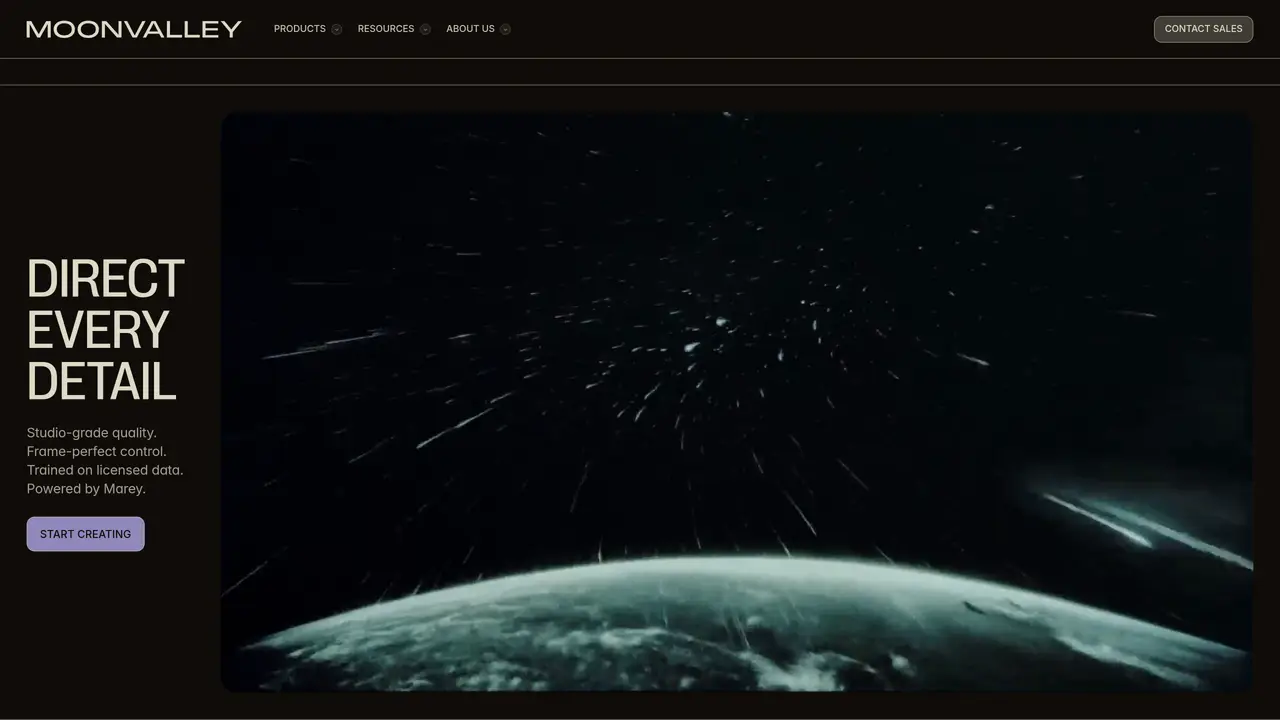
Moonvalley is a text-to-video generative AI model designed to transform written prompts into high-quality animated videos. It supports motion-guided control, allowing users to refine the movement and pacing of scenes directly from their text input. The tool is style-agnostic, meaning it can generate videos in a variety of visual styles without requiring specific templates or stylesheets. Users can also upload custom images to incorporate personal or branded visuals into their projects. Moonvalley includes analytics features to help users track performance and optimize their video content. The platform hosts a community gallery where creators share trending videos, providing inspiration and examples of what’s possible. It offers multiple pricing tiers to accommodate different user needs, from beginners to advanced creators. Whether for storytelling, marketing, or creative expression, Moonvalley streamlines the video production process by automating animation and rendering from text alone.
Moonvalley is an AI-powered video generation platform that transforms text prompts or images into high-quality animated videos with cinematic detail, motion, and lighting. It is designed for creators, filmmakers, and businesses seeking to automate video production while maintaining professional standards.
Moonvalley is ideal for filmmakers, content creators, marketers, and studios looking to generate professional-grade videos quickly from text or images. It suits users who need precise control over motion, lighting, and camera direction without extensive manual animation work.
Yes, Moonvalley provides advanced controls such as pose transfer, camera control, motion transfer, and trajectory control. These tools allow users to shape performance, direct camera movements, apply motion from reference videos, and define natural object paths.
Yes, Moonvalley emphasizes that its models are trained on licensed data and designed to be commercially safe, making it suitable for professional and business use without licensing concerns.
Moonvalley uses high-resolution cinematic footage for training, ensuring fine textures, clean edges, and rich contrast in every frame. It avoids artifacts and upscaling, and its outputs are designed to hold up in grading, playback, and high-fidelity screens.
Moonvalley offers native integration with Comfy Run and is available on fal.ai, allowing users to build and deploy workflows within compatible environments. Additional integrations may be available depending on the user's workflow setup.
We use essential cookies to run aitoolnavio™, and optional cookies to analyze traffic and measure our marketing. You choose what we use — optional cookies stay off unless you turn them on. See our Privacy Policy.
One short email a week: fresh tools worth trying, honest takes and the updates that actually matter. No spam, unsubscribe any time.
Generate lifelike human videos with AI, making professional video creation fast and accessible for any user.
xAI builds Grok frontier AI models for reasoning, coding, voice, images, video, enterprise workflows, and developer APIs.
AI-powered video messaging tool that records, shares, and manages video messages with AI-generated titles, summaries, and tasks.
Explore and test Google’s experimental AI tools and prototypes before they become products.
Creates licensed videos, images, music.
Web and mobile AI platform for generating, editing, and training custom visuals from prompts with community models and face-swap tools.
Create stunning videos in a few clicks, customize with powerful tools, and automate editing without experience.
Create, convert, and enhance videos effortlessly with professional effects and royalty-free music.
Create engaging videos with voiceovers, music, and customizations using a library of royalty-free assets.
Create auto-resized campaign images and videos with DaVinci AI's generative media suite.
Freemium, uncensored AI video and image creation for individual creators with text-to-video, image effects, and gem-based upgrades for HD and no watermarks.
Generate cinematic video clips from text or images and refine them with AI-powered editing tools for creators and visual professionals.
Matched on what this tool does — grouped by the job you would be replacing.
matches Text-to-video generation from simple prompts · Cinematic and animated video creation
Generates high-quality videos and images from text or images with cinematic controls and native 4K output.
Free AI tool by Tencent that converts text or images into high-quality videos with realistic motion and cinematic camera work up to 4K resolution.
AI video generator that combines images, video, audio and text to create cinematic videos with precise
Google DeepMind’s Veo turns detailed text prompts into cinematic AI videos with realistic motion, native audio, and fine-grained creative control.
matches Motion-guided control for refined scene movement · Custom image uploads for branded or personal content · Image-to-video generation
matches Style-agnostic output for diverse visual styles · Camera movement and angle controls
An all-in-one AI creative studio that transforms imagination into stunning, realistic images, videos, and audio.
Free AI video generator that turns text, images, audio, or video into cinematic clips with smooth camera motion and realistic character animation.
C Dance AI is a Seedance 2.0 based multimodal AI video generator for text, image, audio, and video creation with cinematic motion and native audio-video sync.
Generate and edit high-fidelity short videos with Runway’s Gen‑4 and Aleph models, maintaining style consistency and motion realism.
Seedance 2.5 creates cinematic AI video from text prompts and reference images.
Generates videos from text prompts or images with AI
Generate high-quality cinematic videos from text prompts with advanced camera work and emotional expression.
Google Veo 3 turns text or image prompts into cinematic, high-quality videos with synchronized audio and dialogue in seconds.