

Generate lifelike human videos with AI, making professional video creation fast and accessible for any user.
41M visits/mo+26.2%#1 Video & Animation
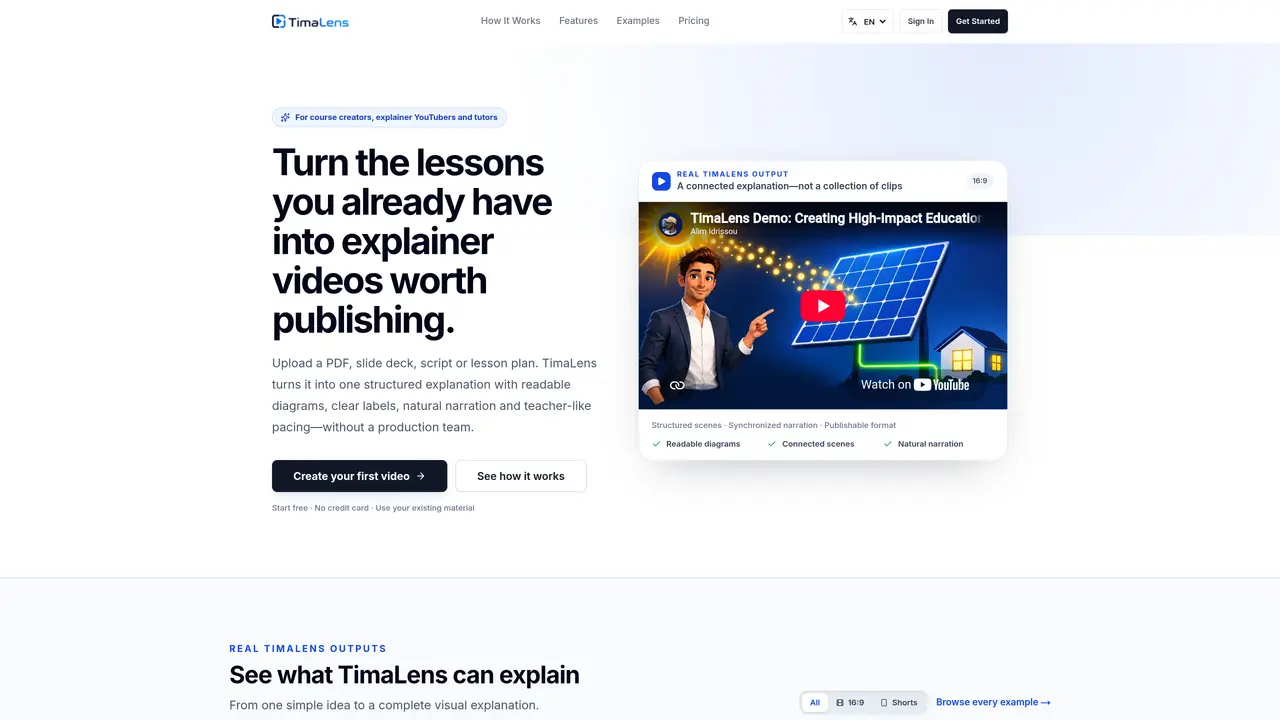
TimaLens generates whiteboard-style explainer videos from existing educational material such as PDFs, slide decks, scripts or lesson plans. The tool produces structured explanations with synchronized narration, readable diagrams, clear labels and teacher-like pacing without requiring a production team. Videos are delivered in publishable formats, including 16:9 landscape for courses and YouTube or 9:16 vertical for short-form channels. Users can review and edit individual scenes, narration or artwork before final assembly, allowing precise control over content accuracy. The platform supports multiple languages and narration voices while maintaining visual consistency. It is primarily designed for course creators, explainer YouTubers and tutors who need to transform lessons into engaging visual explanations efficiently.
TimaLens is designed for structured explanations, transforming scripts, PDFs, slides or lesson plans into connected whiteboard-style videos with diagrams, labels, narration and editable scenes. Unlike tools focused on presenter-led avatar videos or generated visual clips, TimaLens builds a coherent lesson with logical sequences and consistent visuals.
Yes. Creator and higher plans allow custom narration, voice cloning, project-wide logo integration, character references, and the inclusion of real images alongside the explanation. These features help maintain consistency with your course, channel or business identity.
Yes. TimaLens lets you review and edit individual scenes, narration or artwork before final assembly. Creator and higher plans allow reassembling the updated video without restarting the entire project, while Studio plans include additional AI editing and version history.
You can publish videos according to your plan’s usage rights. Commercial and client-use rights are included with Studio and Agency plans, allowing broader distribution and monetization options.
TimaLens accepts PDFs, slide decks, scripts, lesson plans, documents or even a simple idea or prompt. No special prompt framework is required, making it accessible for users with existing educational material.
Yes. TimaLens supports multiple languages and narration voices while maintaining visual consistency across the generated explainer videos, allowing creators to reach a broader audience.
We use essential cookies to run aitoolnavio™, and optional cookies to analyze traffic and measure our marketing. You choose what we use — optional cookies stay off unless you turn them on. See our Privacy Policy.
One short email a week: fresh tools worth trying, honest takes and the updates that actually matter. No spam, unsubscribe any time.
Generate lifelike human videos with AI, making professional video creation fast and accessible for any user.
xAI builds Grok frontier AI models for reasoning, coding, voice, images, video, enterprise workflows, and developer APIs.
AI-powered video messaging tool that records, shares, and manages video messages with AI-generated titles, summaries, and tasks.
Explore and test Google’s experimental AI tools and prototypes before they become products.
Creates licensed videos, images, music.
Web and mobile AI platform for generating, editing, and training custom visuals from prompts with community models and face-swap tools.
Create stunning videos in a few clicks, customize with powerful tools, and automate editing without experience.
Create, convert, and enhance videos effortlessly with professional effects and royalty-free music.
Create engaging videos with voiceovers, music, and customizations using a library of royalty-free assets.
Create auto-resized campaign images and videos with DaVinci AI's generative media suite.
Freemium, uncensored AI video and image creation for individual creators with text-to-video, image effects, and gem-based upgrades for HD and no watermarks.
Generate cinematic video clips from text or images and refine them with AI-powered editing tools for creators and visual professionals.
Matched on what this tool does — grouped by the job you would be replacing.
matches PDF and PowerPoint document import · Scene-by-scene storyboard controls · Direct Ink drawing hand styles
Turns PDFs into explainer videos with AI, making complex content engaging and easy to share.
Converts text, scripts or documents into hand-drawn explainer videos automatically
Turn writing into whiteboard explainer videos with Ankon AI.
AI whiteboard animation maker that turns text or PDFs into shareable videos
matches Natural AI voice narration with multiple language options · Project-wide logo integration · Commercial and client-use rights (Studio and Agency plans)
AI text-to-speech platform for creators and teams to generate lifelike voice-overs in 100+ languages with 200+ voices and commercial rights.
AI-driven platform for creating videos, voiceovers, and images.