AI-powered writing assistant for grammar, style, and tone improvements across documents and emails.
60M visits/mo+21.3%#2 Writing & Content

Scan reviews for accuracy, detect customer scams, and compare ratings and screenshots.
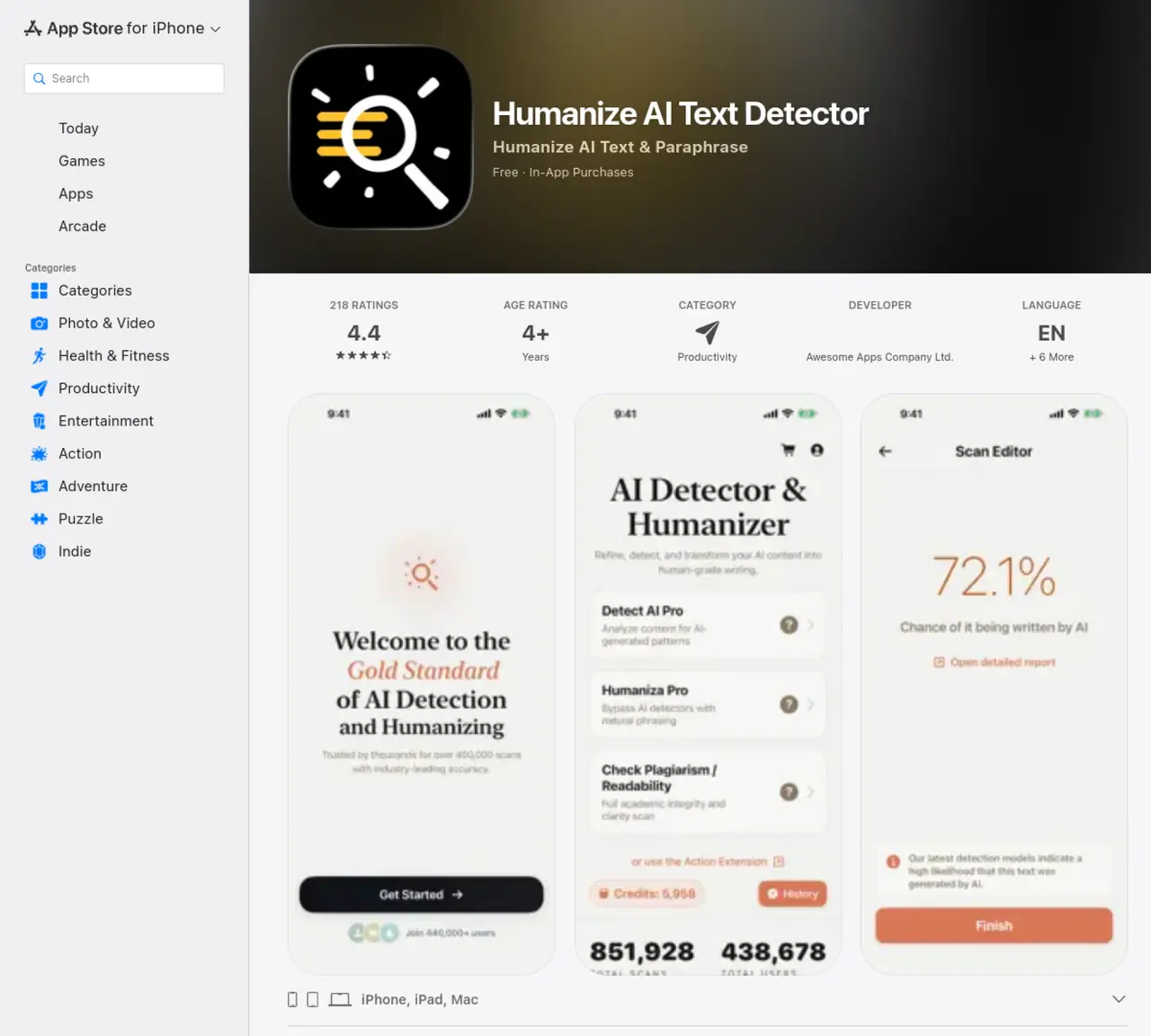
With AI Detector – Text Validator, users can quickly and easily validate text with AI technology, reducing the amount of time and effort taken to manually read reviews and check for accuracy. The tool is an invaluable resource for anyone looking to make informed decisions when downloading an app. AI Detector – Text Validator is the perfect tool for anyone who wants to quickly and accurately validate text using AI technology. The app quickly scans reviews and customer ratings, and provides users with a reliable assessment of a product or service, so they can make informed decisions when downloading an app. AI Detector – Text Validator also allows users to compare customer ratings, read screenshots, and make sure the app is worth the download. With this powerful tool, users can be sure that the app they’re downloading is reputable and worth the time and money. AI Detector – Text Validator is the perfect tool for anyone looking for a reliable way to validate text and make sure they’re downloading the right app.
Apple Inc.
Cupertino, United States · Founded 1976
The app detects AI-generated text, rewrites robotic-sounding content to sound more human, and enhances writing clarity and tone. It supports multiple formats including pasted text, uploaded files, and scanned documents.
The tool is designed for students, educators, professionals, job seekers, writers, creators, and editors who need to validate text authenticity or improve human-like readability in their writing.
The app uses advanced detection models optimized for GPT-5, ChatGPT, Gemini, and Claude content, with studies claiming high accuracy rates among market leaders. However, it acknowledges occasional false positives and recommends using results as guidance rather than definitive proof.
No, the app operates with a privacy-first approach, meaning it does not require login or store user data. It also offers a clean interface with dark mode support and built-in history tracking.
Premium features include unlimited rewriting and detection, premium tone control, faster processing, ad-free experience, and priority access to new tools. These are available via in-app subscription.
Download the app from the App Store on iPhone, iPad, or Mac. Paste, upload, or scan text directly to use detection, humanization, or text enhancement features immediately.
We use essential cookies to run aitoolnavio™, and optional cookies to analyze traffic and measure our marketing. You choose what we use — optional cookies stay off unless you turn them on. See our Privacy Policy.
One short email a week: fresh tools worth trying, honest takes and the updates that actually matter. No spam, unsubscribe any time.
AI-powered writing assistant for grammar, style, and tone improvements across documents and emails.
Plagiarism detector for AI generated text.
Instantly detect AI-generated text, identify plagiarism, and customize the detection process.
Automatically check student papers for plagiarism, generate originality reports, and offer powerful grading tools.
AI-generated text detector with 99.98% verified accuracy, supporting 20+ languages and integrations with LMS platforms.
Detect plagiarism, verify authenticity, and save time with an intuitive interface across multiple languages.
Tailor web copy, generate high-quality content, bypass AI detectors.
All-in-one SEO suite for website performance analysis, keyword tracking, plagiarism checks, sitemap generation, and article rewriting.
Create undetectable, original and engaging content with customizable output.
Ensure content originality, detect plagiarism, and identify AI usage in content with advanced AI technology.
JustDone transforms AI-generated content into clear, natural, and human-like text with its style adaptation technology.
Secure, scalable AI-driven identity verification solutions.
Matched on what this tool does — grouped by the job you would be replacing.
matches Automatically scan reviews for accuracy · Detect potential customer scams · Compare customer ratings and screenshots
Plagiarism detector for AI generated text.
Instantly detect AI-generated text, identify plagiarism, and customize the detection process.
Instantly detect errors, plagiarism, and misinformation in content, saving time and resources.
Automatically correct typos, provide language and grammar feedback, and present clear, error-free content.