AI-powered writing assistant for grammar, style, and tone improvements across documents and emails.
60M visits/mo+21.3%#2 Writing & Content

Converts AI-generated text in Word documents into human-like prose while preserving formatting
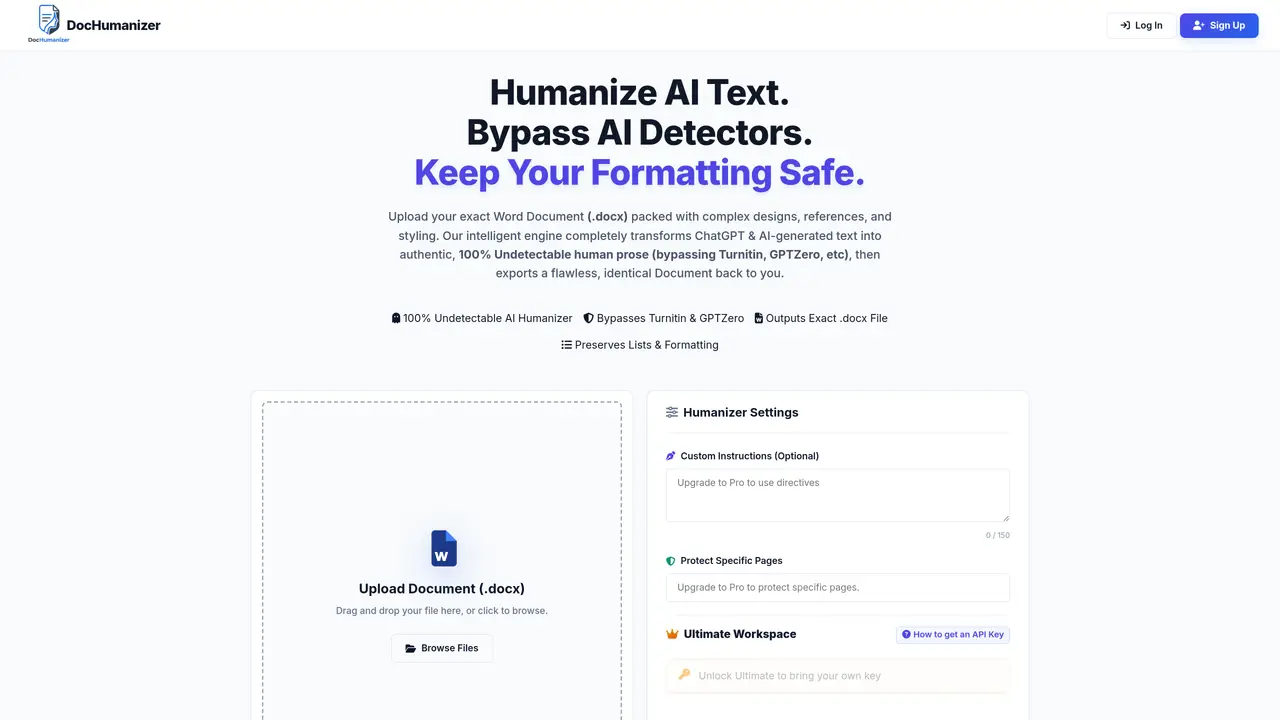
DocHumanizer processes uploaded Word documents (.docx) containing AI-generated text and rewrites them to appear human-written. The tool targets outputs from models like ChatGPT and bypasses AI detection systems such as Turnitin and GPTZero. It maintains the original document’s structure, including lists, references, and styling, before returning a refined version. Users can apply custom instructions to guide the humanization process or protect specific pages from modification. The platform offers a tiered pricing model with a free plan allowing one document per month and paid tiers for higher volumes and advanced features. A developer terminal provides real-time insights into the humanization process.
DocHumanizer rewrites AI-generated text in uploaded Word documents to appear human-written while preserving the original structure, formatting, and styling.
The tool suits academic professionals, writers, and businesses needing to refine AI-generated content while maintaining document integrity and bypassing AI detection systems.
Yes, it isolates and preserves all native formatting elements, including lists, references, and styling, returning an identical document structure.
Users can apply custom instructions to guide the humanization process or protect specific pages from modification.
The tool is designed to bypass AI detection systems such as Turnitin and GPTZero.
Upload a Word document (.docx), apply optional custom instructions or page protections, and process the file to receive a refined, humanized version.
We use essential cookies to run aitoolnavio™, and optional cookies to analyze traffic and measure our marketing. You choose what we use — optional cookies stay off unless you turn them on. See our Privacy Policy.
One short email a week: fresh tools worth trying, honest takes and the updates that actually matter. No spam, unsubscribe any time.
AI-powered writing assistant for grammar, style, and tone improvements across documents and emails.
Plagiarism detector for AI generated text.
Instantly detect AI-generated text, identify plagiarism, and customize the detection process.
Automatically check student papers for plagiarism, generate originality reports, and offer powerful grading tools.
AI-generated text detector with 99.98% verified accuracy, supporting 20+ languages and integrations with LMS platforms.
Detect plagiarism, verify authenticity, and save time with an intuitive interface across multiple languages.
Tailor web copy, generate high-quality content, bypass AI detectors.
All-in-one SEO suite for website performance analysis, keyword tracking, plagiarism checks, sitemap generation, and article rewriting.
Create undetectable, original and engaging content with customizable output.
Ensure content originality, detect plagiarism, and identify AI usage in content with advanced AI technology.
JustDone transforms AI-generated content into clear, natural, and human-like text with its style adaptation technology.
Secure, scalable AI-driven identity verification solutions.
Matched on what this tool does — grouped by the job you would be replacing.
matches AI text humanization · Exact .docx format preservation
GPTHumanizer.ai converts AI-generated text into natural, human-like writing.
Rewrites AI-generated text to sound natural and human while preserving meaning
Converts AI-generated text into human-sounding writing while preserving formatting
Rewrites AI-generated text to sound natural and human while preserving facts
matches AI detector bypass
Walter AI humanizes AI text and bypasses detection, ensuring plagiarism-free, authentic content instantly.
Tool to convert AI-generated text into human-like text and bypass AI detection systems.
Rewrites AI-generated text to sound natural and bypass detection tools
Turns AI-generated text into natural human writing.