
AI chatbot for conversation, work, research, coding, and content creation.
5.9B visits/mo+5%#1 Chatbots & Assistants
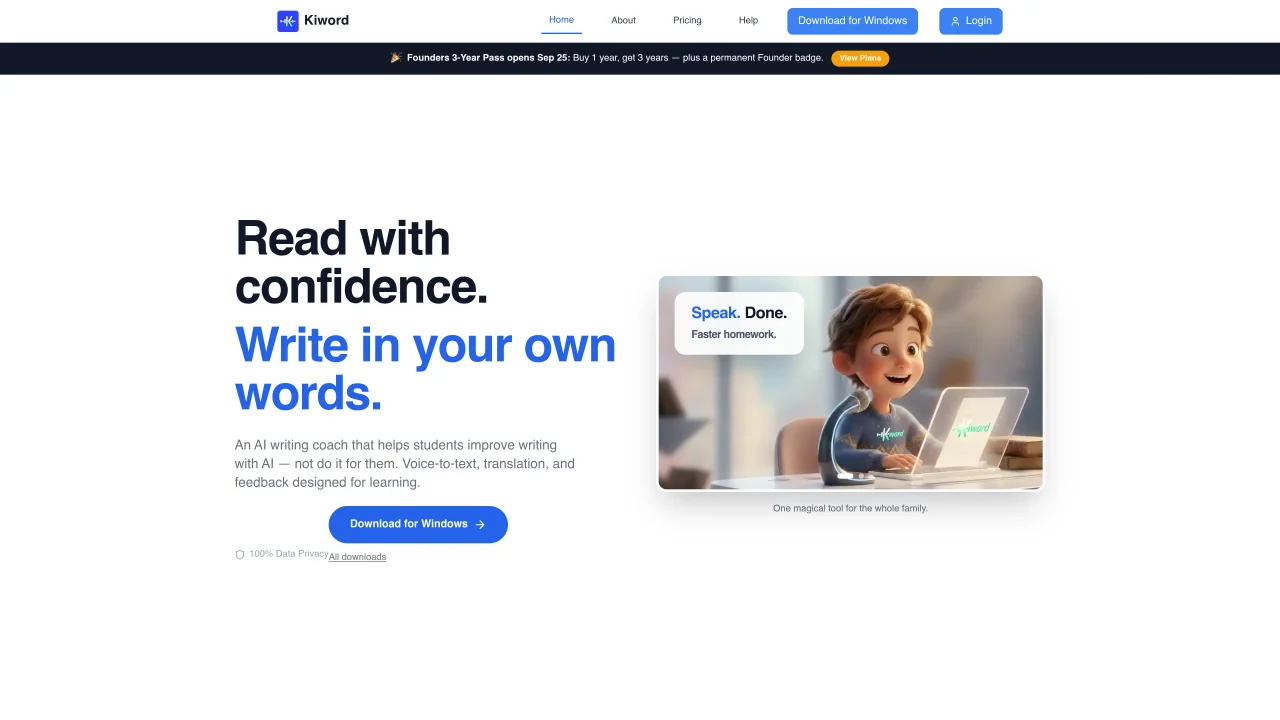
Kiword is an on-device AI tool designed to assist K-12 students with writing and typing through voice input. It provides real-time feedback, vocabulary expansion, and grammar suggestions without completing assignments for the user. The tool includes features such as voice-to-text dictation, smart punctuation, and AI-powered translation for over 100 languages. It operates entirely on the user’s device to ensure data privacy and compliance with COPPA and GDPR standards. Kiword also offers a parent dashboard to track speaking progress and an outline generator to guide students in structuring their writing. The application is available for Windows and is in development for macOS and Linux. It supports both child and adult profiles, allowing families to use the same tool for homework and daily tasks.
Kiword is an on-device AI tool designed to assist K-12 students with writing and typing through voice input. It provides real-time feedback, vocabulary expansion, and grammar suggestions without completing assignments for the user.
No. Kiword is designed as an educational writing scaffold, not a ghostwriter. Its outline generator asks guiding questions and offers vocabulary suggestions, but the child writes every sentence themselves.
Kiword's voice recognition and processing run locally on the user’s device, so dictation does not have to be uploaded to a public cloud. Some optional features may use an internet connection, but local processing ensures data privacy.
Kiword is available for Windows 10 or later. Support for macOS and Linux is in active development. Users can check the download page for availability updates.
Yes. Kiword offers both child and adult profiles, allowing families to use the same tool for homework and daily tasks like emails and documents.
Yes. By removing the physical barrier of typing, Kiword lets students express ideas through speech and then review clean, well-punctuated text, which is a widely recommended assistive approach for dyslexia and other writing challenges.
We use essential cookies to run aitoolnavio™, and optional cookies to analyze traffic and measure our marketing. You choose what we use — optional cookies stay off unless you turn them on. See our Privacy Policy.
One short email a week: fresh tools worth trying, honest takes and the updates that actually matter. No spam, unsubscribe any time.
AI chatbot for conversation, work, research, coding, and content creation.
Generate content, correct spelling, suggest synonyms to enhance writing.
Summarizes, extracts, and rewrites content from files.
Automate research, make corrections, and integrate easily into text editors for convenient content generation and error detection.
AI-powered writing assistant for grammar, style, and tone improvements across documents and emails.
Instantly detect AI-generated text, identify plagiarism, and customize the detection process.
A free web-based AI chatbot and agent for writing, coding, research, and content creation with multilingual support.
AI research assistant that finds trusted sources, summarizes documents and videos, and generates cited answers with a browser extension for capturing findings.
AI-powered proofreading, editing, plagiarism checking, and citation generation for academic papers.
AI-powered web design suite inside Webflow that generates sites, code components, and SEO improvements from prompts.
Get quick copywriting help, generate marketing copy, and easily translate, explain, and rephrase web page text.
Craft captivating stories effortlessly using AI-powered GPT technology and an intuitive interface.
Matched on what this tool does — grouped by the job you would be replacing.
matches Private on-device AI voice typing and writing coach for K-12 students · Parent dashboard for progress tracking · Child and adult profile switching
AI writing assistant that guides students from assignment prompt to final draft inside Google Docs
Private, on-device voice dictation for eleven Indian languages
matches Voice-to-text dictation · Smart punctuation and formatting · Local data processing for privacy
matches AI-powered writing feedback and vocabulary expansion · Real-time translation for over 100 languages
Privacy-first desktop app that converts voice to text offline using on-device AI for secure, instant transcription in 99 languages.
Local dictation app for macOS that transcribes speech into text offline
Mac app for private, offline voice typing and text-to-speech using Apple Silicon with 31 languages and 64 voices.
Local speech-to-text for macOS with no cloud processing
Dictate and edit documents three times faster with AI.
AI voice-to-text app that turns speech into polished text with style adaptation, punctuation, and filler-word removal for emails, docs, and notes.
Instant text translation, shortening, fixing and dictation right in any app
AI-powered grammar checker, reference checker, powerful text editor, dictionary, and thesaurus in one place.