

Generate content, correct spelling, suggest synonyms to enhance writing.
173M visits/mo+0.1%#1 Productivity & Office
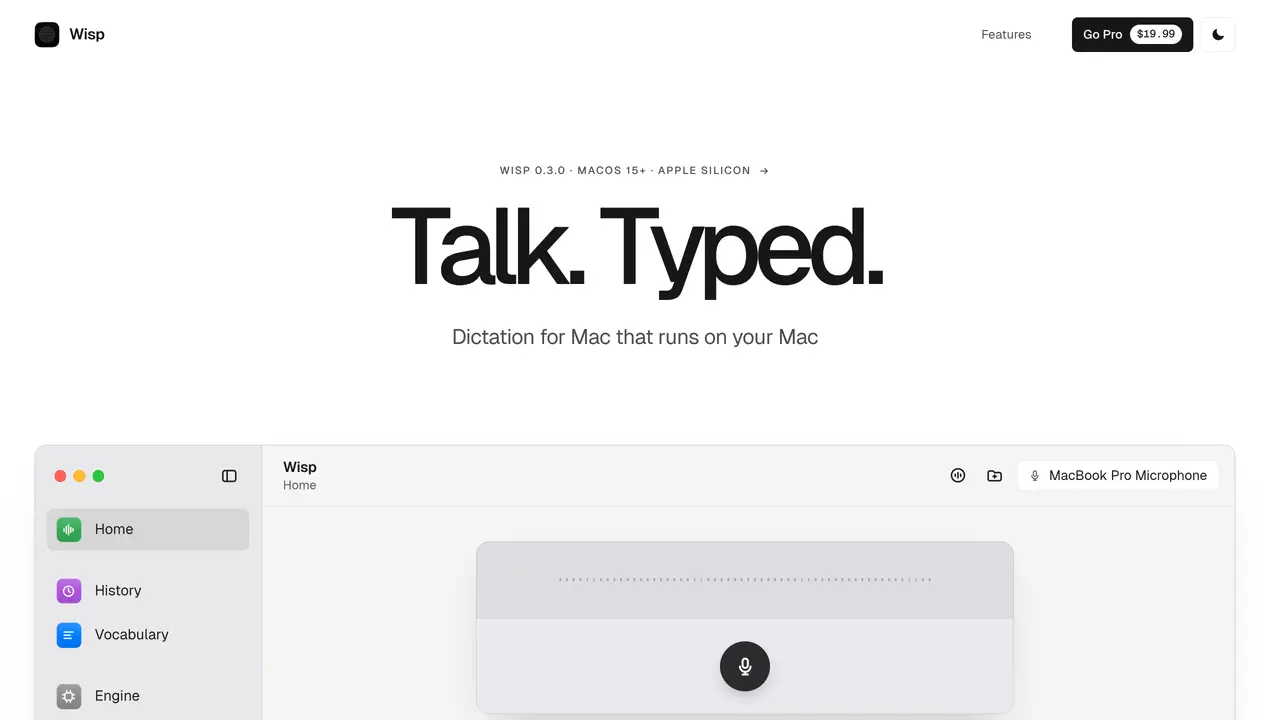
Wisp is a local dictation application designed for macOS that converts spoken words into written text without requiring an internet connection. It runs entirely on the user’s Mac, processing speech through locally loaded Core ML models to ensure privacy and low latency. The tool is primarily aimed at users who need hands-free text creation, such as writers, programmers, or professionals drafting emails and documents. Wisp supports real-time transcription with features like live preview, fillers removal, and automatic punctuation correction. It also allows users to customize vocabulary, assign styles per application, and bias the speech model toward specific terms. The app integrates with macOS workflows, enabling dictation into any active application and providing searchable history of past transcriptions. Additional features include file transcription, adjustable microphone settings, and a translucent interface that adapts to light or dark mode.
Wisp is a local dictation application for macOS that converts spoken words into written text entirely on the user’s Mac using Core ML models. It enables hands-free text creation with features like live preview, automatic punctuation correction, and fillers removal.
Wisp is designed for users who need efficient hands-free text creation, such as writers, programmers, and professionals drafting emails or documents. It also suits users who prioritize privacy and offline functionality.
No, Wisp operates entirely offline. All speech processing is handled locally on the user’s Mac, ensuring privacy and low latency without requiring an internet connection.
Yes, Wisp integrates with macOS workflows, allowing dictation into any active application. It also supports file transcription and provides searchable history of past transcriptions.
Wisp allows users to customize vocabulary and bias the speech model toward specific terms, ensuring accurate transcription of technical language, acronyms, and domain-specific jargon.
Wisp requires an Apple M1 or later Mac running macOS 15 or later, with at least 8 GB of memory and 2 GB of storage. It is optimized for Apple silicon.
We use essential cookies to run aitoolnavio™, and optional cookies to analyze traffic and measure our marketing. You choose what we use — optional cookies stay off unless you turn them on. See our Privacy Policy.
One short email a week: fresh tools worth trying, honest takes and the updates that actually matter. No spam, unsubscribe any time.
Generate content, correct spelling, suggest synonyms to enhance writing.
Turn messy team ideas into actionable plans with Miro's visual workspace.
Leverage analytics, automate tasks, share documents, and coordinate projects.
Integrates AI into Airtable to analyze data, summarize insights, draft content, and automate workflows without prior AI experience.
Cloud accounting software that automates bookkeeping, invoicing, and financial reporting for small and growing businesses.
Streamline teamwork, manage projects, automate tasks efficiently.
Automate code, research, and documents using agents.
AI assistant for safe, reliable productivity with code, collaboration, and integrations.
Create customizable tables, databases, and spreadsheets, share data securely with team members.
Easy-to-use CRM platform that automates lead capturing, prioritizes tasks, and provides sales pipeline analytics for businesses of all sizes.
Transforms thoughts into actions, enhancing productivity and efficiency.
Write & run code in 50+ languages, auto-complete with AI, and code faster with an intuitive interface.
Matched on what this tool does — grouped by the job you would be replacing.
Paid placement · similar tools from listings that support aitoolnavio™
Instant lead response for home-service pros: your phone rings on every new lead, plus 14 days of follow-up
matches Local Core ML speech models · Real-time transcription with live preview · Customizable vocabulary and technical terms
Speak, your Mac privately types into every app.
Offline voice dictation for macOS with instant text output
Local voice-to-text dictation and file transcription for macOS
Local speech-to-text for macOS with no cloud processing