AI chatbot for conversation, work, research, coding, and content creation.
5.9B visits/mo+5%#1 Chatbots & Assistants

AI academic writing tool that drafts papers with citations linked to uploaded PDF sources
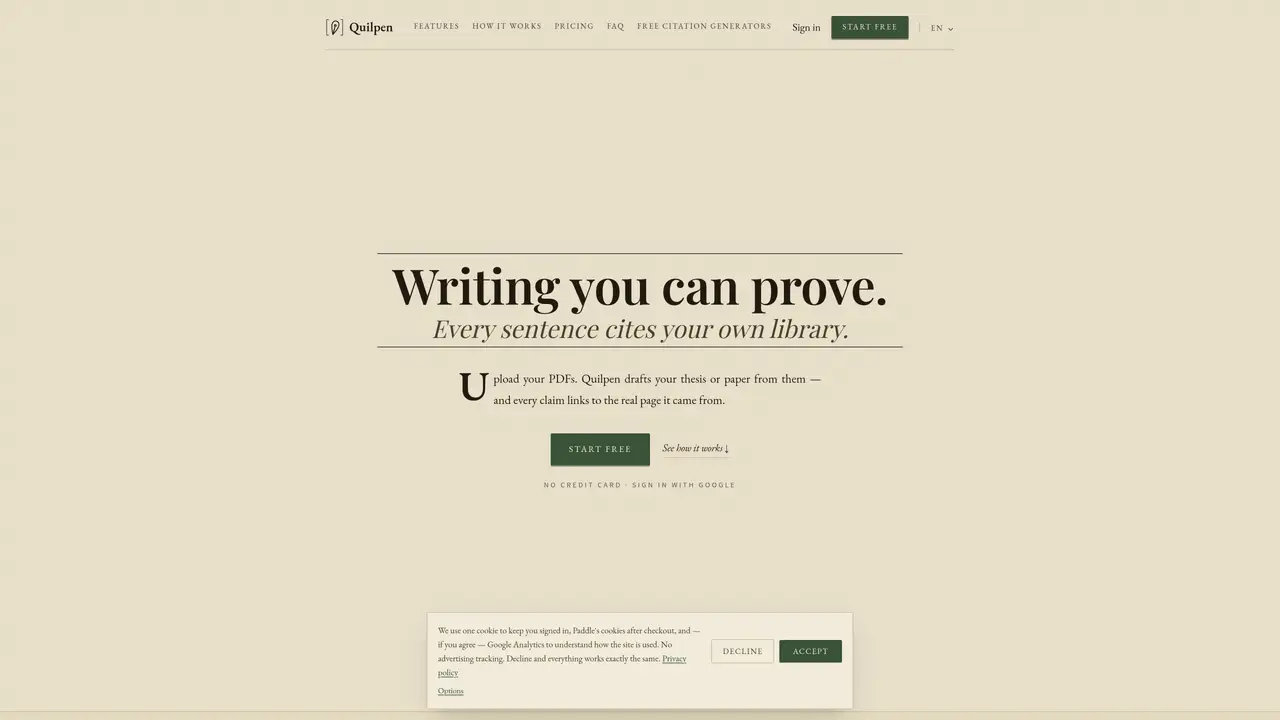
Quilpen is an AI-powered academic writing assistant designed to streamline the process of drafting research papers, theses, and journal articles. The tool allows users to upload PDF documents—including scanned or Arabic-script materials—and automatically extracts, indexes, and organizes the content into a searchable personal library. It drafts text while embedding citations that link directly to the exact passages in the source files, ensuring every claim is verifiable and traceable. Users can interact with their source library through a chat interface, asking questions and receiving answers grounded in the uploaded material with page references. The platform supports nine citation styles, handles metadata extraction, and performs OCR for scanned documents. It also accommodates right-to-left languages and maintains page-aware references. Drafts can be exported in DOCX or PDF formats with properly formatted bibliographies, making the output submission-ready. Additionally, users can plan and organize long projects chapter by chapter, tracking progress and maintaining structure throughout the writing process.
No — Quilpen cannot invent citations. Every citation is retrieved from the PDFs you upload, and each claim links to the exact page in the source material for verification.
Quilpen supports nine citation styles, including APA, MLA, Chicago, IEEE, Vancouver, AMA, Harvard, Turabian, and ISNAD.
Yes, Quilpen performs OCR on scanned PDFs and supports right-to-left languages, including Arabic-script documents.
No, Quilpen is GDPR compliant and does not use user data for training AI models.
Quilpen operates on a credit-based system, where drafting a subsection consumes a set number of credits. Plans vary in credit allowances and storage, with options for monthly or yearly subscriptions.
Users can sign in with Google and start for free. Upload PDFs to build a source library, then draft text or plan projects using the roadmap feature before exporting the final document.
We use essential cookies to run aitoolnavio™, and optional cookies to analyze traffic and measure our marketing. You choose what we use — optional cookies stay off unless you turn them on. See our Privacy Policy.
One short email a week: fresh tools worth trying, honest takes and the updates that actually matter. No spam, unsubscribe any time.
AI chatbot for conversation, work, research, coding, and content creation.
Generate content, correct spelling, suggest synonyms to enhance writing.
Summarizes, extracts, and rewrites content from files.
Automate research, make corrections, and integrate easily into text editors for convenient content generation and error detection.
AI-powered writing assistant for grammar, style, and tone improvements across documents and emails.
Instantly detect AI-generated text, identify plagiarism, and customize the detection process.
A free web-based AI chatbot and agent for writing, coding, research, and content creation with multilingual support.
AI research assistant that finds trusted sources, summarizes documents and videos, and generates cited answers with a browser extension for capturing findings.
AI-powered proofreading, editing, plagiarism checking, and citation generation for academic papers.
AI-powered web design suite inside Webflow that generates sites, code components, and SEO improvements from prompts.
Get quick copywriting help, generate marketing copy, and easily translate, explain, and rephrase web page text.
Craft captivating stories effortlessly using AI-powered GPT technology and an intuitive interface.
Matched on what this tool does — grouped by the job you would be replacing.
matches PDF upload and indexing · Citation verification with page-level links · Chapter-by-chapter thesis planning
AI-powered research platform that streamlines academic workflows with research assistance, citation management, and writing tools.
AI-powered academic writing assistant that refines drafts into submission-ready papers with educator-developed feedback.
Turn prompts into citation-rich thesis drafts fast.
matches Source chat for querying uploaded documents · Scanned-PDF OCR
An AI reading assistant that lets users upload documents and videos, then ask questions and get cited answers with summaries.
Private AI appliance for local document search and Q&A with source citations
Turns PDFs and documents into searchable Q&A with page-level citations
Convert scanned PDFs and archival material into a searchable, AI-powered knowledge base with semantic search and citations.