
Generate speech with customizable voices in any language, and create captivating stories using natural-sounding voices.
34M visits/mo-7.6%#2 Audio & Voice

Browser-based AI video editor with multilingual voiceover and captioning
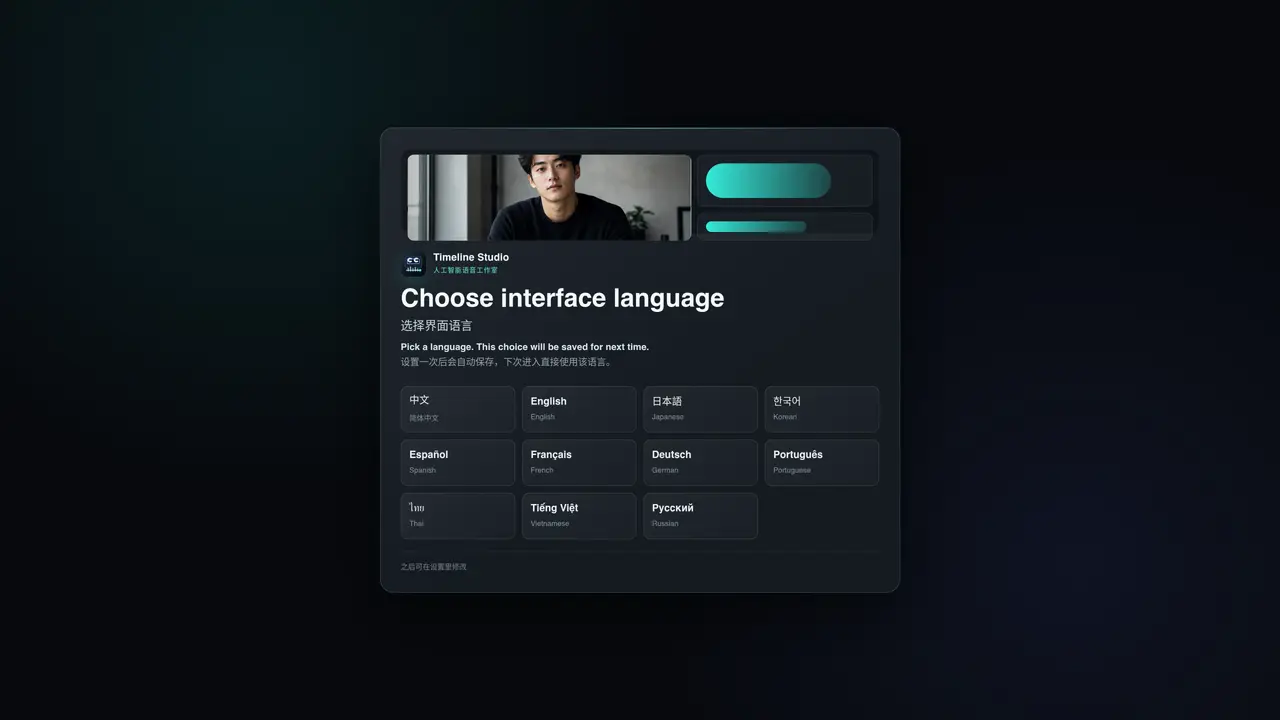
Timeline Studio is a free, open-source AI video editor designed to operate entirely within a web browser, eliminating the need for external server uploads. The tool enables users to generate multilingual voiceovers and captions, arrange media across multiple tracks, and export projects while maintaining local-first processing. Core editing functions and AI workflows run on the user’s device, ensuring privacy and reducing reliance on cloud services. Model artifacts are downloaded only when required, and the source code is available under the MIT License, with third-party models retaining their original licenses. Timeline Studio supports browser-based AI voiceover generation, captioning, talking-avatar creation, and video editing, all within a real timeline interface. It requires JavaScript to function and is accessible directly through a web browser without installation. The tool is particularly suited for creators, educators, and small teams seeking a privacy-focused, no-cost solution for video production. Projects can be managed locally, and media remains on the user’s device throughout the editing process. The open-source nature allows for customization and transparency, while reusable model caching enhances performance for repeated tasks.
Timeline Studio is a free, open-source AI video editor that runs entirely in a web browser. It allows users to create multilingual voiceovers, captions, and edit videos on a real timeline without uploading content to external servers.
The tool is designed for creators, educators, small teams, and anyone seeking a privacy-focused, no-cost video editing solution that operates locally in the browser.
Timeline Studio processes core editing and AI workflows locally on the user’s device, downloading model artifacts only when needed. Project media is never uploaded to an external editing backend.
Yes, Timeline Studio can generate multilingual narration using local browser inference and reusable model caching, supporting multiple languages for voiceover creation.
The Timeline Studio source code is available under the MIT License, while third-party models used within the editor retain their original upstream licenses.
Users can open the editor directly in a web browser by visiting the provided link. No installation is required, and the tool operates through JavaScript in the browser.
We use essential cookies to run aitoolnavio™, and optional cookies to analyze traffic and measure our marketing. You choose what we use — optional cookies stay off unless you turn them on. See our Privacy Policy.
One short email a week: fresh tools worth trying, honest takes and the updates that actually matter. No spam, unsubscribe any time.
Generate speech with customizable voices in any language, and create captivating stories using natural-sounding voices.
Generate audio content for podcasts, e-learning, or video production with natural-sounding voices on any device.
Create audio versions of documents, listen to text in multiple languages, and customize voice, pitch, and volume.
Cloud communications platform that lets developers embed SMS, voice, WhatsApp, email, video, verification, and conversational AI via APIs.
Create podcasts, audiobooks, and voiceovers, customize voice style, and generate natural speech from text.
Create transcripts of meetings, voice-overs for videos, and transcribe and review customer feedback efficiently.
Create engaging educational, marketing, and training videos using pre-built assets and an AI-driven text-to-speech engine.
AI-powered translation tool that detects and converts text between 15+ languages instantly with a single click.
Cartesia delivers real-time AI voice and TTS models with low-latency streaming, voice cloning, and transcription for interactive applications.
Create natural audio for podcasts, automate customer service responses, and generate audio for online courses.
Web-based AI toolkit for creators to generate AI videos, images, and natural voiceovers with credit-based plans.
Generate professional voiceovers, enhance language learning, and add synthesized speech to applications effortlessly.
Matched on what this tool does — grouped by the job you would be replacing.
matches Multi-track timeline editing · Caption generation
Browser-based video creation with AI generation, editing, voice and collaboration
Agent-native video editor for local editing with WebMCP agents
Turns scripts into editable short videos with AI visuals, voiceover and captions
matches Local AI voice generation · Multilingual narration support
Local AI voice generation studio with unlimited text-to-speech and audio processing
Mac-only text-to-speech app that generates studio-quality narration locally
Offline voice assistant and dictation tool for desktop