
Generate captions, optimize content, and enhance with custom images for maximum engagement.
46M visits/mo-10%#3 Image & Design
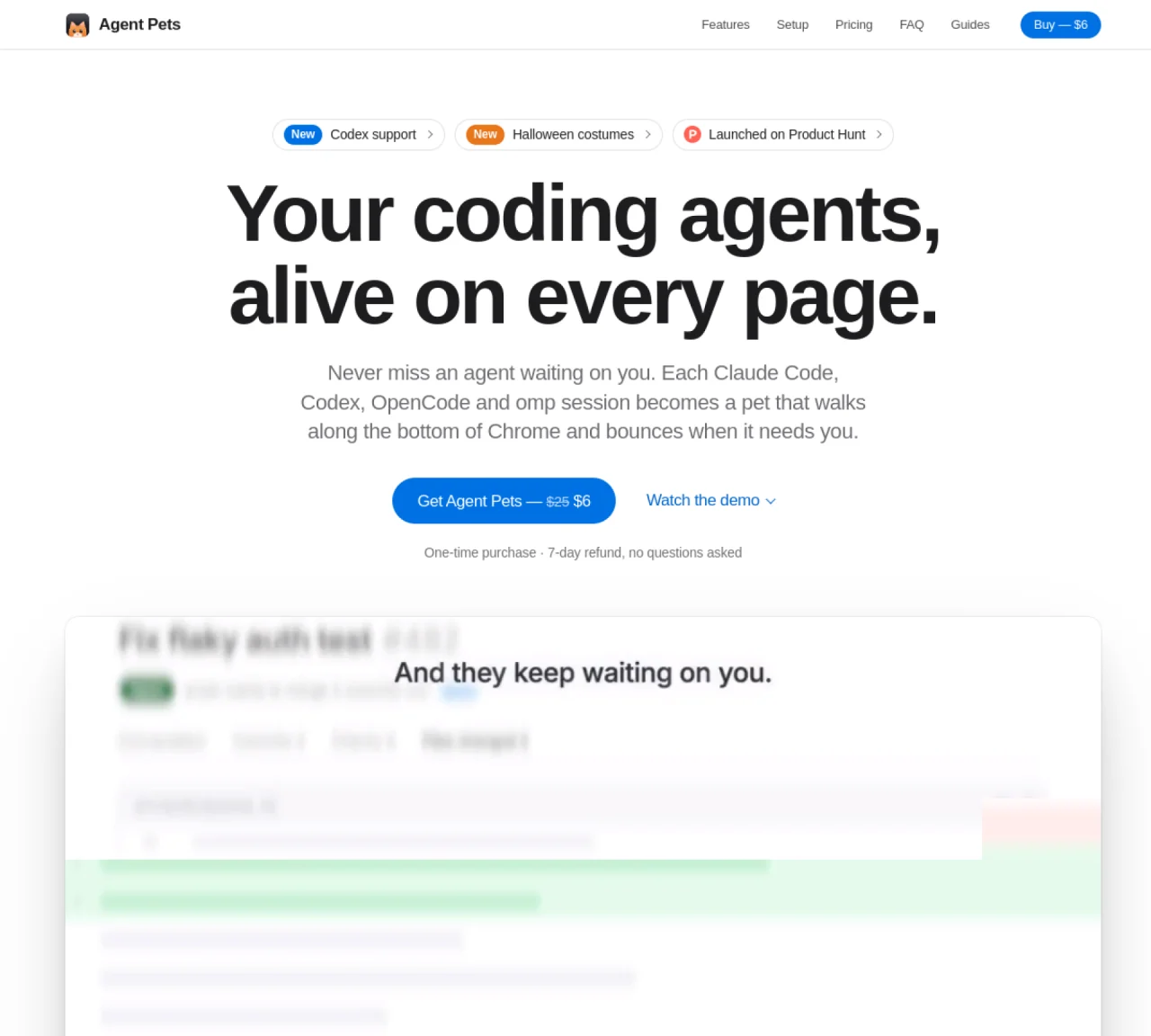
Agent Pets integrates with coding agents such as Claude Code, Codex, OpenCode and omp to provide visual notifications and approvals directly in the Chrome browser. Each active agent session appears as an animated pet that moves along the bottom of the screen and bounces when the agent requires user input. Users can approve, deny or always allow requests from any browser tab without switching windows. The tool displays a status capsule above each pet indicating the agent’s current task and maintains a toolbar badge that counts pending sessions. Desktop notifications are available for users working outside the browser. Approvals and replies can be sent from notifications, keeping workflow uninterrupted. Agent Pets runs entirely locally and does not require accounts or cloud services; all code and prompts remain on the user’s machine. The helper application communicates only for license validation and update checks.
Agent Pets integrates with coding agents like Claude Code, Codex, OpenCode, and omp to provide visual notifications and approvals directly in the Chrome browser. It displays animated pets that move along the bottom of the screen and bounce when the agent requires user input.
Agent Pets is designed for developers who use coding agents such as Claude Code, Codex, OpenCode, or omp and need a way to receive and respond to approval requests without switching browser tabs or windows.
Agent Pets connects to supported coding agents via a one-time command, installs the necessary hooks, and runs locally on the user’s machine. It communicates with the agents to display their status and handle approvals directly in the browser or via desktop notifications.
No, Agent Pets runs entirely locally and does not require accounts or cloud services. All code and prompts remain on the user’s machine, with only license validation and update checks involving external communication.
Agent Pets works in Chrome, Arc, Brave, Edge, and other Chromium-based browsers on macOS, Linux, and Windows. macOS users benefit from automatic startup and updates, while Linux and Windows users manage the helper with simple commands.
To get started, run the command 'npx getagentpets init' to connect your coding agents, install the helper, and set up the Chrome extension. Then, load the extension in Chrome, pin it, and paste your license key to begin using it.
We use essential cookies to run aitoolnavio™, and optional cookies to analyze traffic and measure our marketing. You choose what we use — optional cookies stay off unless you turn them on. See our Privacy Policy.
One short email a week: fresh tools worth trying, honest takes and the updates that actually matter. No spam, unsubscribe any time.
Generate captions, optimize content, and enhance with custom images for maximum engagement.
Build conversational forms, capture rich responses, and automate follow-ups with AI-powered surveys and workflows.
Automate code, research, and documents using agents.
AI-powered IDE for autonomous coding tasks and agentic development workflows
Source, match, and manage talent with predictive analytics for effortless recruiting.
Automate workflow, optimize operations, and detect potential issues with this efficient AI-driven solution.
Transforms thoughts into actions, enhancing productivity and efficiency.
AI Recruitment engine to hire top global talent
All-in-one team productivity platform combining chat, docs, video meetings, workflows, and AI tools in one place.
Personal assistant that coordinates tasks across apps and devices via text or call
AI automation and agent-building platform with 3,000+ app integrations
AI job search copilot that matches roles to skills, optimizes resumes for ATS, generates cover letters, and autofills applications with real-time insights.
Matched on what this tool does — grouped by the job you would be replacing.
matches Bouncing pet animations for pending agent requests · Approve, deny or always allow from any tab · Desktop notifications with inline action buttons
Mac-only utility that displays Claude Code agents in a MacBook notch panel
iPhone app that displays agent updates on the lock screen
Ambient macOS light strip showing AI coding agent states beside the Dock