Generate captions, optimize content, and enhance with custom images for maximum engagement.
46M visits/mo-10%#3 Image & Design

Automate mundane tasks, access AI assistance, and streamline daily tasks to maximize productivity.
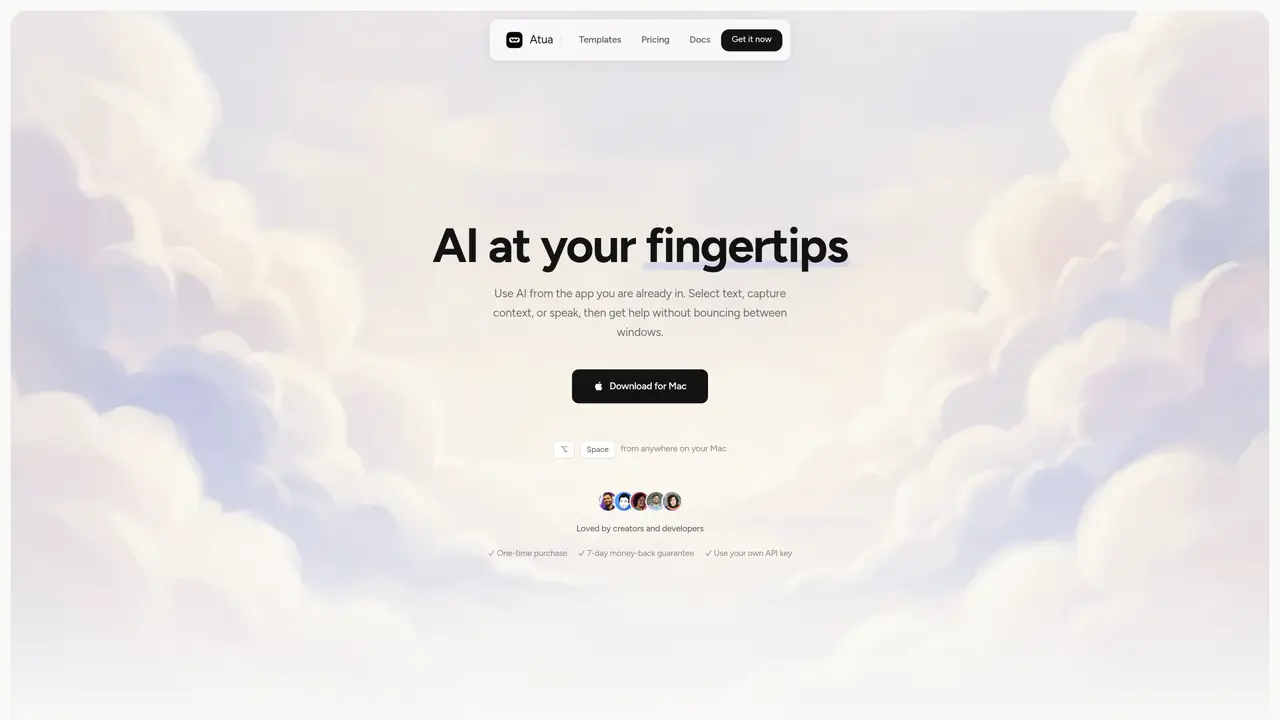
Atua is an AI-powered tool designed to offer seamless and efficient assistance to Mac OS users. By simply pressing a shortcut key, users can access ChatGPT’s AI assistance without having to switch between different applications. With Atua, users can create custom commands and assign hotkeys to tailor the tool to their specific needs. Atua promises to make AI assistance an effortless process, allowing users to quickly and easily access the power of AI and make the most of their time. It’s a perfect tool for streamlining daily tasks, from organizing emails and transcribing notes to researching and creating documents. By leveraging the power of AI, Atua helps users get the job done faster and more efficiently. Atua is the perfect choice for Mac OS users who want to maximize their productivity and make the most of their time.
Atua is a Mac OS application that integrates AI assistance directly into the user's workflow. It allows users to access AI tools without switching applications by selecting text, capturing context, or using voice input, then triggering commands via hotkeys or a global shortcut.
Atua is designed for Mac OS users, particularly creators, developers, and professionals who want to streamline tasks such as organizing emails, transcribing notes, researching, or creating documents using AI assistance.
Atua runs locally on the user's Mac, but network requests are only made for AI calls and updates. Users must have an internet connection to access AI models via their own API keys.
Yes, Atua supports multiple AI providers and models, including OpenAI, Anthropic, Groq, Mistral, and others. Users can bring their own API keys and choose the model that best fits their needs.
Users can download Atua for Mac, install it, and start creating custom commands with prompts and context. They can then assign hotkeys and begin using AI assistance directly from any application on their Mac.
Yes, Atua provides a 7-day money-back guarantee for users who are not satisfied with the tool.
atua.app · third-party estimates from Similarweb
Last 3 months · grows by one month every month
Traffic figures are third-party estimates, good for scale and trends; they can differ from a company's own numbers. Updated monthly.
We use essential cookies to run aitoolnavio™, and optional cookies to analyze traffic and measure our marketing. You choose what we use — optional cookies stay off unless you turn them on. See our Privacy Policy.
One short email a week: fresh tools worth trying, honest takes and the updates that actually matter. No spam, unsubscribe any time.
Generate captions, optimize content, and enhance with custom images for maximum engagement.
Build conversational forms, capture rich responses, and automate follow-ups with AI-powered surveys and workflows.
Automate code, research, and documents using agents.
AI-powered IDE for autonomous coding tasks and agentic development workflows
Source, match, and manage talent with predictive analytics for effortless recruiting.
Automate workflow, optimize operations, and detect potential issues with this efficient AI-driven solution.
Transforms thoughts into actions, enhancing productivity and efficiency.
AI Recruitment engine to hire top global talent
All-in-one team productivity platform combining chat, docs, video meetings, workflows, and AI tools in one place.
Personal assistant that coordinates tasks across apps and devices via text or call
AI automation and agent-building platform with 3,000+ app integrations
AI job search copilot that matches roles to skills, optimizes resumes for ATS, generates cover letters, and autofills applications with real-time insights.
Matched on what this tool does — grouped by the job you would be replacing.
matches Automate mundane tasks · Access AI assistance with a single shortcut key · Create custom commands and assign hotkeys
Runable lets users automate computer tasks by typing plain-language commands instead of writing code.
macOS productivity app that brings ChatGPT shortcuts into any app to automate text tasks and streamline workflows for Apple users.
Automate tasks, streamline setup, and maximize workflow with an intuitive interface for efficient GPT usage.
matches Streamline daily tasks such as researching and creating documents
Generate content, correct spelling, suggest synonyms to enhance writing.
AI-powered writing tool for paraphrasing, summarizing, and enhancing writing effortlessly.
A Chrome extension that supercharges textboxes with AI-powered writing and productivity features.
AI-powered text drafting and dictation tool for iPhone and Mac