Generate content, correct spelling, suggest synonyms to enhance writing.
173M visits/mo+0.1%#1 Productivity & Office

A Chrome extension that supercharges textboxes with AI-powered writing and productivity features.
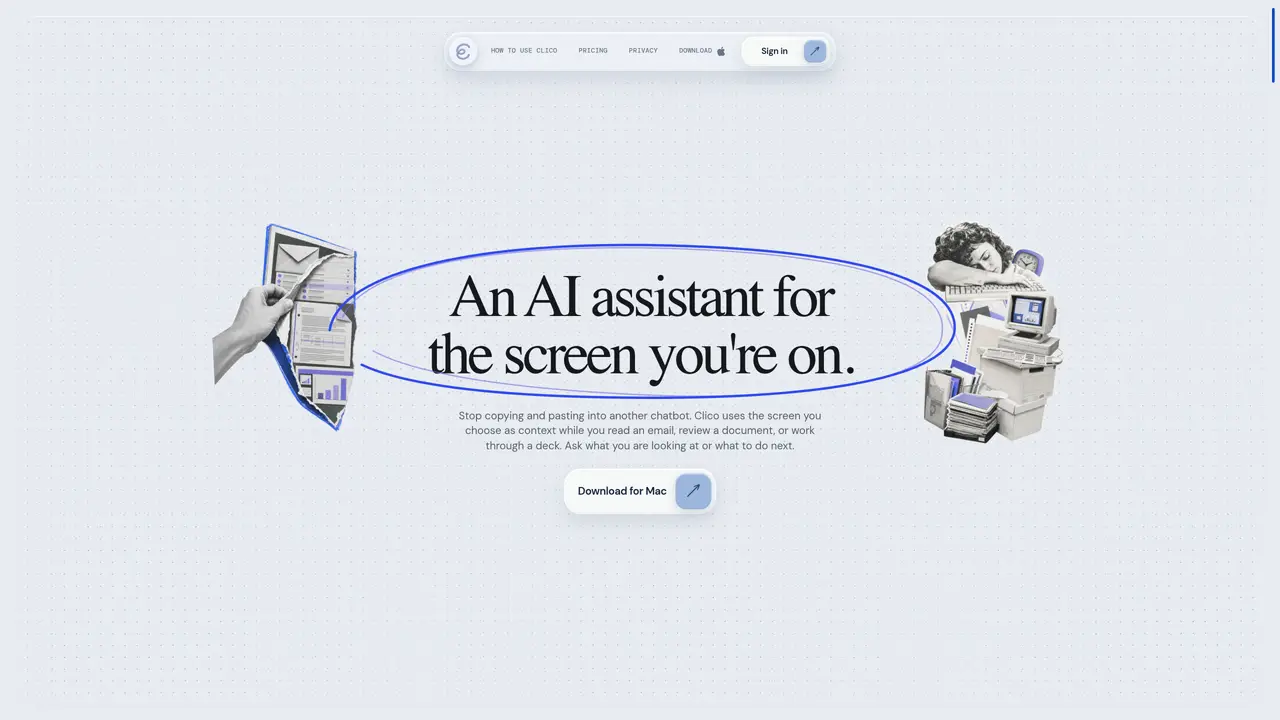
Clico is a powerful Chrome extension designed to be your ultimate writing and productivity partner. Unlike traditional AI tools that require you to copy and paste text back and forth, Clico lives directly inside your browser. It reads and understands the context of the webpage you are currently viewing, allowing it to perform tasks with an unmatched level of relevance and intelligence. Use Cases And Features: 1. Open any text field, press the shortcut, Clico sees the page and writes for you at your cursor. 2. Clico read across all your open tabs and you can use them as context by simply @ them inside Clico. 3. Select anything on any page, Clico searches, explains or summarizes it, instantly.
Clico is an AI assistant that reads and understands the content of the screen you are currently viewing, allowing you to ask questions or request actions without copying and pasting text into a separate chatbot.
Clico is designed for users who frequently work with multiple apps, documents, or web pages and want to avoid context-switching. It is particularly useful for professionals handling emails, research, or complex workflows.
No, Clico is designed to integrate seamlessly with your existing workflow. It works with open apps, files, or browser pages without requiring you to switch tools or rebuild context manually.
No, Clico only accesses the screen content when you explicitly choose to use it. On Mac, system permissions control what Clico can see, such as the active app, file, or selected text.
Clico respects user privacy by only accessing the screen content when you initiate an action. Permissions are controlled via system settings on Mac, and no data is accessed without your explicit input.
Clico excels at tasks where the necessary information is already on your screen, such as drafting replies, summarizing documents, cleaning up data, or finding the next step in a workflow without switching tools.
tryclico.com · third-party estimates from Similarweb
Last 4 months · grows by one month every month
Share of visits · estimated visits
Other countries: 15%
Productivity & Office · Sep 2026
Traffic figures are third-party estimates, good for scale and trends; they can differ from a company's own numbers. Updated monthly.
We use essential cookies to run aitoolnavio™, and optional cookies to analyze traffic and measure our marketing. You choose what we use — optional cookies stay off unless you turn them on. See our Privacy Policy.
One short email a week: fresh tools worth trying, honest takes and the updates that actually matter. No spam, unsubscribe any time.
Generate content, correct spelling, suggest synonyms to enhance writing.
Turn messy team ideas into actionable plans with Miro's visual workspace.
Leverage analytics, automate tasks, share documents, and coordinate projects.
Integrates AI into Airtable to analyze data, summarize insights, draft content, and automate workflows without prior AI experience.
Cloud accounting software that automates bookkeeping, invoicing, and financial reporting for small and growing businesses.
Streamline teamwork, manage projects, automate tasks efficiently.
Automate code, research, and documents using agents.
AI assistant for safe, reliable productivity with code, collaboration, and integrations.
Create customizable tables, databases, and spreadsheets, share data securely with team members.
Easy-to-use CRM platform that automates lead capturing, prioritizes tasks, and provides sales pipeline analytics for businesses of all sizes.
Transforms thoughts into actions, enhancing productivity and efficiency.
Write & run code in 50+ languages, auto-complete with AI, and code faster with an intuitive interface.
Matched on what this tool does — grouped by the job you would be replacing.
Paid placement · similar tools from listings that support aitoolnavio™
Instant lead response for home-service pros: your phone rings on every new lead, plus 14 days of follow-up
matches AI-powered writing assistance · Contextual understanding of web pages · Real-time text generation
matches AI-powered writing assistance · Contextual understanding of web pages · Real-time text generation
matches Tab-based research and summarization · Instant search and explanation capabilities
Browser extension AI assistant for in-page summarization, translation, drafting, and cited web search.
Chrome extension that reads browser tabs and files to fill forms and draft messages
A Chrome extension that lets users ask questions from the toolbar and receive summarized answers with citations from Perplexity.ai.
A macOS voice AI assistant that writes, edits, and automates text tasks directly in any app using natural speech.
Automates typing tasks across macOS by interpreting on-screen content to reduce repetitive typing and streamline workflows.
A MacOS app that lets users control their computer with voice commands, dictate text, and automate workflows using GPT-4.
AI-powered browser that integrates chat assistance, summarization, and drafting tools directly into your tabs for faster, smarter web browsing.
An AI-powered browser that summarizes pages, answers questions, and automates online tasks through natural language commands.
Contextual AI for learning and research that highlights text and explains it in a side panel