Generate captions, optimize content, and enhance with custom images for maximum engagement.
46M visits/mo-10%#3 Image & Design

A no-code/low-code platform for building, testing, and deploying AI agents through visual workflows without deep programming expertise.
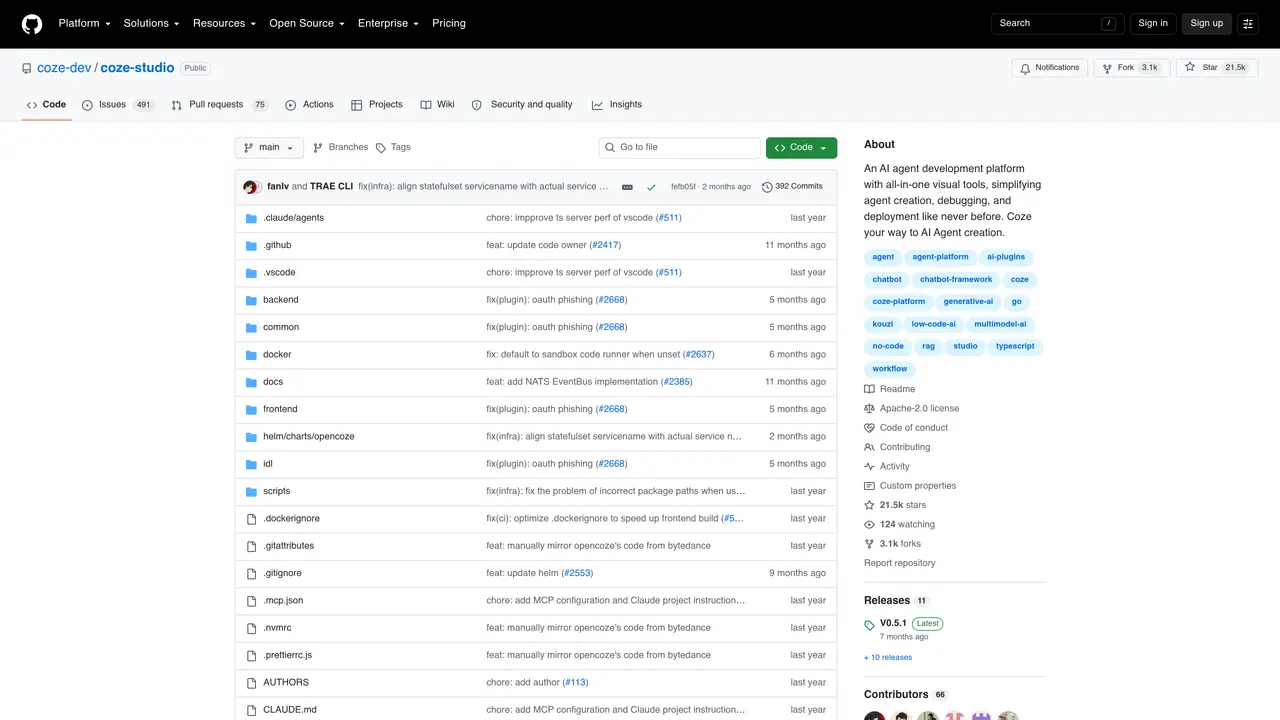
Coze Studio is an all-in-one AI agent development platform designed to streamline the creation, debugging, and deployment of AI-powered applications using intuitive visual tools. It bridges the gap between no-code and low-code interfaces, enabling both technical and non-technical users to construct sophisticated AI agents without extensive programming knowledge. The platform integrates state-of-the-art language models with built-in prompt engineering, Retrieval-Augmented Generation (RAG), and plugin support, allowing users to assemble complex workflows through drag-and-drop interfaces. Visual workflow orchestration simplifies the management of multi-step AI processes, while ready-to-use templates accelerate development from concept to production. Coze Studio is particularly suited for individual creators, startups, and enterprise teams seeking to rapidly prototype and scale AI solutions without heavy reliance on developers. By reducing technical barriers, it democratizes access to advanced AI capabilities, making it easier to integrate generative AI into real-world applications. The platform’s open-source nature and GitHub repository further encourage collaboration and customization among developers.
GitHub, Inc.
San Francisco, California, US · Founded 2008
Coze Studio is an all-in-one AI agent development platform that provides visual tools for creating, debugging, and deploying AI-powered applications. It supports no-code and low-code workflows and integrates core AI technologies like prompt engineering, RAG, and plugins.
The platform is designed for developers, startups, and enterprises seeking to build AI agents without heavy reliance on coding. It suits both technical and non-technical users through its intuitive visual interface.
Coze Studio allows users to build AI agents using drag-and-drop workflows, manage models and resources, and deploy applications through a visual interface. It supports integration with external models and tools.
Key features include model service management, agent and app building, workflow creation, resource development (plugins, knowledge bases, databases), and API/SDK support for integration.
Yes, Coze Studio supports integration with external models, plugins, and tools, allowing users to extend functionality and connect with existing systems.
Users can get started by accessing the open-source version on GitHub, following the quickstart guide, and deploying the platform using the provided documentation and frameworks.
We use essential cookies to run aitoolnavio™, and optional cookies to analyze traffic and measure our marketing. You choose what we use — optional cookies stay off unless you turn them on. See our Privacy Policy.
One short email a week: fresh tools worth trying, honest takes and the updates that actually matter. No spam, unsubscribe any time.
Generate captions, optimize content, and enhance with custom images for maximum engagement.
Build conversational forms, capture rich responses, and automate follow-ups with AI-powered surveys and workflows.
Automate code, research, and documents using agents.
AI-powered IDE for autonomous coding tasks and agentic development workflows
Source, match, and manage talent with predictive analytics for effortless recruiting.
Automate workflow, optimize operations, and detect potential issues with this efficient AI-driven solution.
Transforms thoughts into actions, enhancing productivity and efficiency.
AI Recruitment engine to hire top global talent
All-in-one team productivity platform combining chat, docs, video meetings, workflows, and AI tools in one place.
Personal assistant that coordinates tasks across apps and devices via text or call
AI automation and agent-building platform with 3,000+ app integrations
AI job search copilot that matches roles to skills, optimizes resumes for ATS, generates cover letters, and autofills applications with real-time insights.
Matched on what this tool does — grouped by the job you would be replacing.
matches No-code/low-code visual workflow builder · Drag-and-drop agent orchestration · Ready-to-use templates for rapid prototyping
Open-source platform to visually build, deploy, and manage LLM apps, agents, and RAG pipelines with drag-and-drop workflows and APIs.
Visually build and deploy multimodal AI workflows without coding using drag-and-drop model chaining and templates.
No-code platform to build, orchestrate, and deploy AI agents for business workflow automation without coding.
A low-code framework for building and managing multi-agent LLM systems with human-agent collaboration.