Generate captions, optimize content, and enhance with custom images for maximum engagement.
46M visits/mo-10%#3 Image & Design
Autonomous ML engineer that automates end-to-end data science and machine learning workflows using multi-agent systems and LLMs.
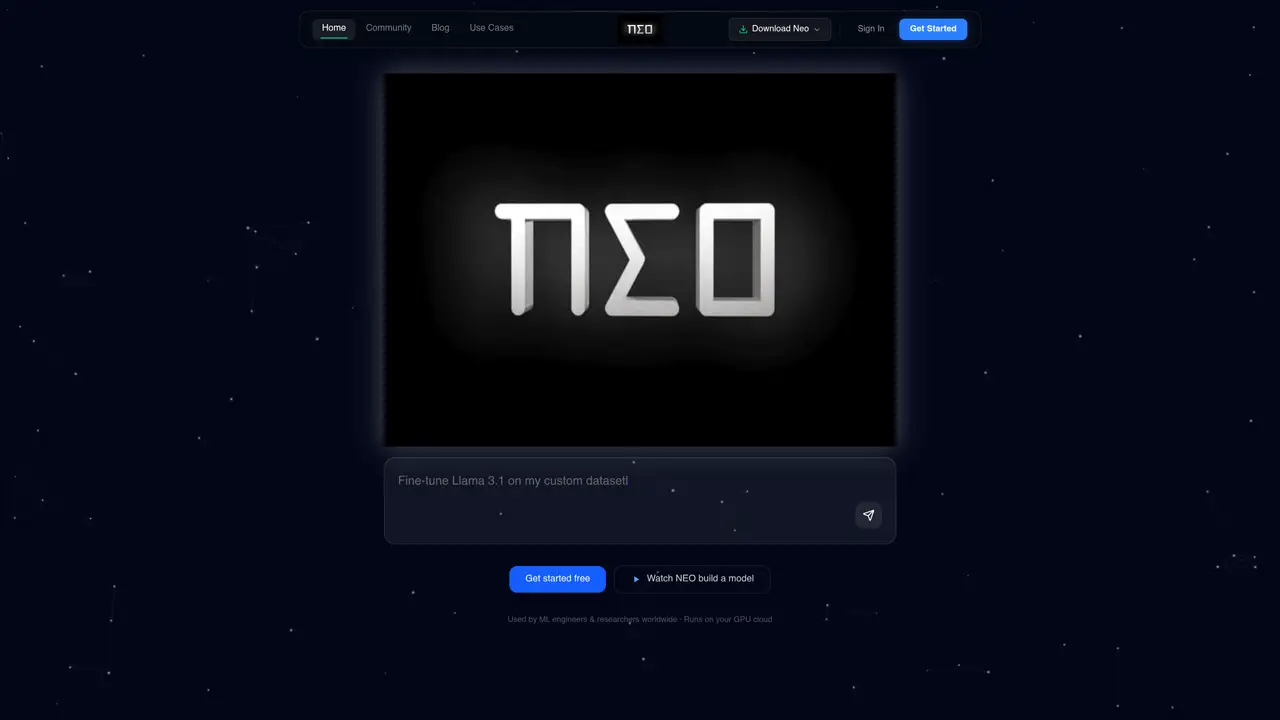
NEO is an autonomous ML engineer designed to automate end-to-end machine learning workflows, from exploratory data analysis and data cleaning to feature engineering, model training, fine-tuning, evaluation, and deployment. It leverages a multi-agent system powered by state-of-the-art large language models and a reasoning engine to coordinate specialized agents, reducing errors and hallucinations throughout the process. The tool operates within a GPU sandbox to run iterative experiments, ensuring robust and reproducible results. NEO supports integrations with popular platforms like VS Code, Snowflake, BigQuery, and Databricks, enabling seamless workflows across existing data infrastructure. It features a chat-driven human-in-the-loop interface for real-time oversight and adjustments, alongside easy customization of knowledge bases to align with specific project needs. By automating repetitive tasks, NEO accelerates model optimization and iteration cycles, helping teams deliver production-ready AI systems more efficiently. It is particularly suited for data science teams, ML engineers, and organizations looking to streamline their AI development pipelines without sacrificing quality or control.
NEO is an autonomous AI agent designed to automate end-to-end machine learning workflows, including model training, fine-tuning, evaluation, and deployment. It handles tasks such as RAG pipelines, LLM evaluations, prompt optimization, and AI system development from a single task prompt.
NEO is designed for ML engineers, data scientists, and organizations looking to streamline AI development pipelines. It is particularly useful for teams that need to automate repetitive tasks while maintaining control over the process.
NEO operates on a credit-based pricing model with transparent tiers. Plans include Starter, Value, Pro, and Enterprise, each offering different credit allocations and features. Users can bring their own compute (VPC) in most plans.
NEO integrates with popular IDEs like VS Code, Cursor, and OpenVSX, as well as data platforms such as Snowflake, BigQuery, and Databricks. It also works with Claude Code via MCP for enhanced functionality.
Yes, NEO can run entirely on your own compute (CPU/GPU) with no setup required, offering flexibility in deployment. It also supports cloud-based execution for users who prefer managed environments.
Users can install the NEO extension in VS Code or Cursor, or use it via Claude Code. The tool provides a one-click installation process and supports multiple modes of operation, including IDE extensions and cloud-based setups.
We use essential cookies to run aitoolnavio™, and optional cookies to analyze traffic and measure our marketing. You choose what we use — optional cookies stay off unless you turn them on. See our Privacy Policy.
One short email a week: fresh tools worth trying, honest takes and the updates that actually matter. No spam, unsubscribe any time.
Generate captions, optimize content, and enhance with custom images for maximum engagement.
Build conversational forms, capture rich responses, and automate follow-ups with AI-powered surveys and workflows.
Automate code, research, and documents using agents.
AI-powered IDE for autonomous coding tasks and agentic development workflows
Source, match, and manage talent with predictive analytics for effortless recruiting.
Automate workflow, optimize operations, and detect potential issues with this efficient AI-driven solution.
Transforms thoughts into actions, enhancing productivity and efficiency.
AI Recruitment engine to hire top global talent
All-in-one team productivity platform combining chat, docs, video meetings, workflows, and AI tools in one place.
Personal assistant that coordinates tasks across apps and devices via text or call
AI automation and agent-building platform with 3,000+ app integrations
AI job search copilot that matches roles to skills, optimizes resumes for ATS, generates cover letters, and autofills applications with real-time insights.
Matched on what this tool does — grouped by the job you would be replacing.
matches Automates end-to-end ML workflows including EDA, data cleaning, and feature engineering · Supports model training, fine-tuning, evaluation, and deployment
Autonomous system for designing and running machine-learning experiments end to end
Automate data preparation, build models, explore data, make predictions with pre-built models and advanced algorithms.
Automated machine learning tool that simplifies building, tuning, deploying, and monitoring predictive models with minimal effort.
Create ML models effortlessly, train and optimize them, and gain insights using built-in tools and integrations.
matches GPU sandbox for iterative experiments and reproducible results
matches Chat-driven human-in-the-loop interface for real-time oversight
Centralize team knowledge, automate workflows, review AI actions.
Automate customer segmentation, optimize production processes, and make AI-generated insights for informed decisions.
AI-driven SDLC platform that automates software delivery from planning to production using autonomous agents while keeping engineers in the loop for review and governance.
AI operating system that deploys department-specific agents to automate workflows across tools