Generate captions, optimize content, and enhance with custom images for maximum engagement.
46M visits/mo-10%#3 Image & Design

Personalized software built through conversation that connects tools without setup hassle.
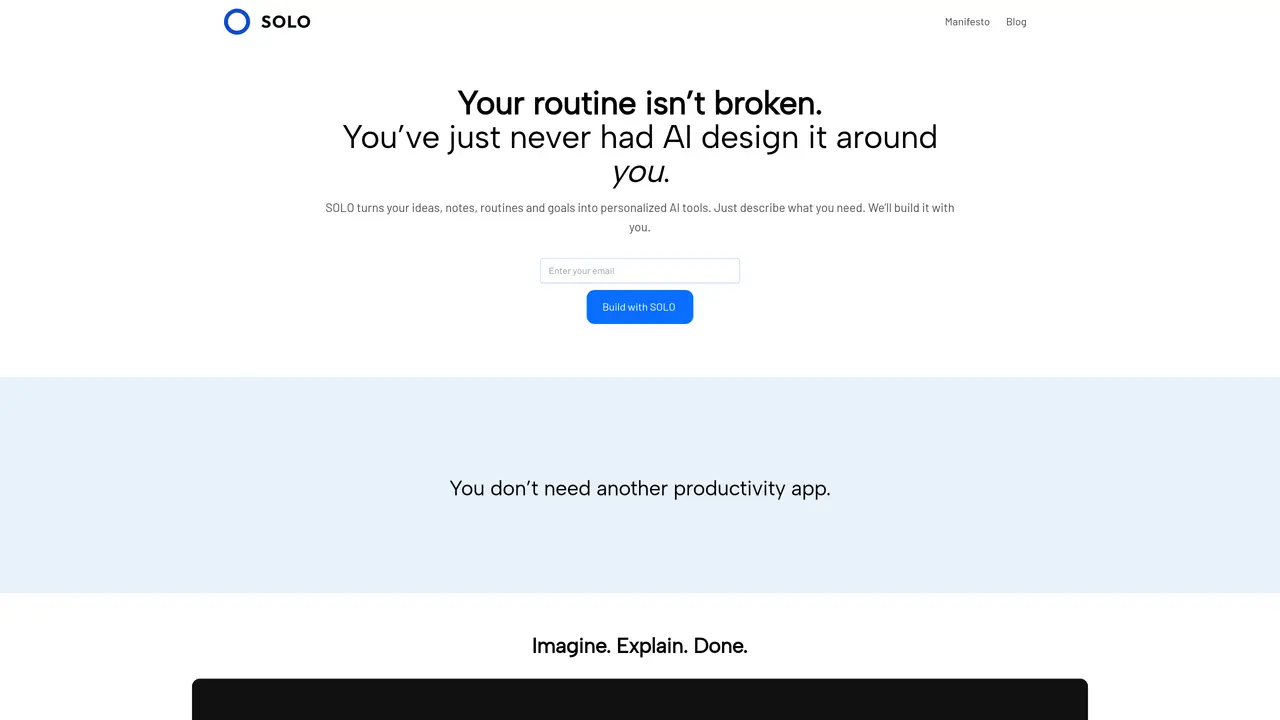
SOLO is personalized software built through conversation. You talk, it builds. Model Context Protocol (MCP) connects your tools without setup hassle. No templates. No code. Just intent to implementation — software that feels custom-built because it is. SOLO is for anyone who wants to automate tasks and streamline workflows. It’s typically used by students, creators, and executive assistants who need AI command centers. The tool works by allowing users to converse with it about their needs and goals, and then building customized software to meet those needs. This process happens in real-time, without the need for coding or template setup. SOLO is a freemium tool, offering both free and paid plans.
SOLO turns ideas, routines, goals, and workflows into personalized AI tools through conversation. Users describe what they need, and SOLO builds customized software in real time without requiring coding or templates.
SOLO is designed for individuals who want to automate tasks and streamline workflows, including students, creators, and executive assistants. It caters to those seeking AI-driven tools that adapt to their unique styles and needs.
SOLO integrates with tools like Notion, Slack, and Google Docs without requiring API setup. The software connects seamlessly to existing systems, allowing it to work effortlessly within current workflows.
SOLO differentiates itself by creating software that adapts in real time to the user's thinking and workflows. It focuses on intuitive, personalized experiences rather than rigid templates or pre-built solutions.
Users can start by describing what they want to build in a single sentence. SOLO then creates a custom tool based on the description, allowing for immediate use and further refinement.
SOLO offers both free and paid plans, providing users with options to access its features depending on their needs.
solo.space · third-party estimates from Similarweb
Traffic figures are third-party estimates, good for scale and trends; they can differ from a company's own numbers. Updated monthly.
We use essential cookies to run aitoolnavio™, and optional cookies to analyze traffic and measure our marketing. You choose what we use — optional cookies stay off unless you turn them on. See our Privacy Policy.
One short email a week: fresh tools worth trying, honest takes and the updates that actually matter. No spam, unsubscribe any time.
Generate captions, optimize content, and enhance with custom images for maximum engagement.
Build conversational forms, capture rich responses, and automate follow-ups with AI-powered surveys and workflows.
Automate code, research, and documents using agents.
AI-powered IDE for autonomous coding tasks and agentic development workflows
Source, match, and manage talent with predictive analytics for effortless recruiting.
Automate workflow, optimize operations, and detect potential issues with this efficient AI-driven solution.
Transforms thoughts into actions, enhancing productivity and efficiency.
AI Recruitment engine to hire top global talent
All-in-one team productivity platform combining chat, docs, video meetings, workflows, and AI tools in one place.
Personal assistant that coordinates tasks across apps and devices via text or call
AI automation and agent-building platform with 3,000+ app integrations
AI job search copilot that matches roles to skills, optimizes resumes for ATS, generates cover letters, and autofills applications with real-time insights.
Matched on what this tool does — grouped by the job you would be replacing.
matches Personalized software built through conversation · No templates or code required · Real-time customization
Run AI agents across Slack, Teams, Google, Notion, Shopify and more to automate real work like summarizing meetings, generating content, and handling customer support.
A no-code AI automation platform that turns natural language prompts into agent workflows and app-connected processes on a visual canvas.
AI agent that turns natural-language prompts into automated browser and desktop workflows
Create automated conversations, connect data sources, and ask questions with natural language understanding.
matches Automated task management · Streamlined workflows
matches AI command centers for executive assistants
All-in-one project management platform for task management, team collaboration, and workflow visualization with time tracking and reporting.
Streamline project management with AI-driven automation.
Automate Shopify workflows across connected apps using plain-English requests and AI-powered logic.
AI agents automate routine tasks across 1,500+ apps using plain English instructions, no code required.
Proactive AI assistant that manages tasks, emails, schedules, and health data via SMS, WhatsApp, or Telegram.
A desktop AI assistant that captures meeting notes, summarizes context across apps, supports AI writing with memory, and tracks tasks.