Unify customer data, automate workflows, and scale experiences with Einstein AI, Copilot, and Data Cloud in one CRM platform.

Deck
$14/mStarting price
5.3KMonthly visits
12Popularity
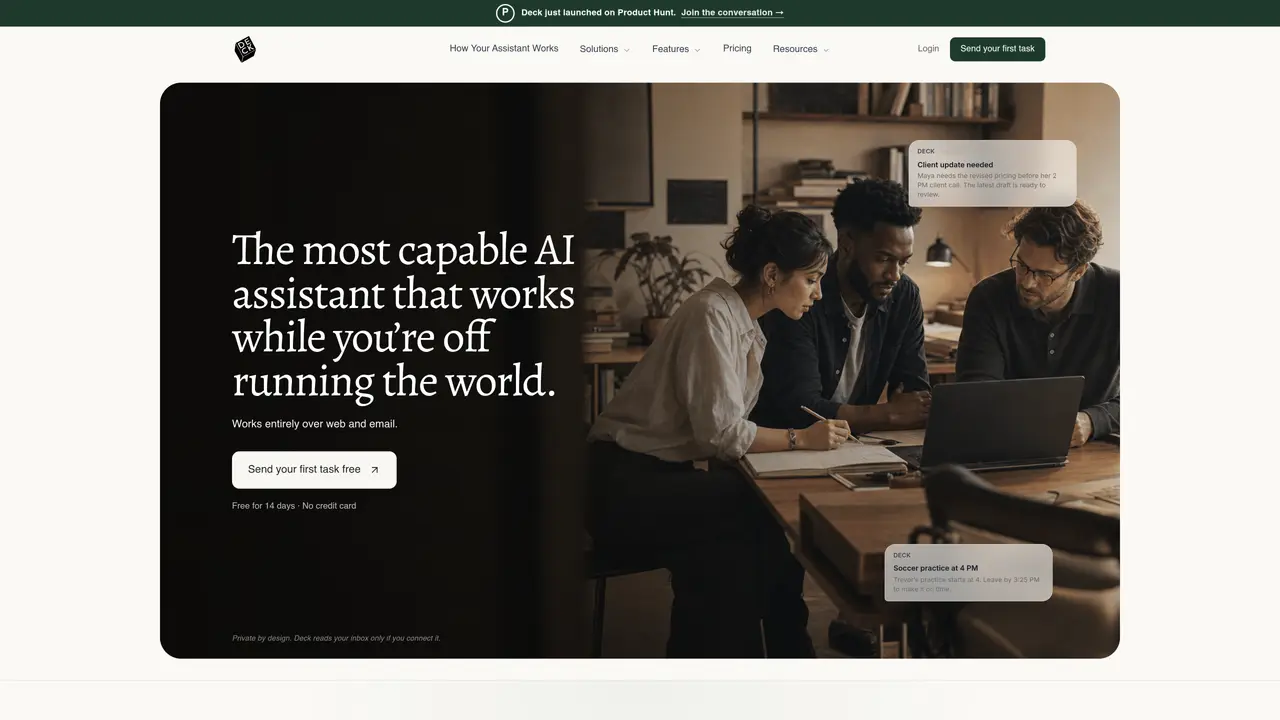
About Deck
Deck is an AI assistant that works via email without requiring access to your inbox. Users can CC or forward messages to a dedicated assistant email address, allowing Deck to listen to threads, flag key details, draft replies, and execute scheduled routines. It delivers results directly to your inbox while learning your preferences, priorities, and contacts over time to build context. The tool integrates with platforms like Slack, Google Calendar, Fireflies, and Notion to coordinate tasks across work and personal life. By operating externally, Deck maintains privacy while automating workflows such as meeting scheduling, follow-ups, and routine updates. It is designed for professionals who want to offload repetitive email tasks without granting AI access to sensitive inbox data. The system prioritizes efficiency by handling routine communications and reminders automatically.
Key features
- Operates entirely over email without inbox access
- CC or forward messages to a dedicated assistant email address
- Listens to threads and flags key details
- Drafts replies and executes scheduled routines
- Delivers results directly to your inbox
- Learns preferences, priorities, and contacts over time
- Integrates with Slack, Google Calendar, Fireflies, and Notion
- Coordinates tasks across work and personal life
- Maintains privacy by avoiding inbox access
Use cases
- Automating meeting scheduling and reminders
- Handling routine email follow-ups and updates
- Coordinating tasks across multiple platforms like Slack and Notion
Pros
- Operates entirely via email without requiring inbox access, maintaining privacy
- Learns user preferences, priorities, and contacts over time to improve assistance
- Supports proactive monitoring with customizable levels of activity
- Integrates with tools like Slack, Google Calendar, Fireflies, and Notion
- Handles routine tasks such as scheduling, follow-ups, and research summaries
Cons
- Limited to email-based interactions; no direct inbox access may restrict some functionalities
- Requires forwarding or CC’ing emails to function, which may not suit all workflows
- Privacy-focused design may limit real-time responsiveness compared to inbox-connected tools
Frequently asked questions about Deck
What does Deck do?
Deck is an AI assistant that manages email tasks by listening to threads, drafting replies, and executing routines without accessing your inbox directly. It learns your preferences and delivers results to your inbox.
Who is Deck designed for?
Deck is designed for professionals, founders, sales teams, finance teams, investors, small businesses, legal teams, and realtors who want to automate routine email tasks while maintaining privacy.
How does Deck work without inbox access?
Deck operates by having users CC or forward emails to a dedicated assistant email address. It follows threads, flags key details, and drafts replies based on the information shared.
What integrations does Deck support?
Deck integrates with platforms like Slack, Google Calendar, Fireflies, and Notion to coordinate tasks across work and personal workflows.
Can Deck handle scheduled tasks?
Yes, Deck can perform scheduled routines such as daily meeting briefs, weekly account summaries, or competitor tracking, and email the results to the user.
How do I get started with Deck?
Users can start by sending their first task to Deck via email or by visiting the website to connect their tools and set up routines. A free trial is available for new users.
Deck Website Engagement
Last Update: 9 days ago
Total Monthly Visits
0
Bounce Rate
0%
Visit Duration (avg)
0.00s
Pages Per Visit
0
Country Rank
0
United States
Global Rank
0
Monthly Traffic
Traffic Sources
Traffic Share By Country
- United States96.8%
- Canada3.2%