Automate job postings, track applicants, and streamline hiring with an intuitive HCM platform for talent acquisition.
32M visits/mo+3.9%#5 Business & Marketing

Automate recurring reminders, processes, and data integration from multiple sources.
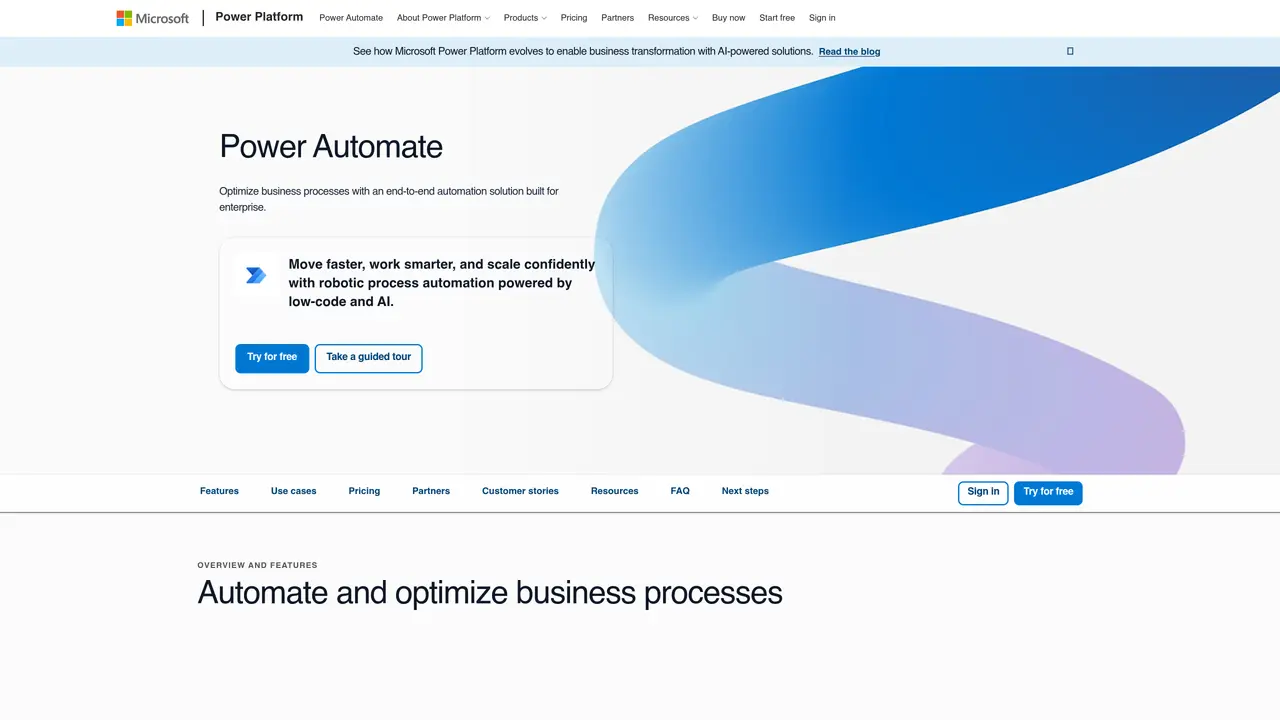
Microsoft Power Automate is a cloud-based automation platform designed to streamline workflows across applications and services. It enables users to create automated processes that connect disparate tools, systems, and data sources without requiring extensive coding knowledge. The platform supports both simple task automation, such as sending notifications or synchronizing files, and complex multi-step workflows that integrate data from multiple applications like Microsoft 365, SharePoint, Dynamics 365, and third-party services. Power Automate offers pre-built templates and connectors to accelerate setup, along with a visual designer for custom automation logic. Users can trigger automations based on events, schedules, or conditions, ensuring timely execution of repetitive tasks. The platform is accessible to business users through its low-code interface while also providing advanced capabilities for developers via custom connectors and scripting. It is widely used by organizations to improve operational efficiency, reduce manual errors, and enhance collaboration by automating routine processes. Power Automate is part of the Microsoft Power Platform, which integrates with other tools like Power BI and Power Apps for end-to-end business solutions.
Microsoft Power Automate is an end-to-end automation solution designed for enterprises, combining low-code tools, robotic process automation (RPA), and AI to optimize business processes. It enables users to automate workflows across systems, desktop apps, and websites while providing governance, security, and scalability features.
Power Automate suits business users, IT professionals, and corporate teams looking to automate repetitive tasks, streamline workflows, and integrate data across applications. It is particularly useful for organizations seeking to scale automation with built-in governance and monitoring.
Power Automate offers over 1,000 API connectors for integrating with cloud and on-premises services, as well as native experiences in Microsoft 365 apps like Teams, Excel, and SharePoint. Users can also create custom connectors to extend automation capabilities.
It supports digital process automation (DPA) for cloud-based workflows, robotic process automation (RPA) for legacy systems, and AI-powered automation for document processing, predictions, and content generation. Users can also leverage task and process mining to identify automation opportunities.
Yes, Power Automate includes AI features such as Copilot for natural language automation, AI recommendations for process optimization, and built-in AI models for document and image processing. These capabilities help accelerate automation development and enhance decision-making.
Users can start with a free trial to explore premium features, use prebuilt templates for quick deployment, or take guided tours to learn the platform. The intuitive interface and AI authoring tools make it accessible for both beginners and advanced users.
We use essential cookies to run aitoolnavio™, and optional cookies to analyze traffic and measure our marketing. You choose what we use — optional cookies stay off unless you turn them on. See our Privacy Policy.
One short email a week: fresh tools worth trying, honest takes and the updates that actually matter. No spam, unsubscribe any time.
Automate job postings, track applicants, and streamline hiring with an intuitive HCM platform for talent acquisition.
Automate workflow, optimize operations, and detect potential issues with this efficient AI-driven solution.
AI automation and agent-building platform with 3,000+ app integrations
Automate email sending, save leads to CRMs, and create complex workflows for customer support tickets.
Open-source workflow automation platform to build, run, and monitor agentic and traditional workflows with 500+ integrations and AI governance.
AI-powered platform streamlining workflows with no-code automation.
With Accio, manufactures/ products/ suppliers/ inspirations will come to you, any time, any where.
Create & deploy AI apps, access real-time insights, and easily build models with an intuitive user interface.
Automate outreach campaigns, create personalized emails with AI, and monitor results with detailed analytics.
AI-powered fleet management platform for trucking, delivery, and field service teams, combining GPS tracking, ELD compliance, dash cams, maintenance, and spend management.
Automate tasks, streamline workflows, and create powerful automation flows effortlessly.
Control your computer and apps from any chat.
Matched on what this tool does — grouped by the job you would be replacing.
Paid placement · similar tools from listings that support aitoolnavio™
Instant lead response for home-service pros: your phone rings on every new lead, plus 14 days of follow-up
matches Automate recurring reminders and notifications · Create automated processes to run on a schedule · Integrate data from multiple sources
matches Integrate data from multiple sources · Automate repetitive tasks without coding
Automate email sending, save leads to CRMs, and create complex workflows for customer support tickets.
Open-source workflow automation platform to build, run, and monitor agentic and traditional workflows with 500+ integrations and AI governance.
Kissflow automates workflows, lets teams customize processes, track tasks in real time, and collaborate without switching tools.
Design, automate, and orchestrate complex workflows across systems with Camunda's AI-enabled process orchestration platform.
Automate data analysis, access insights from unstructured data, integrate with databases and services to streamline processes.
Automate data collection, clean & analyze data, and create workflows to transform data.
Automate workflows effortlessly with no-code AI-driven solutions.
Automate tasks, collaborate efficiently, analyze data, and optimize processes with document automation.