Automate job postings, track applicants, and streamline hiring with an intuitive HCM platform for talent acquisition.
32M visits/mo+3.9%#5 Business & Marketing

Automate data entry, connect spreadsheets to databases, APIs, and identify trends with predictive analytics.
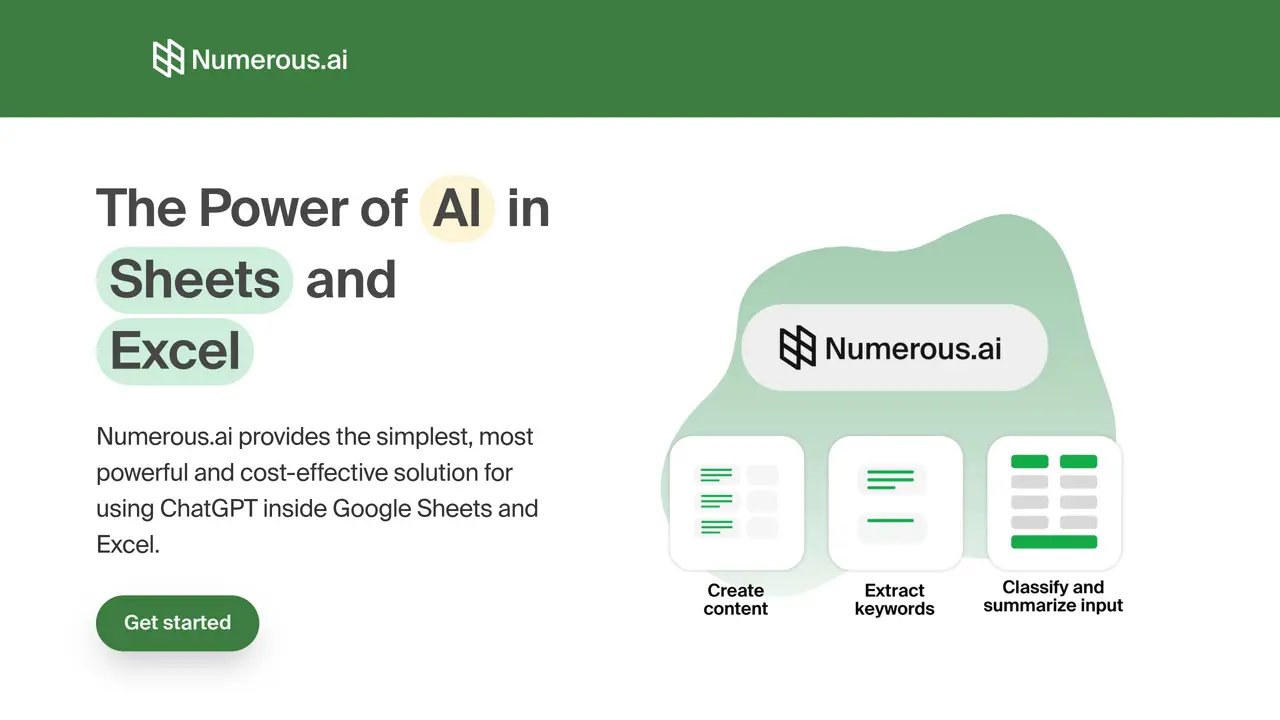
Numerous is an AI-powered spreadsheet plugin for Google Sheets that takes spreadsheet automation to the next level. It is designed to make data analysis and spreadsheet management easier and faster than ever before. With Numerous, you can quickly and easily connect your spreadsheets to other sources of data, such as databases, APIs, and other spreadsheets, to keep your data up to date. In addition, Numerous comes with powerful AI-powered features like predictive analytics, which can help you identify trends, patterns, and insights in your data. You can also use Numerous to automate tedious tasks, such as data entry and formatting, so you can spend more time analyzing and understanding your data. With Numerous, you can save time and get more out of your spreadsheets.
Numerous.ai is an AI-powered plugin for Google Sheets and Excel that integrates ChatGPT directly into spreadsheets using a simple =AI function. It eliminates the need for API keys and allows users to perform AI tasks such as research, summarization, content generation, and data cleaning directly within spreadsheet cells.
Numerous.ai is designed for teams and individuals who work with spreadsheets and need to automate AI tasks. It suits content creators, digital marketers, students, researchers, product engineers, and managers who want to streamline workflows like ad copy generation, data summarization, and AI prototyping.
No, Numerous.ai does not require API keys or complex setup. Users can install the add-on and start using AI functions immediately with the =AI function in any cell. The tool is designed for ease of use and accessibility.
Yes, Numerous.ai supports team collaboration by allowing multiple users on the same plan to access and use the AI functions. It is built to facilitate shared AI initiatives and long-term results caching within teams.
Numerous.ai provides email support options, including priority support for users. Teams can also request video call onboarding to get started, and all users have access to help resources to assist with using the tool effectively.
To get started, users can install the Numerous.ai add-on for Google Sheets or Excel and begin using the =AI function in any cell. The tool offers a trial period, and users can explore its features without needing technical expertise or API keys.
numerous.ai · third-party estimates from Similarweb
Last 4 months · grows by one month every month
Share of visits · estimated visits
Other countries: 59.8%
Automation & Agents · Sep 2026
Traffic figures are third-party estimates, good for scale and trends; they can differ from a company's own numbers. Updated monthly.
We use essential cookies to run aitoolnavio™, and optional cookies to analyze traffic and measure our marketing. You choose what we use — optional cookies stay off unless you turn them on. See our Privacy Policy.
One short email a week: fresh tools worth trying, honest takes and the updates that actually matter. No spam, unsubscribe any time.
Automate job postings, track applicants, and streamline hiring with an intuitive HCM platform for talent acquisition.
Automate workflow, optimize operations, and detect potential issues with this efficient AI-driven solution.
AI automation and agent-building platform with 3,000+ app integrations
Automate email sending, save leads to CRMs, and create complex workflows for customer support tickets.
Open-source workflow automation platform to build, run, and monitor agentic and traditional workflows with 500+ integrations and AI governance.
AI-powered platform streamlining workflows with no-code automation.
With Accio, manufactures/ products/ suppliers/ inspirations will come to you, any time, any where.
Create & deploy AI apps, access real-time insights, and easily build models with an intuitive user interface.
Automate outreach campaigns, create personalized emails with AI, and monitor results with detailed analytics.
AI-powered fleet management platform for trucking, delivery, and field service teams, combining GPS tracking, ELD compliance, dash cams, maintenance, and spend management.
Automate tasks, streamline workflows, and create powerful automation flows effortlessly.
Control your computer and apps from any chat.
Matched on what this tool does — grouped by the job you would be replacing.
Paid placement · similar tools from listings that support aitoolnavio™
Instant lead response for home-service pros: your phone rings on every new lead, plus 14 days of follow-up
matches Automate data entry · Connect spreadsheets to databases, APIs, and other sources of data · Quickly connect multiple sources of data
Automate tasks, generate predictive models, and access data insights with advanced machine learning algorithms.
Automate tasks, create interactive dashboards, and streamline operations with fast data processing.
Automate spreadsheet tasks, streamline workflows, maximize ROI, analyze and visualize data easily.
Generate automated insights, identify trends, patterns, visualize data with powerful dashboard and tools.