Create customizable tables, databases, and spreadsheets, share data securely with team members.
26M visits/mo-0.9%#10 Productivity & Office

Automate spreadsheet tasks, streamline workflows, maximize ROI, analyze and visualize data easily.
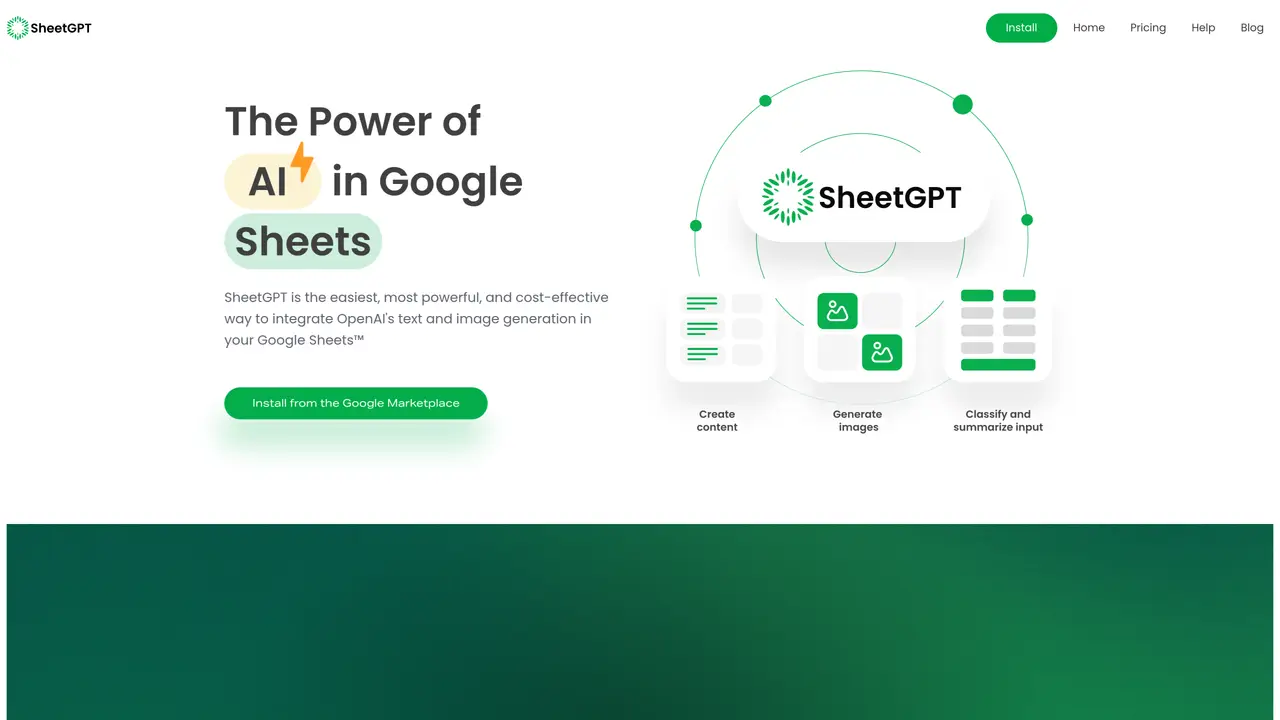
SheetGPT is an AI-powered spreadsheet automation platform that helps businesses maximize their productivity. With SheetGPT, users can quickly create and manage complex spreadsheets while reducing manual input and errors. This service provides a range of advanced features that automate tedious spreadsheet tasks, such as data entry, formatting, and calculations. SheetGPT also offers powerful analytics tools to analyze and visualize data with ease, allowing users to make informed decisions quickly. The intuitive user interface, combined with the automated features, makes SheetGPT a great choice for businesses of all sizes who want to save time and money. SheetGPT eliminates manual data entry and helps organizations achieve greater accuracy, efficiency, and cost savings. This service is an ideal choice for businesses looking to streamline their spreadsheet workflows and maximize their return on investment.
SheetGPT is an AI-powered add-on for Google Sheets™ that integrates OpenAI's text and image generation directly into spreadsheets. It allows users to perform tasks like content creation, data summarization, and research without needing API keys.
SheetGPT suits content creators, digital marketing managers, researchers, students, product managers, and engineers who work with structured data in Google Sheets and want to automate AI-driven tasks.
SheetGPT offers a free trial with a limited word allowance. Paid plans provide higher usage limits, image generation, early-access models, multi-user support, long-term caching, and priority support.
No, SheetGPT does not require API keys. Users can install the add-on from the Google Workspace Marketplace and start using it immediately in their Google Sheets.
SheetGPT integrates exclusively with Google Sheets™, enabling AI functions directly within spreadsheet cells via simple formulas like =GPT, =GPTLIST, and =GPTIMAGE.
Install SheetGPT from the Google Workspace Marketplace, enable it in your Google Sheets, and begin using AI functions like =GPT in cells. Detailed guides and function references are available in the Help Center.
sheetgpt.ai · third-party estimates from Similarweb
Last 4 months · grows by one month every month
Share of visits · estimated visits
Productivity & Office · Sep 2026
Traffic figures are third-party estimates, good for scale and trends; they can differ from a company's own numbers. Updated monthly.
We use essential cookies to run aitoolnavio™, and optional cookies to analyze traffic and measure our marketing. You choose what we use — optional cookies stay off unless you turn them on. See our Privacy Policy.
One short email a week: fresh tools worth trying, honest takes and the updates that actually matter. No spam, unsubscribe any time.
Create customizable tables, databases, and spreadsheets, share data securely with team members.
Skywork Super Agents: Workspace productivity suite with specialized AI for research-grade documents, slides & spreadsheets + multimedia tools.
AI-powered time tracking platform for teams to log hours, manage timesheets, and generate invoices with automatic and manual tracking options.
Turns CSV, Excel, and PDF files into editable dashboards and reports with AI edits, refresh, and templates.
The AI agent for Excel and Sheets with advanced add-ons for Google Workspace and Microsoft Office.
Automate data cleaning, gain AI-driven insights, and create interactive reports and visualizations.
Transform spreadsheets into AI-powered data analysis tools, simplifying complex insights.
Supercharge Excel for smarter financial planning and analysis.
Automate data entry, connect spreadsheets to databases, APIs, and identify trends with predictive analytics.
Automate complex Excel formulas, generate accurate equations with 44,000+ formulas.
Code-powered spreadsheet tool with Python, SQL, and AI integration.
AI-powered data analyst that turns plain-English questions into charts, tables, code, and automated reports.
Matched on what this tool does — grouped by the job you would be replacing.
matches Automate tedious spreadsheet tasks · Streamline workflows · Analyze and visualize data easily
The AI agent for Excel and Sheets with advanced add-ons for Google Workspace and Microsoft Office.
Automate data entry, connect spreadsheets to databases, APIs, and identify trends with predictive analytics.
Automate Google Sheets workflows and run AI agents to execute multi-step tasks without coding.
AI assistant that brings ChatGPT directly into Google Sheets and Docs to generate, analyze, and transform content.