Generate content, correct spelling, suggest synonyms to enhance writing.
173M visits/mo+0.1%#1 Productivity & Office

AI assistant that brings ChatGPT directly into Google Sheets and Docs to generate, analyze, and transform content.
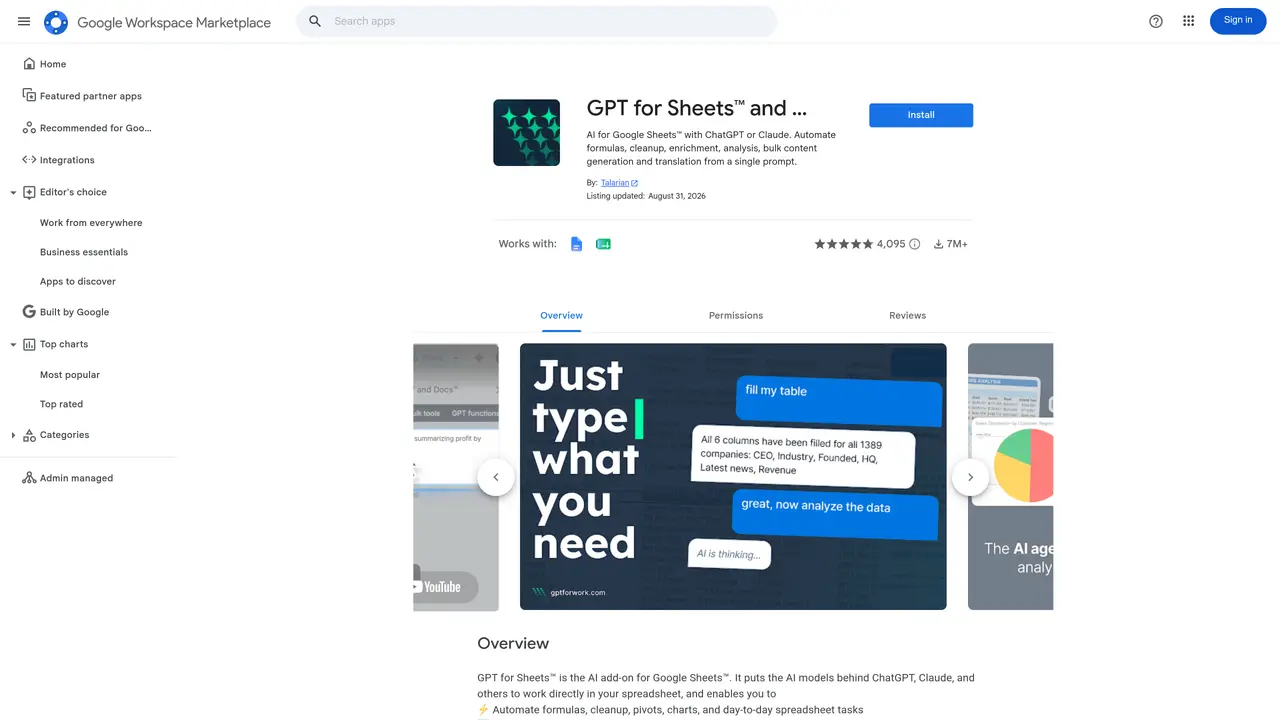
GPT for Sheets and Docs integrates ChatGPT functionality into Google Sheets and Google Docs, allowing users to generate, edit, summarize, and analyze text without leaving their documents. The extension supports tasks such as drafting emails, creating reports, cleaning data, and generating formulas or code snippets directly within spreadsheets and documents. It is designed for professionals, researchers, and teams who need to streamline content creation and data processing while maintaining the familiar interface of Google Workspace. Users can interact with the tool through natural language prompts, receiving instant responses that can be inserted or modified within their files. The tool is particularly useful for automating repetitive writing tasks, extracting insights from data, and collaborating on documents with AI-assisted suggestions. It operates as a browser extension, requiring no additional software or complex setup.
GPT for Sheets and Docs integrates ChatGPT functionality into Google Sheets and Google Docs, enabling users to generate, edit, summarize, and analyze text directly within their documents using natural language prompts.
The tool is designed for professionals, researchers, and teams who need to streamline content creation, data processing, and collaboration within Google Workspace without switching between applications.
Users can install the tool as a browser extension from the Google Workspace Marketplace, then access its features directly within Google Sheets or Google Docs after granting necessary permissions.
The tool primarily integrates with Google Sheets and Google Docs, allowing AI-assisted tasks within these platforms. It does not provide direct integrations with third-party applications outside Google Workspace.
No, the tool requires an active internet connection as it relies on cloud-based AI processing to generate responses and perform tasks.
Users can automate tasks such as drafting emails, creating reports, cleaning data, generating formulas or code snippets, summarizing documents, and extracting insights from data using natural language prompts.
We use essential cookies to run aitoolnavio™, and optional cookies to analyze traffic and measure our marketing. You choose what we use — optional cookies stay off unless you turn them on. See our Privacy Policy.
One short email a week: fresh tools worth trying, honest takes and the updates that actually matter. No spam, unsubscribe any time.
Generate content, correct spelling, suggest synonyms to enhance writing.
Turn messy team ideas into actionable plans with Miro's visual workspace.
Leverage analytics, automate tasks, share documents, and coordinate projects.
Integrates AI into Airtable to analyze data, summarize insights, draft content, and automate workflows without prior AI experience.
Cloud accounting software that automates bookkeeping, invoicing, and financial reporting for small and growing businesses.
Streamline teamwork, manage projects, automate tasks efficiently.
Automate code, research, and documents using agents.
AI assistant for safe, reliable productivity with code, collaboration, and integrations.
Create customizable tables, databases, and spreadsheets, share data securely with team members.
Easy-to-use CRM platform that automates lead capturing, prioritizes tasks, and provides sales pipeline analytics for businesses of all sizes.
Transforms thoughts into actions, enhancing productivity and efficiency.
Write & run code in 50+ languages, auto-complete with AI, and code faster with an intuitive interface.
Matched on what this tool does — grouped by the job you would be replacing.
Paid placement · similar tools from listings that support aitoolnavio™
Instant lead response for home-service pros: your phone rings on every new lead, plus 14 days of follow-up
matches Natural language prompts for text generation and editing · Summarization and rewriting of documents or spreadsheet cells · Formula and code generation for spreadsheets
matches Summarization and rewriting of documents or spreadsheet cells · Natural language prompts for text generation and editing
The AI agent for Excel and Sheets with advanced add-ons for Google Workspace and Microsoft Office.
Transform spreadsheets into AI-powered data analysis tools, simplifying complex insights.
Automate Google Sheets workflows and run AI agents to execute multi-step tasks without coding.
Integrate ChatGPT into Google Sheets with a user-friendly interface.
AI-powered writing tool for paraphrasing, summarizing, and enhancing writing effortlessly.
AI Doc GPT automates document generation, generates high-quality content quickly, and summarizes large documents.
Generate multilingual team reports, collaborate in real-time, and automate research for quick blog post generation.
Create content effortlessly, collaborate seamlessly, and enhance editing efficiency with progress tracking.