Automate job postings, track applicants, and streamline hiring with an intuitive HCM platform for talent acquisition.
32M visits/mo+3.9%#5 Business & Marketing

Automates computer tasks by interpreting requests and simulating keyboard and mouse inputs via LLMs.
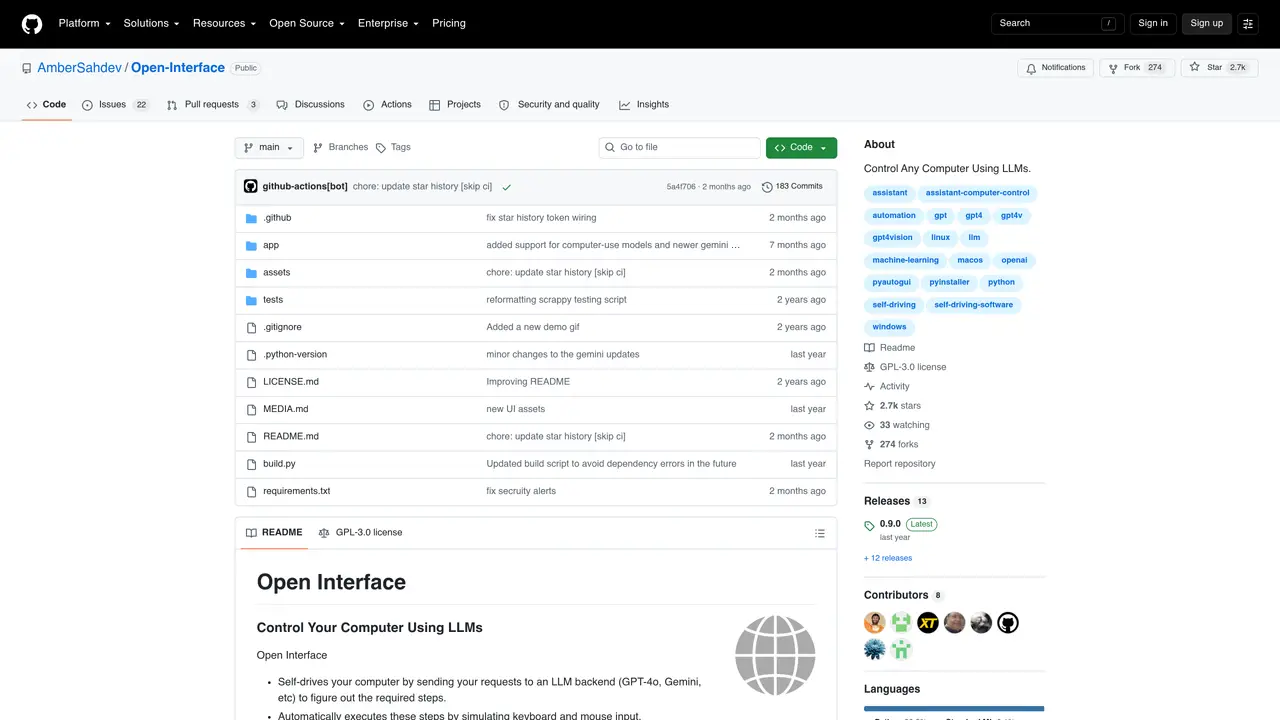
Open Interface is an open-source tool that automates computer interactions using Large Language Models (LLMs) such as GPT-4. It interprets user requests, breaks them into actionable steps, and executes them by simulating keyboard and mouse inputs. The tool is aimed at users who want to streamline repetitive or complex tasks across different applications, including coding and creative work. By reducing manual effort, it enhances workflow efficiency, consistency, and productivity. While effective for many automation needs, it has limitations when handling highly complex GUI applications or tasks requiring advanced spatial reasoning. The project is hosted on GitHub and requires technical setup to deploy and use.
GitHub, Inc.
San Francisco, California, US · Founded 2008
Open Interface is an open-source tool that uses large language models (LLMs) to interpret user requests, break them into executable steps, and automate them by simulating keyboard and mouse inputs across different applications.
It is designed for users who want to streamline repetitive or complex tasks, such as coding, creative work, or document editing, by reducing manual effort and enhancing workflow efficiency.
Download the appropriate binary for your operating system (macOS, Linux, or Windows), install it, and configure it with an LLM API key (e.g., OpenAI or Google Gemini) via the Settings menu.
Yes, it requires Accessibility access to control keyboard and mouse inputs and Screen Recording access to take screenshots for progress tracking.
Yes, it supports multiple LLMs, including GPT-4o and Google Gemini, which can be selected and configured in the Advanced Settings.
The tool itself is open-source and free to use, but it relies on external LLM APIs, which may incur costs depending on usage and provider pricing.
We use essential cookies to run aitoolnavio™, and optional cookies to analyze traffic and measure our marketing. You choose what we use — optional cookies stay off unless you turn them on. See our Privacy Policy.
One short email a week: fresh tools worth trying, honest takes and the updates that actually matter. No spam, unsubscribe any time.
Automate job postings, track applicants, and streamline hiring with an intuitive HCM platform for talent acquisition.
Automate workflow, optimize operations, and detect potential issues with this efficient AI-driven solution.
AI automation and agent-building platform with 3,000+ app integrations
Automate email sending, save leads to CRMs, and create complex workflows for customer support tickets.
Open-source workflow automation platform to build, run, and monitor agentic and traditional workflows with 500+ integrations and AI governance.
AI-powered platform streamlining workflows with no-code automation.
With Accio, manufactures/ products/ suppliers/ inspirations will come to you, any time, any where.
Create & deploy AI apps, access real-time insights, and easily build models with an intuitive user interface.
Automate outreach campaigns, create personalized emails with AI, and monitor results with detailed analytics.
AI-powered fleet management platform for trucking, delivery, and field service teams, combining GPS tracking, ELD compliance, dash cams, maintenance, and spend management.
Automate tasks, streamline workflows, and create powerful automation flows effortlessly.
Control your computer and apps from any chat.
Matched on what this tool does — grouped by the job you would be replacing.
Paid placement · similar tools from listings that support aitoolnavio™
Instant lead response for home-service pros: your phone rings on every new lead, plus 14 days of follow-up
matches Interprets natural language requests to determine automation steps · Simulates keyboard and mouse inputs to execute tasks · Supports automation across multiple applications
matches Interprets natural language requests to determine automation steps · Simulates keyboard and mouse inputs to execute tasks · Uses LLMs like GPT-4 for decision-making
API enabling AI agents to remotely control and automate Windows applications and workflows without public APIs.
Automates typing tasks across macOS by interpreting on-screen content to reduce repetitive typing and streamline workflows.
AI agent that turns plain text commands into automated computer tasks by installing a local app.
Enables Claude 3.5 Sonnet to execute local computer actions via new APIs for hands-off testing and control.
A macOS AI assistant that lets users control their computer with natural language commands across applications.
Automate repetitive tasks, create custom scripts with natural language, and automate complex processes with ease.