Automate job postings, track applicants, and streamline hiring with an intuitive HCM platform for talent acquisition.
32M visits/mo+3.9%#5 Business & Marketing

API enabling AI agents to remotely control and automate Windows applications and workflows without public APIs.
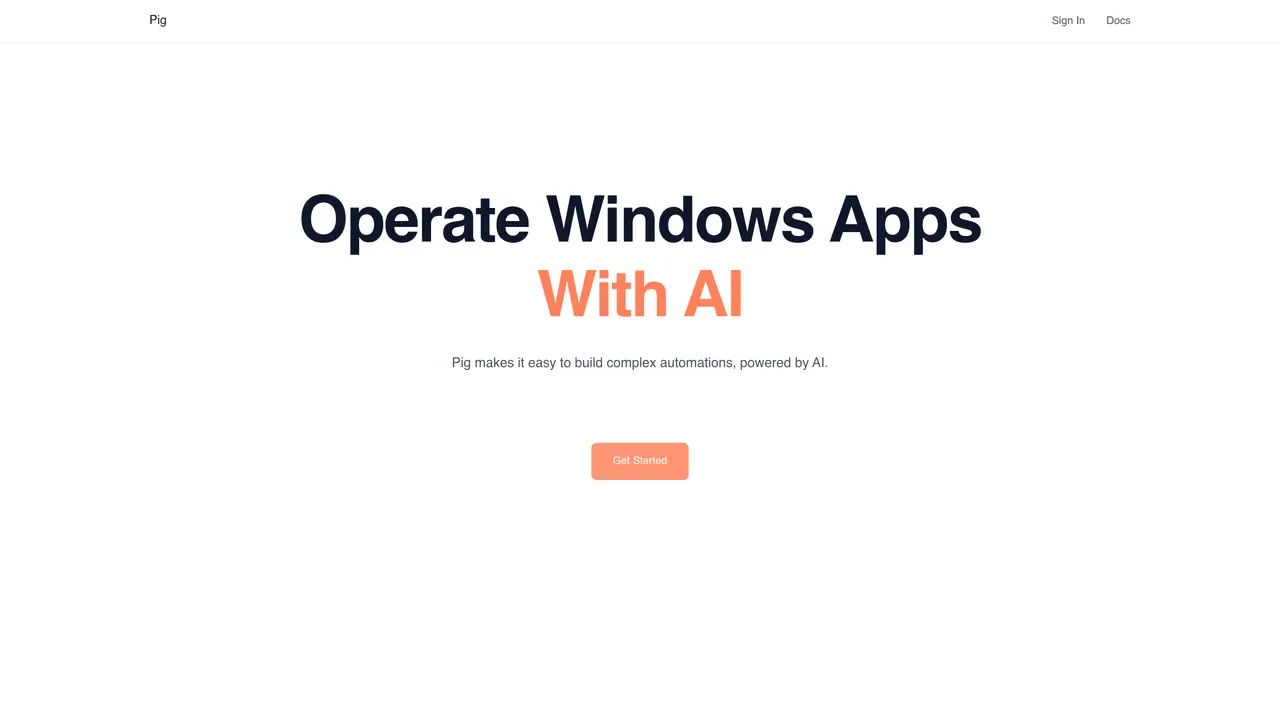
Pig is an API designed for AI agents to remotely navigate and interact with Windows desktop applications and workflows. It allows automation of tasks in software that lacks public APIs, enabling AI systems to perform actions such as clicking buttons, entering data, and extracting information. The tool is particularly useful for organizations looking to automate repetitive processes involving legacy enterprise software. By reducing manual data handling, Pig helps streamline workflows and minimize human intervention in routine tasks. It serves as an alternative to traditional robotic process automation tools, offering a more flexible and AI-driven approach to desktop automation. Pig is open-source and free to use, making it accessible for integration into various automation pipelines.
Pig enables AI agents to remotely navigate and interact with Windows desktop applications through a chat interface or API, automating tasks like clicking buttons, entering data, and extracting information.
Pig is designed for developers, AI teams, and organizations looking to automate repetitive tasks in legacy Windows software or build AI-driven desktop automation workflows.
Users can start by connecting their machines, prototyping workflows in the chat interface, or integrating the Agent API or SDK into their automation pipelines.
Yes, Pig provides an Agent API and SDK that can be integrated into existing automation pipelines or AI agent frameworks.
Yes, Pig allows seamless transfer of control to human operators for critical operations that require manual intervention.
Pig is open-source and free to use, with both the Agent API and SDK available for integration.
pig.dev · third-party estimates from Similarweb
Last 4 months · grows by one month every month
Share of visits by channel
Share of visits · estimated visits
Automation & Agents · Sep 2026
Traffic figures are third-party estimates, good for scale and trends; they can differ from a company's own numbers. Updated monthly.
We use essential cookies to run aitoolnavio™, and optional cookies to analyze traffic and measure our marketing. You choose what we use — optional cookies stay off unless you turn them on. See our Privacy Policy.
One short email a week: fresh tools worth trying, honest takes and the updates that actually matter. No spam, unsubscribe any time.
Automate job postings, track applicants, and streamline hiring with an intuitive HCM platform for talent acquisition.
Automate workflow, optimize operations, and detect potential issues with this efficient AI-driven solution.
AI automation and agent-building platform with 3,000+ app integrations
Automate email sending, save leads to CRMs, and create complex workflows for customer support tickets.
Open-source workflow automation platform to build, run, and monitor agentic and traditional workflows with 500+ integrations and AI governance.
AI-powered platform streamlining workflows with no-code automation.
With Accio, manufactures/ products/ suppliers/ inspirations will come to you, any time, any where.
Create & deploy AI apps, access real-time insights, and easily build models with an intuitive user interface.
Automate outreach campaigns, create personalized emails with AI, and monitor results with detailed analytics.
AI-powered fleet management platform for trucking, delivery, and field service teams, combining GPS tracking, ELD compliance, dash cams, maintenance, and spend management.
Automate tasks, streamline workflows, and create powerful automation flows effortlessly.
Control your computer and apps from any chat.
Matched on what this tool does — grouped by the job you would be replacing.
Paid placement · similar tools from listings that support aitoolnavio™
Instant lead response for home-service pros: your phone rings on every new lead, plus 14 days of follow-up
matches Remotely control Windows applications without public APIs · Automate repetitive tasks in legacy enterprise software · Navigate user interfaces via AI agents
matches Supports integration into automation pipelines · Enables AI-driven desktop workflow automation
Open-source AI platform that lets LLMs directly control Android and iOS devices to automate mobile app interactions via structured UI text and self-correcting loops.
A macOS desktop app for deploying and managing OpenClaw autonomous agents and no-code workflows locally without terminal setup.
Automate workflows effortlessly with AI-driven, drag-and-drop simplicity.
Nexos builds autonomous AI agents and workflows that execute multi-step tasks without manual oversight.
Open-source workflow automation platform that connects apps and automates tasks with AI, no coding required.