
Design, distribute, and analyze surveys online or via email with real-time insights using Survey Monkey.
38M visits/mo-3.9%#2 Business & Marketing
YouTube creator analytics tools for channel data analysis and watch-hour planning
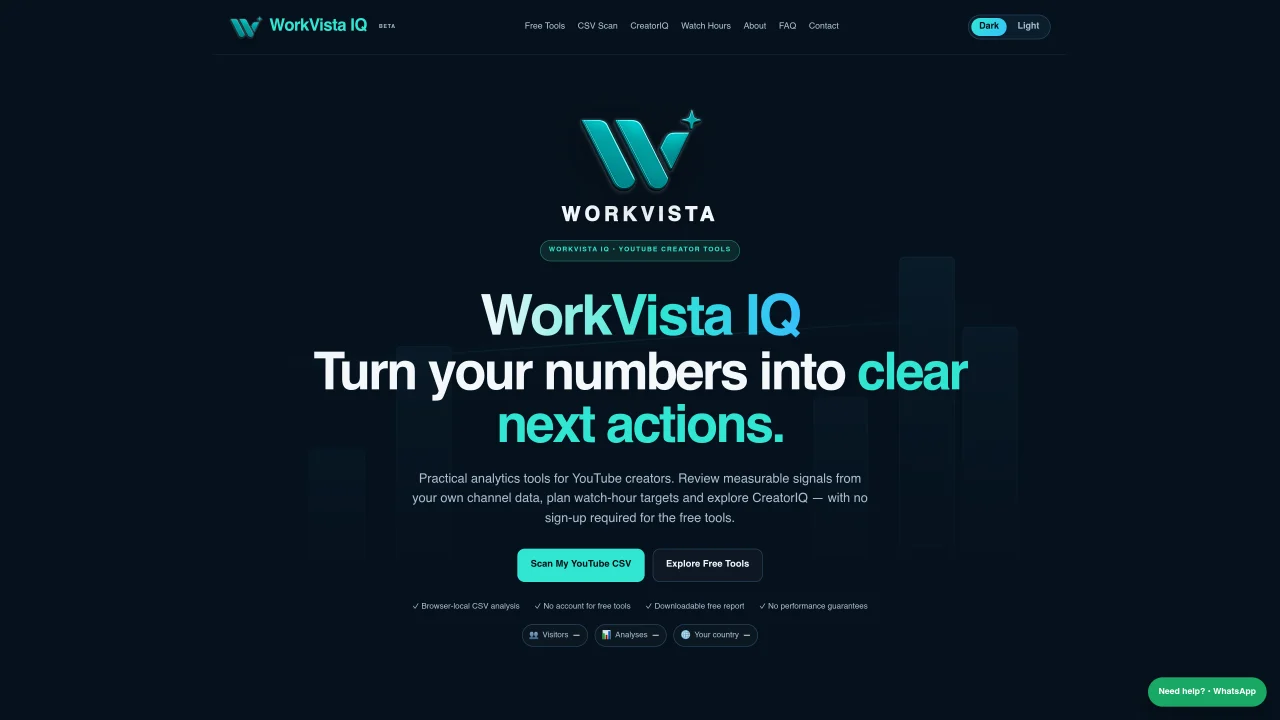
WorkVista IQ provides practical analytics tools for YouTube creators to review measurable signals from channel data without requiring an account for free tools. The platform offers browser-local CSV analysis for YouTube Studio exports, comparing video metrics against channel averages to identify performance patterns. Free tools include a channel scan, video health check, and watch hours planner, all processed locally without uploading data to servers. The CreatorIQ workbook, available for a one-time purchase, extends analysis with dashboards, video tracking, performance scoring, topic analysis, and content planning features. The tools focus on channel-relative diagnostics rather than universal benchmarks, providing actionable suggestions based on uploaded metrics. Creator performance scores and diagnoses are heuristic planning tools and do not guarantee future growth or revenue.
WorkVista IQ is a set of analytics tools designed for YouTube creators to analyze their channel data and derive actionable insights. It helps creators review measurable signals from their own channel metrics without requiring an account for free tools.
The free tools process YouTube Studio CSV exports locally in the user's browser, comparing video metrics against the creator's channel averages to identify performance patterns. No data is uploaded to servers, and no account is needed to use them.
The CreatorIQ workbook extends analysis with dashboards, video tracking, performance scoring, topic analysis, and content planning features. It provides a structured workflow for deeper channel diagnostics compared to the free tools.
To get started, upload a YouTube Studio CSV export containing metrics like views, CTR, and average view duration. The free tools process the data locally, and the CreatorIQ workbook can be purchased for more detailed analysis.
No, the insights and recommendations are heuristic planning tools based on your channel data and are not official YouTube metrics. They do not guarantee future views, subscribers, revenue, or channel growth.
For optimal analysis, include metrics such as views, thumbnail impressions, thumbnail click-through rate, average view duration, average percentage viewed, watch time, and subscribers gained. For Shorts, include the 'Stayed to watch' metric.
We use essential cookies to run aitoolnavio™, and optional cookies to analyze traffic and measure our marketing. You choose what we use — optional cookies stay off unless you turn them on. See our Privacy Policy.
One short email a week: fresh tools worth trying, honest takes and the updates that actually matter. No spam, unsubscribe any time.
Design, distribute, and analyze surveys online or via email with real-time insights using Survey Monkey.
Create targeted campaigns, automate email campaigns, and analyze performance for maximum ROI.
Discover keywords, analyze competitors' SEO strategies, and make data-driven decisions for website performance.
Analyze website performance, track competitors' tactics, and access comprehensive analytics and optimization features.
YouTube and Instagram growth toolkit with AI-powered optimization and analytics
Develop, run data jobs, transform datasets, leverage ML algorithms for actionable insights.
Streamline hiring, monitor job performance, and choose flexible pricing plans.
Unified AI-powered platform for real-time monitoring, analytics, and security across cloud infrastructure, applications, and services.
Securely store, analyze, and scale data while enhancing security and performance with encryption and automated backups.
AI-powered customer feedback platform for mid-market businesses to run conversational surveys and extract insights.
Automate review requests, analyze sentiment, and monitor ratings with a streamlined dashboard for improved customer feedback.
Monitor brand performance, create content for social media, and gain insights with deep analytics.
Matched on what this tool does — grouped by the job you would be replacing.
matches CSV channel scan with channel-relative diagnostics · Video health check for packaging and viewing-depth signals · Watch hours planner for calculating required views
AI-powered YouTube analytics platform that helps creators optimize content with data-driven insights and viral video ideas.
AI-powered YouTube analytics for creators and marketers to track performance, analyze trends, and optimize content strategy.
AI-powered platform for YouTube and TikTok creators to plan, optimize and analyze content decisions
AI-powered YouTube channel analytics and optimization tool