

Cloud accounting software that automates bookkeeping, invoicing, and financial reporting for small and growing businesses.
36M visits/mo+0.9%#4 Business & Marketing
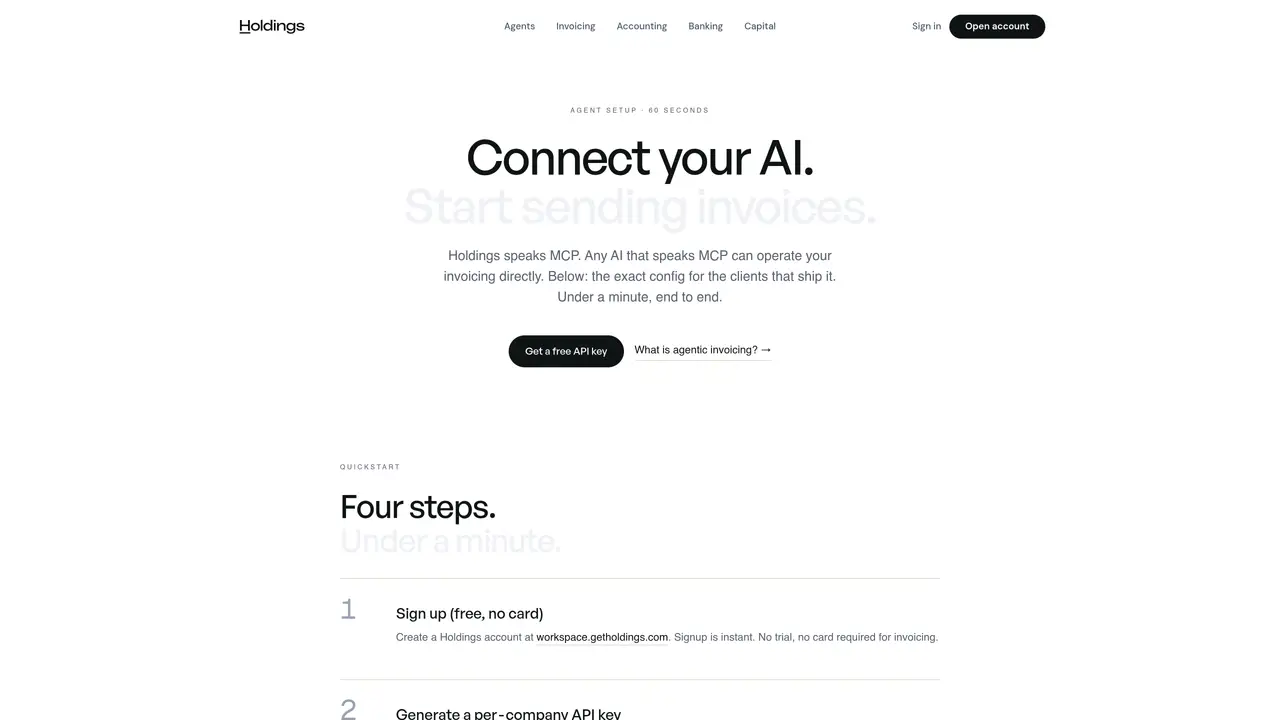
Holdings MCP functions as a protocol bridge that enables AI agents to handle invoices, quotes, and payment links while automatically maintaining compliant double-entry accounting records. The platform integrates with popular AI clients such as Claude Desktop, Cursor, Zed, and Windsurf through a standardized MCP configuration, allowing agents to draft, send, and track financial documents within a secure environment. Alternatively, it can be accessed via a REST API for building custom agents or workflows. Users create per-company API keys with scoped permissions, ensuring agents operate only within authorized business contexts. All financial actions initiated by an agent require explicit approval before execution, and the system maintains a comprehensive audit trail of every transaction and interaction. Holdings MCP also provides integrated business banking through i3 Bank, offering features like checking accounts, debit cards, and sub-accounts alongside accounting capabilities such as auto-categorization, fund accounting for nonprofits, and bank reconciliation via Plaid. The platform is designed to bridge the gap between AI-driven automation and rigorous financial compliance, making it suitable for businesses, freelancers, and organizations seeking to streamline financial operations without sacrificing accuracy or control.
Holdings MCP supports any AI client that speaks the MCP protocol, including Claude Desktop, Cursor, Zed, and Windsurf. ChatGPT can connect via a custom GPT using the Holdings connector, and custom agents can use the MCP endpoint or REST API directly.
No upfront payment is required to try Holdings MCP. Signing up and generating an API key is free, and invoicing, payments, and accounting features are available without a monthly fee. Processing fees apply only when customers pay by card, at standard Stripe rates.
The agent can draft invoices and quotes from natural language, convert quotes to invoices, send invoices with card and ACH payment links, schedule recurring invoices, chase overdue clients, mark payments received, and reconcile entries into the books. Every action requires explicit user approval.
Authentication is handled via per-company API keys generated in the Holdings workspace under Settings → Developers. Each key is scoped to a specific company and can be rotated or revoked at any time. OAuth flow is available for supported clients as an alternative.
The agent can read live financial data such as balances, invoice statuses, and transactions. For writes like sending invoices or generating payment links, explicit user approval is required on every action. Moving money out still follows regulated banking flows with human oversight.
The Agent Connect screen in the Holdings workspace (Settings → Developers) provides a live capability matrix showing what the agent can do and any gaps. For further assistance, users can email support@getholdings.com.
We use essential cookies to run aitoolnavio™, and optional cookies to analyze traffic and measure our marketing. You choose what we use — optional cookies stay off unless you turn them on. See our Privacy Policy.
One short email a week: fresh tools worth trying, honest takes and the updates that actually matter. No spam, unsubscribe any time.
Cloud accounting software that automates bookkeeping, invoicing, and financial reporting for small and growing businesses.
AI-powered budgeting companion that auto-categorizes spending, forecasts expenses, and offers conversational guidance within YNAB’s trusted zero-based system.
A bookkeeping automation platform that captures receipts, invoices, and statements, extracts data, and syncs to accounting software for SMBs and accounting firms.
Send money globally, track payments, and save with competitive rates and low fees.
AI market intelligence platform that turns natural-language queries into analyst-grade insights with real-time monitoring and AI-generated summaries.
Revolutionize planning: Connect, model, and forecast across all business areas.
AI-powered real estate platform for finding deals, analyzing properties, and building investor workflows with nationwide data and predictive analytics.
AI-powered terminal for researching global stocks with financial data, AI summaries, KPIs, filings, and portfolio dashboards.
Trendspider is a sophisticated all-in-one market research and trading software designed to enhance the trading strategies of investors and traders.
Develop, backtest, and analyze trading strategies with drag-and-drop builder, extensive data sources, and real-time market data.
Stock market data API delivering real-time prices, fundamentals, and news for financial modeling and trading applications.
Zocks is an AI assistant for financial advisors that automates meeting notes, client emails, forms, and CRM updates.
Matched on what this tool does — grouped by the job you would be replacing.
matches Agentic invoicing with natural-language drafting · Recurring invoices and automated payment reminders · QR code payment generation
All-in-one AI-powered business platform for freelancers and small teams
AI-powered invoicing tool that generates and manages invoices via natural language
Client portal and operations platform for independent consultants
matches Double-entry accounting with auto-categorization · Bank reconciliation via Plaid integration · Nonprofit fund accounting and grant tracking
Cloud accounting software that automates bookkeeping, invoicing, and financial reporting for small and growing businesses.
AI-native finance ERP for continuous reconciliation, daily close and audit-grade controls
Cloud accounting software with AI assistance for invoicing, expense tracking and reporting
AI-powered bookkeeping automation that turns receipts and invoices into tax-ready financial reports in minutes.