

AI chatbot for conversation, work, research, coding, and content creation.
5.9B visits/mo+5%#1 Chatbots & Assistants
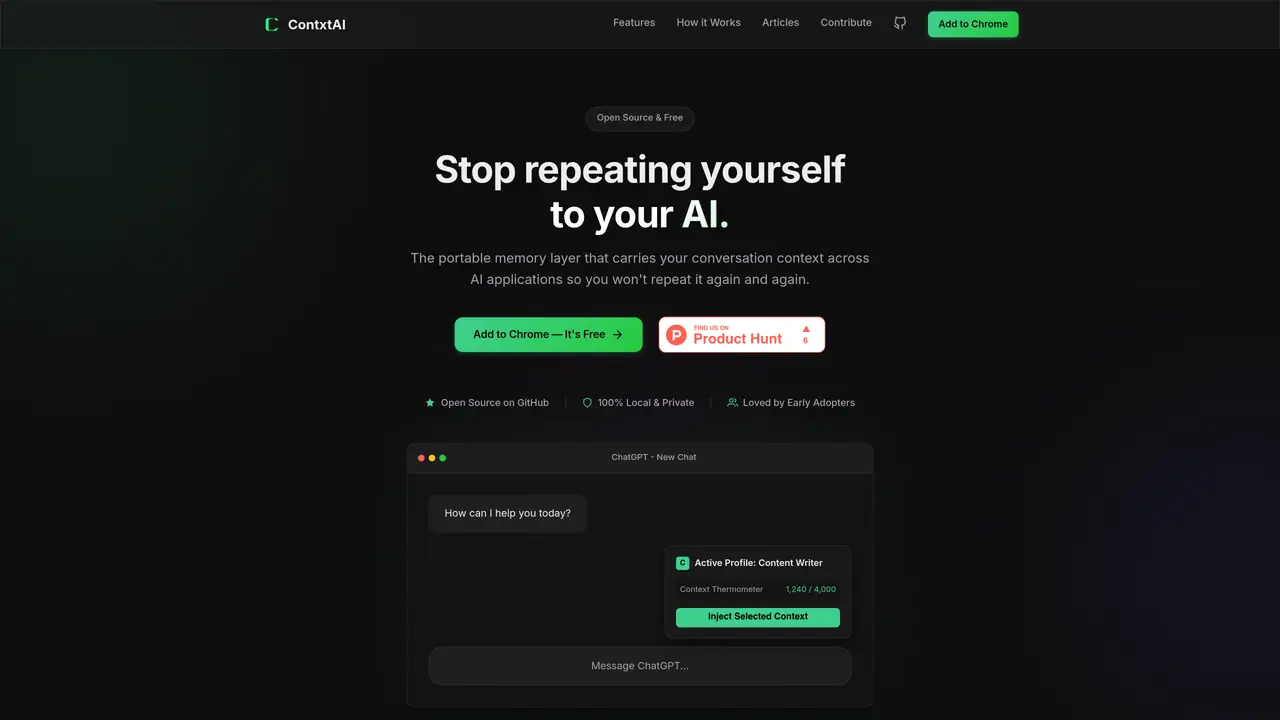
ContxtAI is a browser extension that acts as a portable memory layer for AI applications. It allows users to create and switch between profiles containing personal rules, preferences, and context that can be injected into AI chat interfaces such as ChatGPT, Claude, and Gemini. The tool is designed to eliminate the need to repeatedly explain background information, writing styles, technical requirements, or other context in every new conversation. Profiles can be customized for different roles like writers, students, developers, or marketers, ensuring consistent AI interactions across tasks. ContxtAI operates entirely locally, storing all data in the user’s browser without requiring accounts or sending information to external servers. It includes features like a context thermometer to track memory usage, a privacy scrubber to remove sensitive data, and warnings when AI conversation length risks forgetting initial rules. The extension is open source and free to use.
Yes. ContxtAI stores all data locally in the user’s browser using Chrome’s built-in storage, ensuring profiles, rules, and context never leave the device. There are no external servers, accounts, or tracking involved.
Yes, ContxtAI is 100% free and open source. There are no premium tiers, usage limits, or hidden costs, and the full source code is available on GitHub for inspection or contribution.
ContxtAI supports ChatGPT, Claude, and Gemini, with additional platforms being added regularly. Support for new tools can be contributed by the community due to its open-source nature.
Unlike ChatGPT Memory, which is restricted to ChatGPT and stored on OpenAI’s servers, ContxtAI is portable across multiple AI platforms, fully local, and allows users to switch between customizable profiles with complete control over what is remembered.
ContxtAI is currently built for Chromium-based browsers like Chrome, Brave, Edge, and Arc. Firefox support is planned for the future, and contributions to add it are welcome.
Users can install ContxtAI as a browser extension from the Chrome Web Store, create custom profiles with their rules and preferences, and then inject the selected context into AI chat interfaces like ChatGPT or Claude with a single click.
We use essential cookies to run aitoolnavio™, and optional cookies to analyze traffic and measure our marketing. You choose what we use — optional cookies stay off unless you turn them on. See our Privacy Policy.
One short email a week: fresh tools worth trying, honest takes and the updates that actually matter. No spam, unsubscribe any time.
AI chatbot for conversation, work, research, coding, and content creation.
Efficiently answer research queries, translate natural language to SQL, and utilize OpenAI WebGPT and larger language models.
Search privately, customize interface, track search history, and stay in control of online activities.
Transforms queries into real-time, customized pages with expert insights.
Search scientific papers, discover relevant publications, and enhance understanding of academic literature.
Access research, sort data, and get insights with predictive analytics.
Access hundreds of millions of answers powered by AI technology.
Create research report with references
Search a large knowledge base for verified articles, facts, opinions, and multimedia to answer questions across any topic.
Chat with many top models for everyday tasks.
Centralized AI industry news aggregator with curated daily selections, model rankings, and trending topics.
A free AI platform that answers questions, searches across languages, and generates slides, mind maps, docs, images, and webpages.
Matched on what this tool does — grouped by the job you would be replacing.
matches Create and manage multiple switchable profiles · One-click context injection into AI chat interfaces · Context thermometer to track memory usage
Chrome extension that organizes and exports AI chat histories across platforms
Browser extension that transfers AI conversation context between platforms
Recognition-first memory layer for AI agents that shares context across tools
Browser extension that masks secrets in pasted code before sending to AI chat interfaces