
Build Discord bots with words, not code
551K visits/mo-4.7%#65 Chatbots & Assistants

Browser extension that transfers AI conversation context between platforms
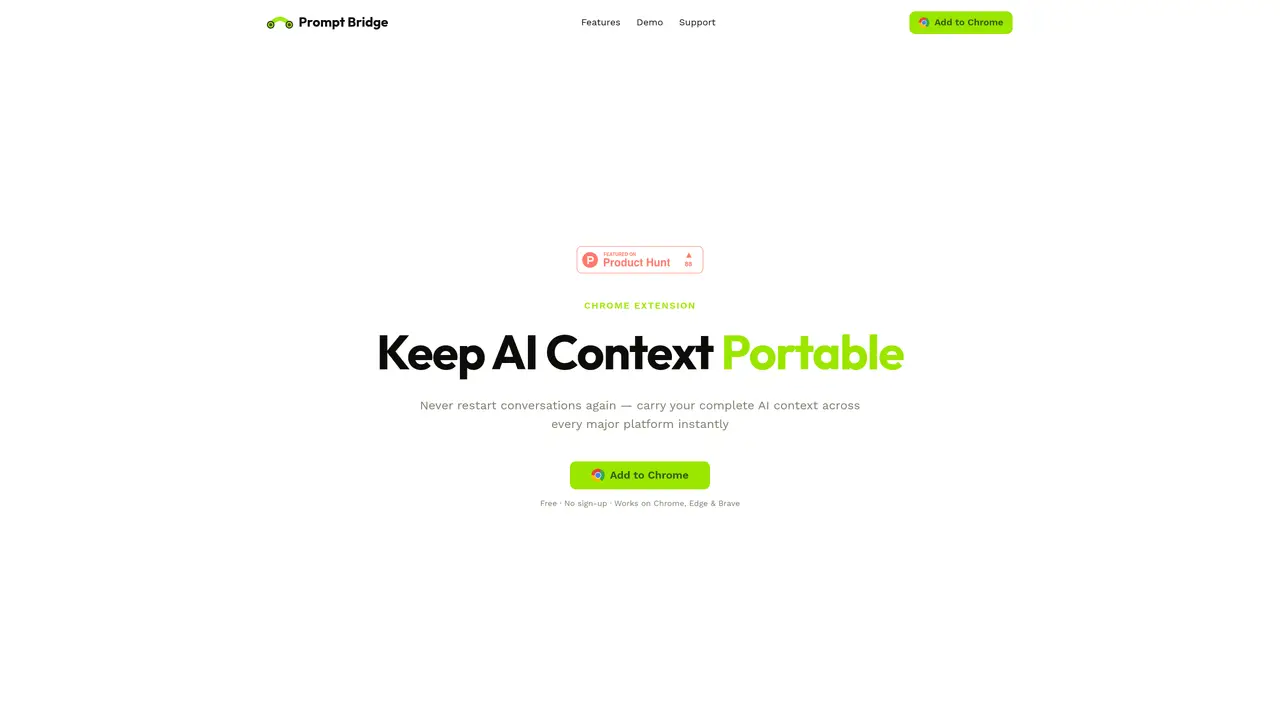
Prompt Bridge is a Chrome extension designed to preserve AI conversation context across different platforms without restarting sessions. It allows users to capture full conversations from major AI tools such as ChatGPT, Claude, Gemini, Grok, or DeepSeek and transfer them to another AI with one click. The tool uses on-device AI to compress long chats into concise summaries, reducing token costs while maintaining key details. It automatically detects the active AI platform when switching tabs, eliminating the need for manual reconfiguration. All data remains stored locally on the user’s device, ensuring privacy without cloud processing or external servers. The extension supports seamless workflows for individuals and teams who use multiple AI services interchangeably. Setup requires no sign-up and functions on Chrome, Edge, and Brave browsers.
Prompt Bridge is a Chrome extension that preserves AI conversation context across different platforms without restarting sessions. It captures full conversations from major AI tools and transfers them to another AI with one click.
The tool is designed for individuals and teams who use multiple AI services interchangeably, such as software engineers, researchers, content creators, and product managers.
No, Prompt Bridge does not require sign-up and all data remains stored locally on the user’s device, ensuring privacy without cloud processing or external servers.
Prompt Bridge supports major AI platforms including ChatGPT, Claude, Gemini, Grok, DeepSeek, and Copilot.
Prompt Bridge uses on-device AI to compress long chats into concise summaries, reducing token costs while maintaining key details.
Setup requires no sign-up and functions on Chrome, Edge, and Brave browsers. Users can add the extension from the Chrome Web Store and begin using it immediately.
We use essential cookies to run aitoolnavio™, and optional cookies to analyze traffic and measure our marketing. You choose what we use — optional cookies stay off unless you turn them on. See our Privacy Policy.
One short email a week: fresh tools worth trying, honest takes and the updates that actually matter. No spam, unsubscribe any time.
Build Discord bots with words, not code
No-code platform to build and deploy custom chatbots for Discord, Telegram, and Cici without coding skills.
Unified, customizable interface for AI-powered conversations
Create custom dialogs, deploy bots to multiple channels, and leverage NLP and ML for understanding user inputs.
Create personalized GPT models, deploy to websites and chatbots, and unlock powerful possibilities with OpenAI's LLMs and GPT.
Automate customer support, capture leads, and promote offers with personalized chatbot conversations.
Unified interface for chatting with multiple AI models and building web apps from prompts
Build no-code chatbots for Facebook, Instagram, and WhatsApp to automate conversations and customer interactions.
No-code AI chatbot builder for websites and WhatsApp with drag-and-drop simplicity.
Build no-code AI chatbots and agents for WhatsApp, web, Instagram, Facebook, Telegram, MS Teams and more.
Create custom chatbot templates, track conversions with dynamic prompts, and optimize campaigns with detailed analytics.
No-code platform to build AI chatbots, CRM, and multichannel messaging with built-in automation and payments.
Matched on what this tool does — grouped by the job you would be replacing.
matches One-click conversation capture from major AI platforms · Smart compression of long chats into summaries · Instant context injection into any AI input box
Chrome extension that extends Google NotebookLM with capture, organization, and export features
Browser extension to move AI chat conversations between services without re-explaining context
A Chrome extension that exports NotebookLM chats, notes, and reports to PDF, Word, or Markdown in one click.
Browser extension that saves and reuses selected web content as context for AI chats