AI chatbot for conversation, work, research, coding, and content creation.
5.9B visits/mo+5%#1 Chatbots & Assistants

A chatbot platform to save, organize, and share conversations with voice input and text-to-speech features.
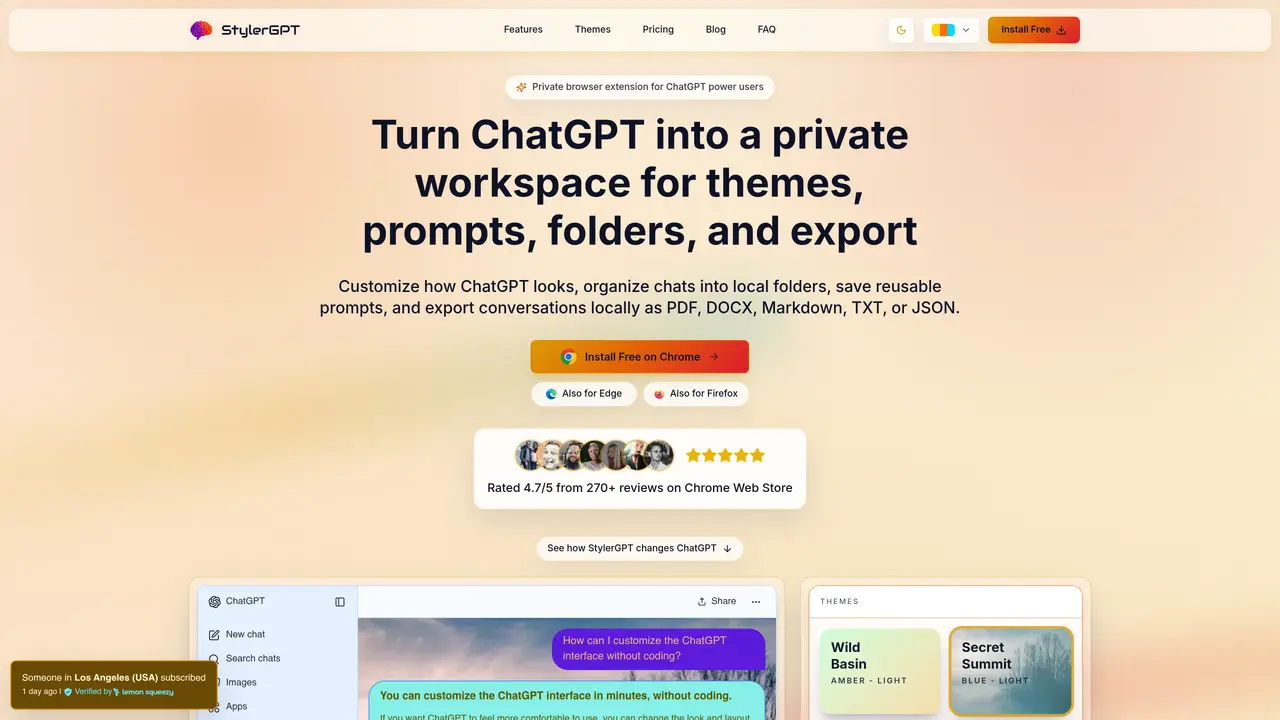
Botrush is a chatbot platform designed as an alternative to ChatGPT, featuring an elegant and user-friendly interface. It enables users to save and organize conversations into folders, making it easy to retrieve and manage past interactions. The platform supports searching through saved conversations and sharing them with others. Users can download content directly from their chats, and Botrush includes voice input and text-to-speech capabilities for hands-free or accessibility-friendly interactions. It offers a one-time payment option with no recurring monthly fees, providing a 33% discount compared to subscription models. Botrush is trusted by over 500 users and is positioned as a practical tool for individuals and teams who need structured, shareable, and accessible chatbot interactions.
Botrush is a browser-based tool designed to enhance the ChatGPT experience by providing customization, organization, and local export capabilities. Unlike ChatGPT alone, it allows users to personalize the interface, manage prompts, and export conversations directly from their browser.
Botrush is ideal for ChatGPT power users who spend significant time in the platform and want to improve readability, organize conversations, and export content locally. It is particularly useful for individuals or teams managing long sessions or projects.
Botrush offers a one-time payment option with no recurring monthly fees, providing a cost-effective alternative to subscription-based models for ChatGPT enhancements.
Yes, Botrush allows users to export conversations locally in formats such as PDF, DOCX, Markdown, TXT, or JSON, making it easier to save, share, or archive content.
To get started, install the Botrush browser extension from your browser’s official extension store. Once installed, open ChatGPT and use the Botrush icon to customize the interface and enable its features.
Yes, Botrush is designed to run locally within your browser, ensuring that conversation content remains on your device and is not routed through external services.
We use essential cookies to run aitoolnavio™, and optional cookies to analyze traffic and measure our marketing. You choose what we use — optional cookies stay off unless you turn them on. See our Privacy Policy.
One short email a week: fresh tools worth trying, honest takes and the updates that actually matter. No spam, unsubscribe any time.
AI chatbot for conversation, work, research, coding, and content creation.
Create and interact with AI companions and virtual characters using GPT-4o on Chub AI's platform.
Open-source Chinese AI chatbot for conversational AI, coding, and agentic workflows, built on the GLM-5 architecture.
Automate customer responses, personalize messages, and create an AI-powered chatbot for 24/7 customer service.
Chat with many top models for everyday tasks.
Overchat AI is an all-in-one platform that brings together the world’s leading AI models in a single application.
AI-powered platform for targeted online ad management, performance analysis, and strategy optimization with human oversight.
AI-powered tarot readings and personalized interpretations for self-reflection and guidance.
Turn hand-drawn sketches into editable 3D models and photorealistic images with AI.
Empower teams with AI-driven chat, data analysis, and workflow automation.
Get answers, writing help, and plans across devices with Nova AI App.
AI-powered app builder that turns data into functional web apps without coding.
Matched on what this tool does — grouped by the job you would be replacing.
Paid placement · similar tools from listings that support aitoolnavio™
Anonymous AI chat for 200+ models. No email or phone: a random account number, or chat as a guest.
matches Save and organize conversations into folders · Search through saved conversations · Share conversations with others
matches Voice input for hands-free interaction · Text-to-speech for accessibility
Chrome extension that organizes and exports AI chat histories across platforms
Centralize and streamline AI prompt management with organizational tools and a Chrome extension.
Export chats, merge conversations, set permissions, search keywords, and filter chats by date, time, or user.
Browser extension that saves, organizes, and reuses AI prompts directly from the right-click menu in any text field.
Chat with many top models for everyday tasks.
Voice-controlled autonomous operating system for macOS automating desktop tasks hands-free