

AI-powered video messaging tool that records, shares, and manages video messages with AI-generated titles, summaries, and tasks.
16M visits/mo-3.4%#5 Chatbots & Assistants
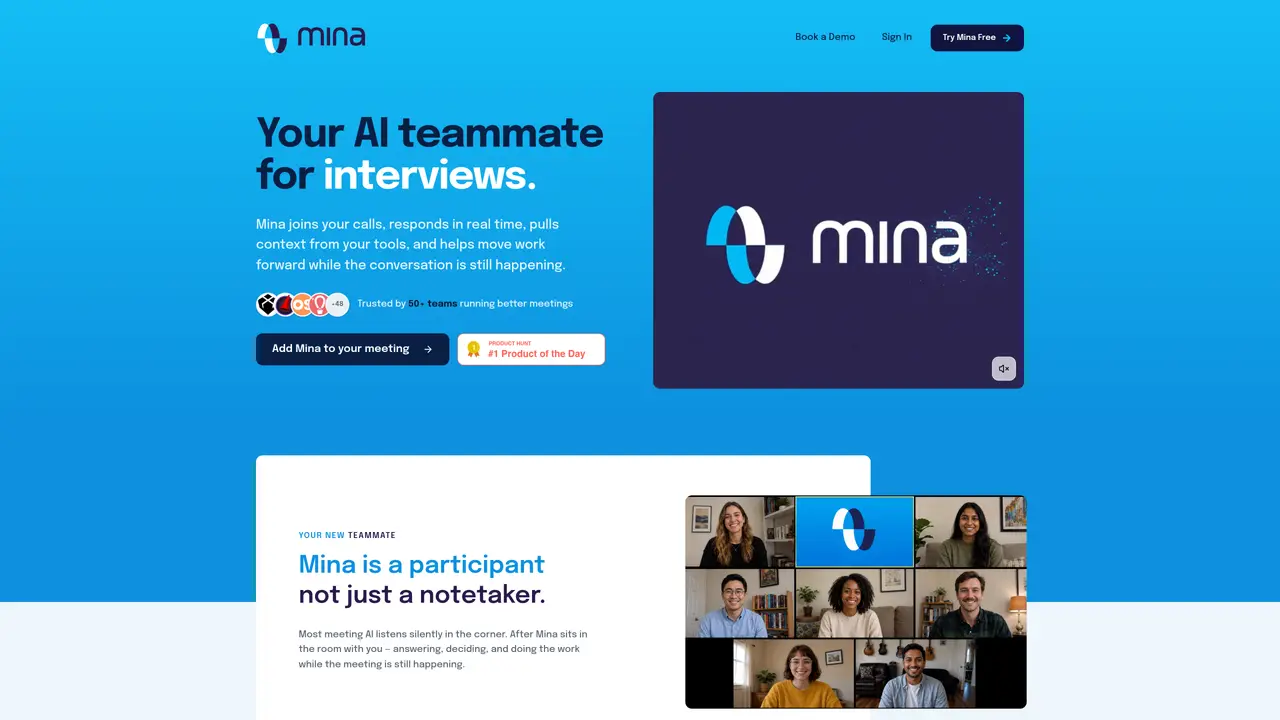
Mina is an AI meeting assistant that joins calls as a virtual teammate, not just a silent notetaker. It can attend Google Meet, Zoom, and Microsoft Teams meetings, capture decisions, assign action items, and trigger workflows in connected tools while conversations are still happening. Aimed at teams that live in meetings, Mina reduces manual follow up by recording, transcribing, summarizing, and then actually doing work based on what was discussed. Key Features: Active participation in meetings: Mina can speak during calls, answer questions, and interact with participants rather than only listening in the background. Real-time transcription and summaries: Live transcription across major conferencing platforms, with structured summaries, key decisions, and action items delivered as soon as the meeting ends. Mid-call actions and automations: Uses “skills” to update CRMs, file tickets, create tasks, or draft follow-up emails during the meeting, turning discussions into immediate execution.
Mina is an AI meeting assistant that actively participates in calls as a virtual teammate rather than a silent notetaker. It joins meetings on platforms like Zoom, Google Meet, and Microsoft Teams, listens in real time, and can speak up to answer questions, pull context from connected tools, and perform actions such as updating CRMs or drafting follow-ups while the meeting is still ongoing.
Mina is designed for teams and individuals who rely heavily on meetings, such as sales teams, engineers, recruiters, customer success managers, and learning and development teams. It suits anyone looking to reduce manual follow-up work by automating tasks and capturing decisions in real time.
Mina integrates with over 200 tools, including Slack, HubSpot, Salesforce, Jira, Linear, Notion, Google Workspace, and many others. It can also connect with APIs and custom tools to extend its functionality based on specific workflow needs.
Mina can do both. It provides real-time transcription and summaries, but it also performs mid-call actions such as updating CRMs, filing tickets, creating tasks, or drafting emails using its built-in 'skills' and integrations. These actions are triggered automatically based on the conversation.
Mina uses secure OAuth authentication for tool integrations and follows SOC 2 Type II, GDPR, and 256-bit encryption standards. Users control when Mina participates in meetings, and it does not delete emails or meetings without explicit user action.
You can start using Mina for free with a trial that includes a set number of credits. Simply sign up on the website, add Mina to your meeting platform, and begin using its features. No credit card is required to start the free trial.
getmina.ai · third-party estimates from Similarweb
Last 3 months · grows by one month every month
Traffic figures are third-party estimates, good for scale and trends; they can differ from a company's own numbers. Updated monthly.
We use essential cookies to run aitoolnavio™, and optional cookies to analyze traffic and measure our marketing. You choose what we use — optional cookies stay off unless you turn them on. See our Privacy Policy.
One short email a week: fresh tools worth trying, honest takes and the updates that actually matter. No spam, unsubscribe any time.
AI-powered video messaging tool that records, shares, and manages video messages with AI-generated titles, summaries, and tasks.
Hardware device that records conversations and converts them into searchable transcripts, summaries, and notes.
Automate transcription, generate summaries, identify speakers, and timestamps for video-conferencing conversations.
AI-powered meeting recorder and summarizer that captures, transcribes, and generates actionable insights from conversations.
Automatically record, transcribe, take notes, and create summaries with key insights during meetings.
Transforms audio/video to summarized text, instantly, across platforms.
Automatically transcribe meetings, create summaries, and securely store audio files in a searchable format.
Automatically turn meetings into searchable notes and tasks.
Wearable AI device that captures conversations and meetings, then auto-generates transcripts, summaries, action items, mind maps, and searchable notes.
Record, transcribe, and share key insights from virtual trainings, online meetings, and content creation.
Record, transcribe, and summarize online meetings from Google Meet and Zoom with AI, then share insights across collaboration tools.
Transform audio/video to text with precision, supporting 1500+ platforms, enriched by AI features.
Matched on what this tool does — grouped by the job you would be replacing.
matches Real-time transcription and summaries · Active participation in meetings · Mid-call actions and automations
AI meeting assistant that records, transcribes, and summarizes meetings while tracking action items and syncing updates to tools like Zoom, Teams, Jira, and Salesforce.
AI meeting assistant that transcribes calls, generates summaries, action items, and follow-up emails for teams.
Instantly timestamp and summarize meeting highlights with AI-generated notes after your call.
Generate meeting summaries, capture and share insights, access vital information for data-driven decisions.