

Discover personalized fashion, receive expert advice, and enjoy convenient shopping with free shipping and returns.
6.8M visits/mo+15.2%#5 Lifestyle & Education
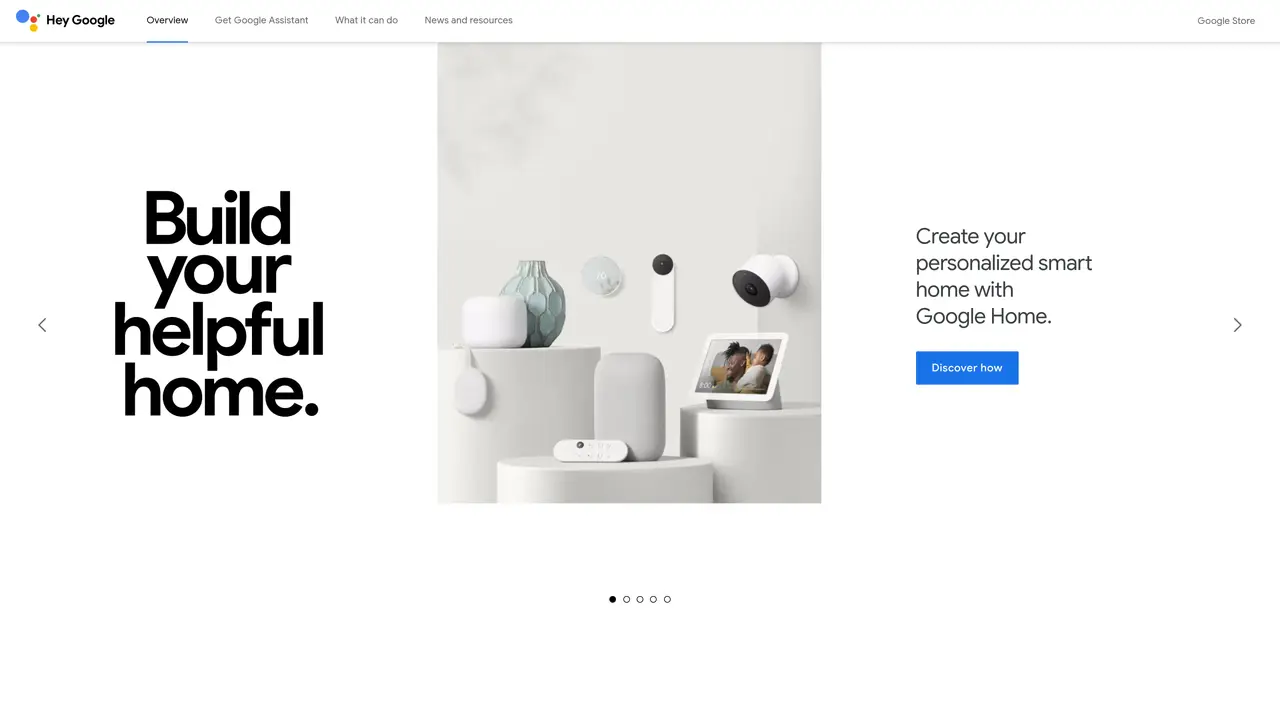
Google Assistant is an AI-powered virtual assistant powered by Google. With a simple voice command, it can help you with everyday tasks and make your life easier. Whether you want to keep track of your schedule, find the latest news, or even control your smart home, Google Assistant is here to help. It can do everything from organizing your day to finding information and playing your favorite music. It can also suggest helpful reminders, such as taking medication or recharging your phone. Google Assistant is fast, accurate, and always helpful, so you can get things done quickly and easily. It’s a great choice for anyone looking for a reliable assistant that can streamline their life and make it more convenient.
Google Assistant is a virtual assistant developed by Google that helps users perform tasks through voice commands. It can manage schedules, send messages, make calls, play music, provide directions, and control compatible smart home devices.
Google Assistant can be accessed by saying 'Ok Google' or 'Hey Google' on supported devices, or by long-pressing the home button on Android devices. It is also available on Google Home speakers, Pixel phones, smart watches, TVs, and in cars.
Yes, Google Assistant is designed to work seamlessly across various devices, including phones, speakers, watches, TVs, and cars. Users can access the same assistant experience regardless of the device they are using.
Google Assistant prioritizes user control over data. Users can manage or delete past conversations and choose what information to share. The assistant operates with user consent and adheres to Google's privacy and security standards.
Google Assistant works with a wide range of services and smart devices, including music platforms like Saavn, news sources like NDTV, and entertainment options like BookMyShow. It also supports many third-party smart home devices.
Yes, Google Assistant requires an active internet connection to function, as it relies on cloud-based processing to interpret and execute commands.
We use essential cookies to run aitoolnavio™, and optional cookies to analyze traffic and measure our marketing. You choose what we use — optional cookies stay off unless you turn them on. See our Privacy Policy.
One short email a week: fresh tools worth trying, honest takes and the updates that actually matter. No spam, unsubscribe any time.
Discover personalized fashion, receive expert advice, and enjoy convenient shopping with free shipping and returns.
Personal assistant that coordinates tasks across apps and devices via text or call
Quickly narrow searches by category, control results by country or language, and find relevant, accurate results with ease.
Optimizes schedules by auto-organizing tasks and meetings.
AI assistant that drafts, reviews, and researches legal documents for lawyers and law firms.
Real-time task tracking, project management, collaboration, and task assignment.
An AI voice assistant that delivers emotionally intelligent, context-aware conversations with natural timing and personal engagement.
Identify technologies, analyze data, and refine search criteria with AI-powered tools for patent research and trend analysis.
Automate audio and video transcription, timestamps, speaker labels, diarization, and export with customizations.
An AI chat platform for immersive, personalized interactions with virtual companions, including image generation.
Customer relations assistant in Gmail
AI-driven app personalizing adaptive workouts for continuous improvement.
Matched on what this tool does — grouped by the job you would be replacing.
matches Control smart home devices
Voice control for smart homes, automated customer service, and voice-enabled apps on any platform.
Order groceries, control music and smart home, get quick answers.
Ask questions, enjoy entertainment, and control connected devices with this smart home assistant.
matches Set reminders for tasks and events · Organize daily schedule
AI-powered personal assistant that automates daily tasks like calendar management, email, and reminders to boost productivity.
Set reminders, access services, and get personalized recommendations effortlessly.
Automate reminders, access to-do lists, and quickly find answers without any hassle.
Set reminders, manage emails and calendars, track projects, and get helpful tips to stay on track.